We live in an era where laptops have become an everyday tool for work, study, and entertainment. With proper care, a good laptop can last many years. However, without maintenance, even a high-quality device can slow down, overheat, or fail earlier than expected.
While basic care at home helps, professional computer maintenance services play a major role in extending your laptop’s lifespan and keeping it running smoothly.
This article will explain how professional maintenance and computer repair services can make a real difference and what you can do alongside them.
How Professional Maintenance Helps
Here’s how professional technicians can extend your laptop’s lifespan:
1. Deep Internal Cleaning Matters
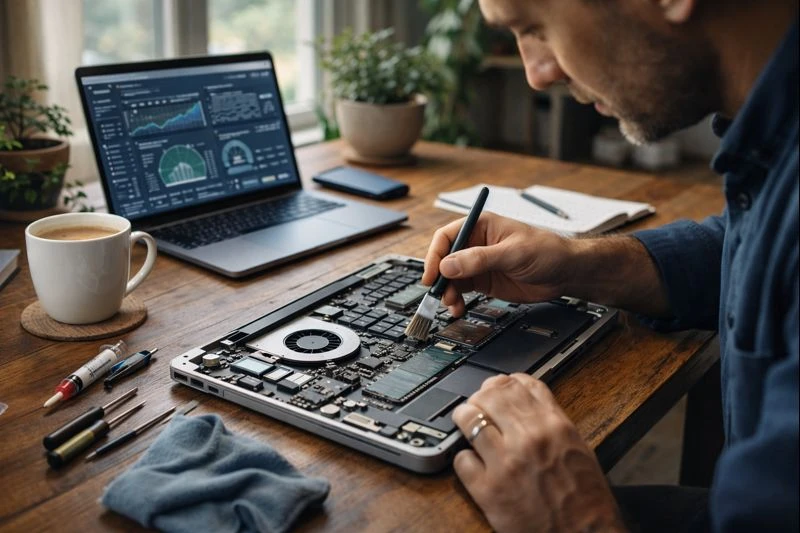
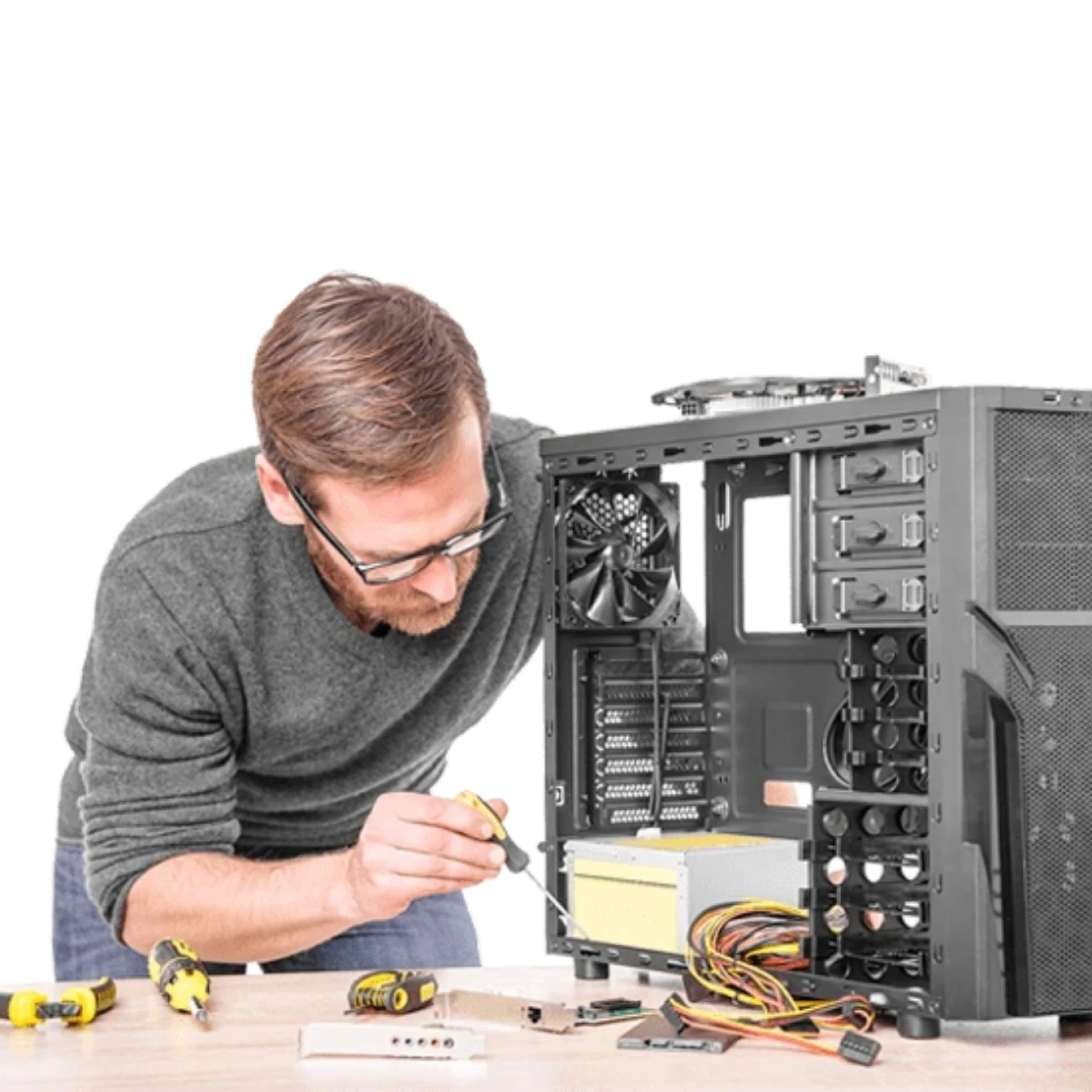
One of the biggest benefits of professional maintenance is internal cleaning. While you might wipe the screen or keyboard at home, professionals open the laptop safely and clean the inside components.
They remove dust from cooling fans, vents, and heat sinks. This improves airflow and prevents overheating, which is one of the main causes of motherboard and processor failure. A cooler laptop runs more efficiently and lasts much longer.
2. Proper Thermal Management
Professionals also check the thermal paste that sits between the processor and the heat sink. Over time, this paste dries out and loses effectiveness, causing higher temperatures. Replacing old thermal paste helps regulate heat and protects critical components from long-term damage.
Good thermal management not only extends hardware life but also prevents sudden shutdowns and performance drops during heavy use.
3. Hardware Health Checks
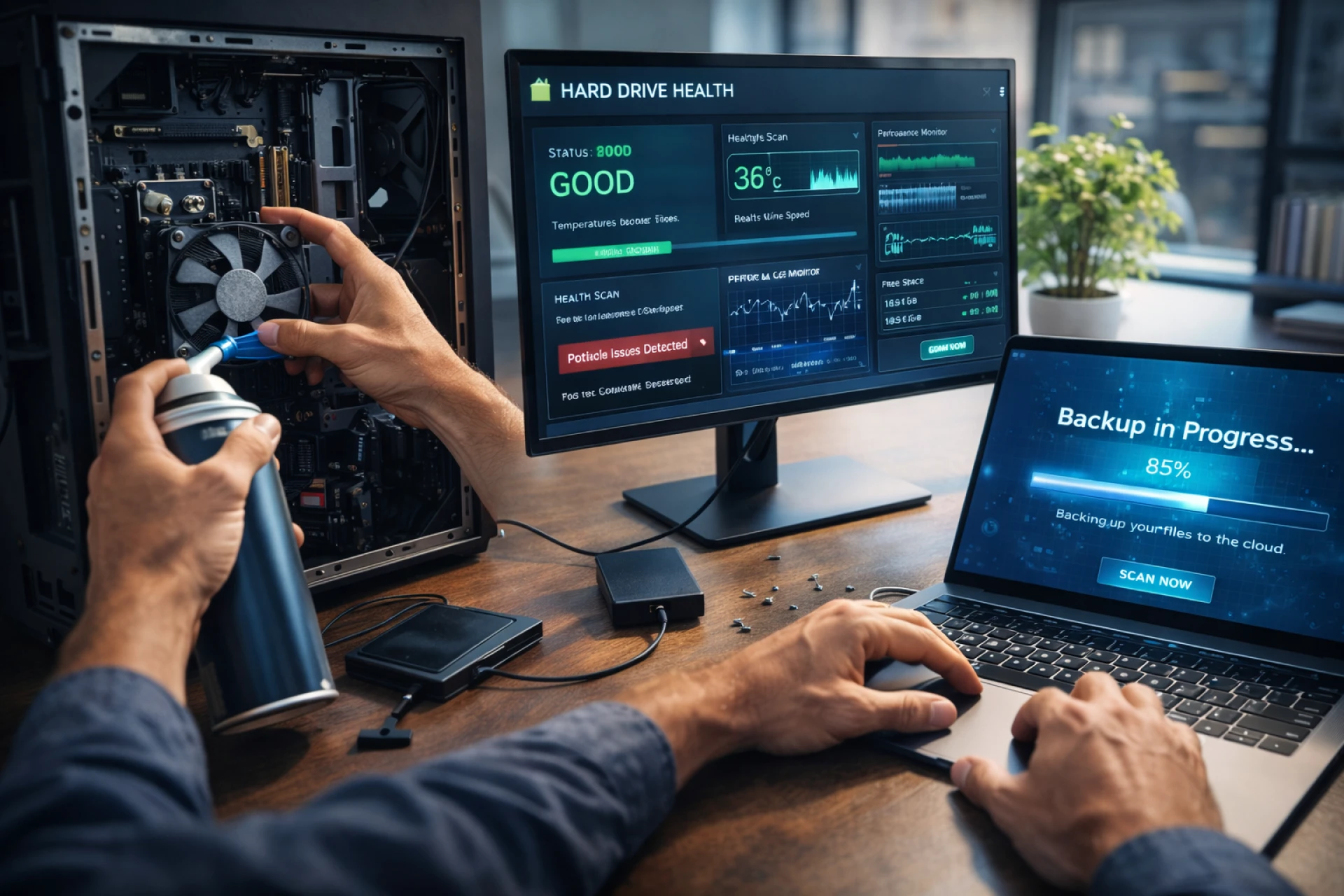
During professional servicing, technicians inspect internal components such as RAM, storage drives, the battery, and connectors. Early signs of wear, loose connections, or failing parts can be detected and fixed quickly.
For example, replacing a weakening battery early prevents swelling, which can damage the keyboard or motherboard. Checking storage health helps avoid unexpected data loss and system crashes.
4. Software Optimization and Updates
Professional maintenance isn’t just about hardware. Software health is equally important. Technicians can remove unnecessary background programs, clean temporary files, and check for malware that slows the system down.
They also ensure your operating system and drivers are updated correctly. Proper updates improve compatibility, security, and performance, helping your laptop run efficiently for longer.
What You Can Do
While professional maintenance is important, your everyday habits also play a big role in keeping your laptop healthy. Here’s what you should do:
1. Use Your Laptop on a Hard Surface: Start by using your laptop on a flat, hard surface whenever possible. Soft surfaces like beds, sofas, or pillows block ventilation and trap heat, which can cause overheating over time. If you work long hours, consider using a laptop stand or cooling pad to improve airflow.
2. Keep it Clean: Keep your laptop clean on the outside as well. Gently wipe the screen and keyboard with a microfiber cloth, and occasionally clean the ports to prevent dust buildup. Avoid eating or drinking near your laptop, as crumbs and liquid spills are among the most common causes of damage.
3. Power Off When Not in Use: Power habits matter too. Shut down or restart your laptop regularly instead of leaving it in sleep mode for days or weeks. This clears memory, allows updates to install properly, and reduces strain on internal parts. Also, avoid letting the battery drain completely too often.
4. Back Up Your Data Regularly: Finally, back up your data regularly and pay attention to warning signs like overheating, unusual noises, or sudden slowdowns. These are early signals that professional maintenance may be needed sooner rather than later.
Final Thoughts
Your laptop works hard every day, and like any machine, you should provide it with the proper care it deserves. Professional computer maintenance services protect internal components, improve performance, and prevent early failure.
When you seek professional help from laptop technicians and also take good care of your device on your own, you can greatly extend your laptop’s lifespan and enjoy a faster, more reliable device for years to come.



























Sign in to leave a comment.