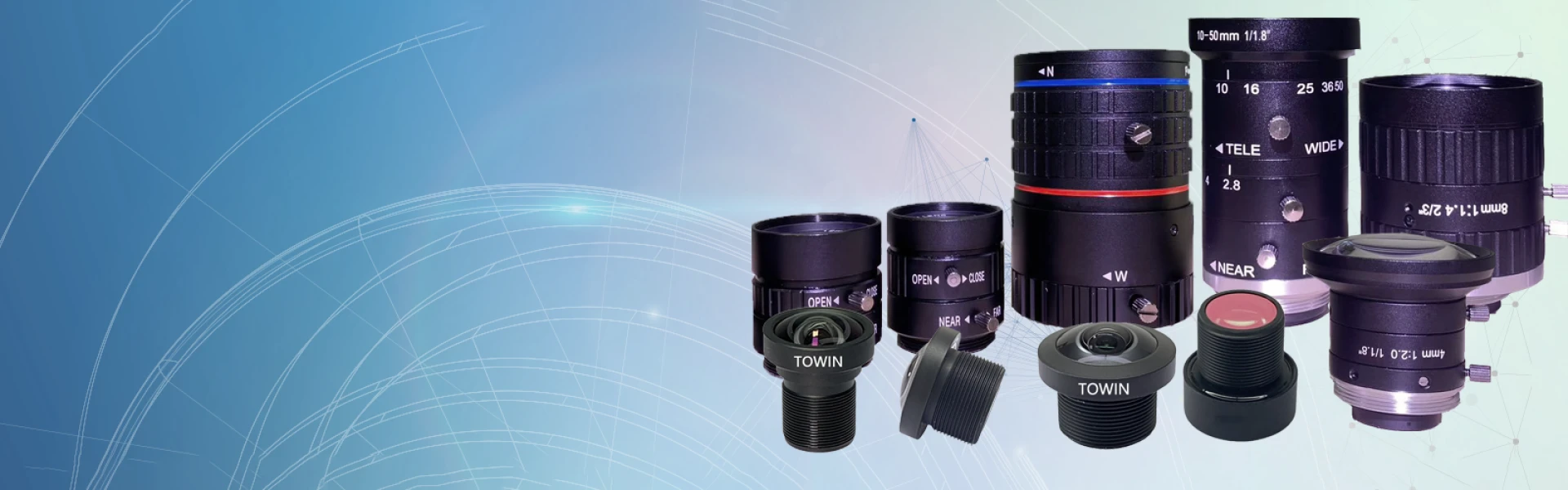

C-mount lenses, renowned for their versatility and compact design, are a staple in industrial imaging, microscopy, and machine vision. However, achieving optimal image quality requires more than just mounting the lens—it demands precision, calibration, and strategic adjustments.
Why C-Mount Lenses Matter for Image Quality
C-mount lenses are designed with a 1-inch (25.4mm) thread diameter, making them compatible with a wide range of cameras, including CCTV, industrial, and scientific imaging systems. Their compact size and standardized mount simplify integration, but their true power lies in their ability to deliver high-resolution images when paired correctly with sensors. However, even the best C-mount lenses can produce subpar results if misaligned, mismatched, or poorly maintained.
To maximize performance, you must address factors like lens resolution, sensor size, and environmental conditions. Let’s dive into the steps to elevate your image quality.
1. Match the Lens Resolution to Your Sensor
How to improve image quality with C-mount lenses starts with ensuring your lens’s resolution matches or exceeds your camera sensor’s capabilities. For instance, a 5-megapixel lens paired with a 12-megapixel sensor will underutilize the sensor’s potential, leading to soft images.
- Check the lens’s MTF (Modulation Transfer Function) chart: This metric reveals how well the lens resolves fine details at different spatial frequencies. A higher MTF value indicates sharper images.
- Verify sensor compatibility: C-mount lenses are often rated for specific sensor sizes (e.g., 1/2”, 2/3”, or 1”). Using a lens designed for a smaller sensor on a larger one may cause vignetting or edge distortion.
2. Optimize Back Focus and Flange Focal Distance
Back focus—the distance between the lens’s rear element and the sensor—is critical for sharpness. Even a slight misalignment can blur images.
- Use a flange focal distance (FFD) gauge: This tool measures the precise distance from the lens mount to the sensor plane. For C-mount lenses, the standard FFD is 17.526mm. Deviations can cause defocus.
- Adjust the lens mount: If your camera allows, fine-tune the mount’s position to achieve the correct FFD. Some industrial cameras include shims for this purpose.
3. Control Lighting and Depth of Field
Lighting and depth of field (DoF) directly impact image clarity. Poor lighting introduces noise, while a shallow DoF can leave parts of the image out of focus.
- Use high-quality LED lighting: For industrial applications, uniform, diffused lighting reduces shadows and highlights.
- Adjust the aperture: A smaller aperture (higher f-number) increases DoF but may reduce sharpness due to diffraction. Test different settings to find the sweet spot.
- Leverage telecentric lenses: These C-mount lenses minimize perspective distortion, making them ideal for measurement applications.
4. Minimize Vibrations and Environmental Factors
Vibrations from machinery or unstable mounts can blur images, especially in high-magnification setups.
- Use vibration-damping mounts: Rubber isolators or optical tables reduce motion artifacts.
- Control temperature and humidity: Extreme conditions can cause lens elements to expand or contract, altering focus. For critical applications, house your setup in a climate-controlled environment.
5. Calibrate the Lens for Your Application
C-mount lenses often require calibration for specific tasks, such as barcode scanning or 3D reconstruction.
- Use calibration software: Tools like OpenCV or MATLAB can correct lens distortion (e.g., barrel or pincushion distortion).
- Perform geometric calibration: This ensures straight lines in the real world appear straight in images, crucial for machine vision systems.
6. Post-Process Images Effectively
Even with perfect hardware, post-processing can enhance image quality.
- Deblur with deconvolution algorithms: Software like Fiji or ImageJ can reverse minor blurring caused by lens aberrations.
- Adjust contrast and sharpness: Use tools like Adobe Lightroom to enhance edge definition without introducing artifacts.
7. Maintain Your C-Mount Lenses Regularly
Dust, fingerprints, or scratches on lens elements degrade image quality.
- Clean lenses with a microfiber cloth and lens solution: Avoid abrasive materials that could scratch coatings.
- Store lenses in a dry, dust-free environment: Humidity can lead to fungal growth, while dust causes light scattering.
FAQs
Can C-mount lenses work with full-frame cameras?
No, C-mount lenses are designed for smaller sensors (up to 1”). Using them on full-frame cameras will result in heavy vignetting and reduced image quality.
What is the maximum resolution of C-mount lenses?
Resolution varies by model, but high-end C-mount lenses can support sensors up to 20 megapixels. Always check the MTF chart for details.
How do I fix dark corners in my images?
Dark corners (vignetting) occur when the lens doesn’t fully illuminate the sensor. Use a lens designed for your sensor size or correct it in post-processing.
Are C-mount lenses better than CS-mount lenses?
C-mount lenses have a longer flange focal distance (17.526mm vs. 12.5mm for CS-mount), making them more versatile. CS-mount lenses are lighter but less compatible with larger sensors.
Can I use C-mount lenses for astrophotography?
Yes, but choose a high-resolution, low-distortion lens. Telecentric C-mount lenses are unsuitable, but standard or apochromatic models can work well.
Final Thoughts
Mastering how to improve image quality with C-mount lenses requires attention to detail, from hardware selection to environmental control. By matching your lens to the sensor, optimizing alignment, and leveraging post-processing, you can unlock the full potential of these compact powerhouses.



























Sign in to leave a comment.