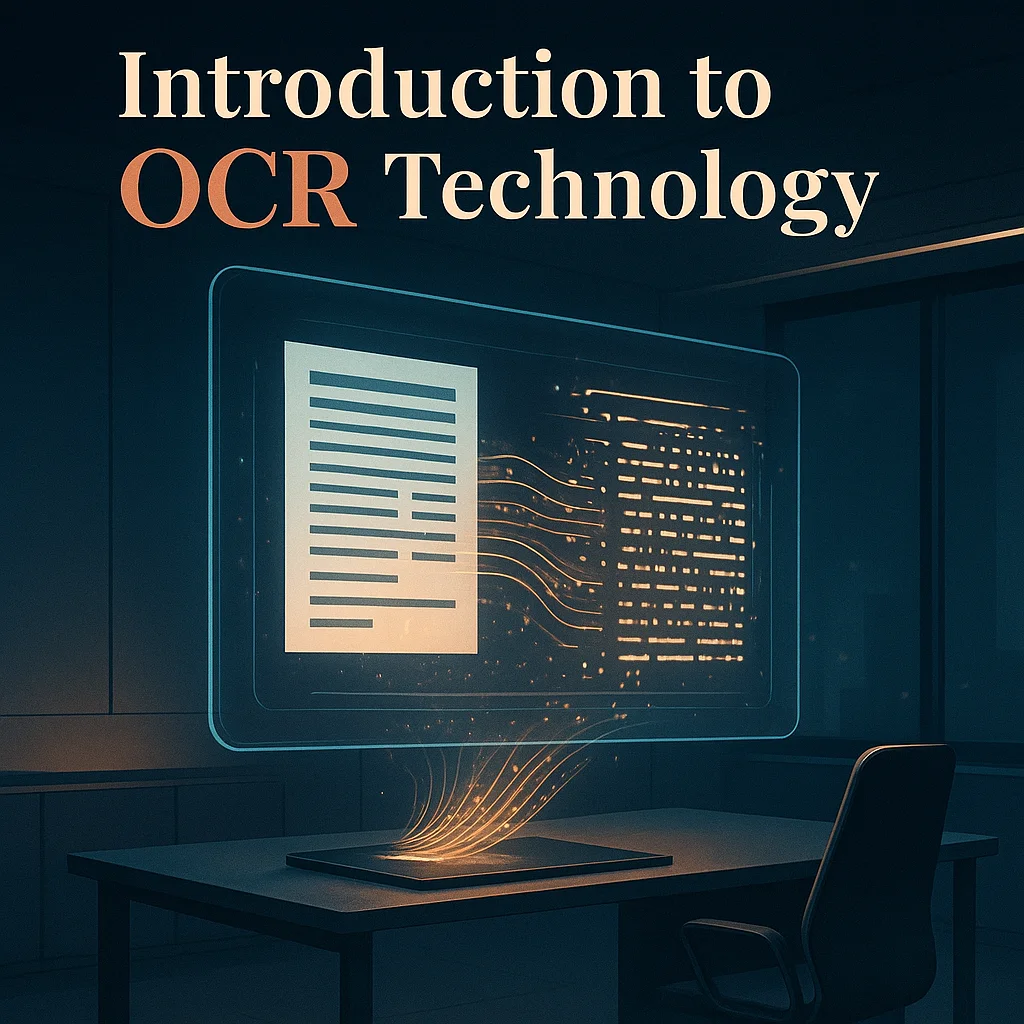

OCR (Optical Character Recognition) technology recognizes characters in images, scans, and PDF files, converting them into editable text. In practice, this means an end to manual data rewriting and the beginning of rapid search, copying, and content analysis. Today's OCR programs, however, go a step further: they can understand document structure, detect tabular data, and map form fields. This enables the automation of processes in accounting, HR, logistics, and administration.
What is OCR?
OCR is a set of algorithms that converts handwritten text into a searchable and editable text layer. Recognized text can be saved as Word, TXT, PDF with a text layer, or structured data such as JSON or XLSX. For businesses, this translates into faster information flow and reduced manual data entry costs. OCR is a key element of document digitization and the foundation for automating paper-based tasks.
How does OCR technology work?
The process begins with scanning or uploading a PDF/image file. The OCR engine then analyzes the page layout and recognizes characters, and finally exports the result to the selected format. Accuracy is influenced by image quality, font type, contrast, and the sophistication of the OCR model. Modern engines combine traditional methods with artificial intelligence and machine learning, improving performance on difficult documents, such as those with small fonts, stamps, or scanning artifacts.
Benefits of using OCR software
The main benefits include time and cost savings, the elimination of data rewriting errors, and searchable PDFs. Additionally, you gain easy export to ERP/CRM systems, automatic table recognition, and the ability to create validation rules. In the context of accounting, OCR shortens invoice posting time, facilitates payment control, and integrates data flow with other business systems.
The new face of OCR – intelligent document processing
Today's OCR programs go beyond just character extraction to encompass entire AI platforms for document understanding. They can detect sections, associate labels with values, recognize tables and item numbers, and even interpret bilingual documents. In practice, this means automatically capturing tax identification numbers, amounts, dates, invoice numbers, and addresses, and associating them with specific fields. This makes OCR a cornerstone of automation in finance, HR, and logistics.
Why does document structure matter?
Accurate layout recognition allows us to distinguish header from footer, customer data from delivery addresses, and associate table columns with the correct values. This is crucial for proper integration with ERP/CRM and minimizing manual corrections. Without understanding the structure, even the best OCR can only render continuous text, which is difficult to convert into useful business data.
The most common types of documents in business
The most common documents used in practical tests include VAT and proforma invoices, forms and declarations, logistics documents, and transfer confirmations. Item tables and numerical summaries are also important. The OCR tool should be able to process editable PDFs, scans, and phone photos, as well as Polish-English documents.
How to choose the right OCR program for your needs
If you're looking for end-to-end quality and production readiness, ABBYY is your best choice. For a quick cloud start, consider Amazon Textract, Google Document AI, or Adobe PDF Extract API. If you're looking for full on-prem and open-source control, PaddleOCR + PP-Structure will deliver excellent layout and table quality. While SwifDoo PDF is a good OCR-supported PDF editor.
Depending on the scenario
The choice of solution depends on the document type, scale, and required level of automation. For invoices and complex tables, the quality of column and row extraction is crucial. For forms and declarations, field semantics and label-value relationships will be crucial.
Costs, licenses and implementation
Cloud solutions are typically billed per page or API call, making it easier to get started without investing in infrastructure. Enterprise platforms like ABBYY require configuration, but their cost pays off with large document volumes. Open-source minimizes licensing costs but requires development and maintenance resources.
Security, Compliance and Sensitive Data
In environments processing sensitive data, it's worth considering local or cloud processing that meets security requirements. Ensure encryption, data retention, and document access logging. Integrating validation and auditing into the OCR pipeline will reduce the risk of errors and facilitate quality control.
Practical applications of OCR in accounting and administration
OCR automates the reading of invoices and receipts, assigns fields (contractor, Tax Identification Number, dates, amounts), and sends data to ERP. In HR, it speeds up the loading of applications, declarations, and contracts, and in logistics, supports the flow of customs documents and bills of lading. Additionally, it allows the creation of searchable PDFs, which improves access to knowledge and shortens the time it takes to find information.
Invoices – from scanning to posting
The greatest value comes from automatic item table detection and financial field mapping. Good OCR software distinguishes between net, VAT, and gross amounts, document numbers, and payment dates. Additional rule-based validation minimizes manual corrections and speeds up accounting.
HR forms and applications
OCR recognizes labels and values, even if the forms have different templates. This allows you to automate data entry into HR systems, reducing errors and processing time. Two-factor authentication can be implemented if necessary.
PDF archiving and searchability
Creating PDFs with a text layer allows for quick document discovery by keywords and content fragments. This significantly improves the productivity of administrative and customer service departments. Good OCR also facilitates data export to spreadsheets and reports.
































Sign in to leave a comment.