

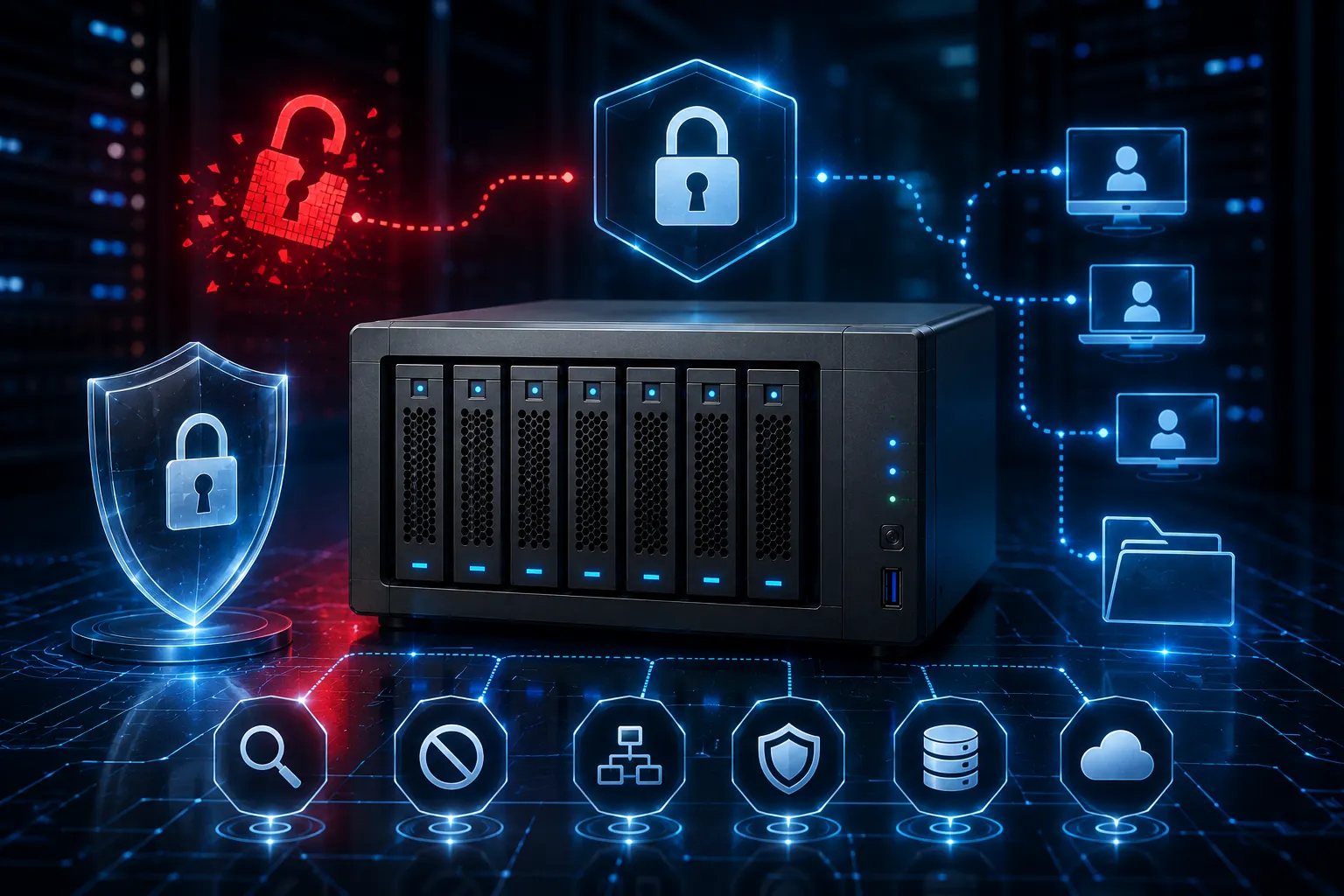
Network-attached storage (NAS) has become a cornerstone for businesses and individuals looking to centralize their data. But with convenience comes responsibility. A poorly secured NAS system can expose sensitive information to unauthorized access, ransomware attacks, and data loss.
Whether you're running a small business or managing enterprise-level infrastructure, understanding NAS storage security is critical. This guide will walk you through essential best practices to protect your data, explore what NAS storage is, and touch on modern solutions like scale-out NAS and NAS in AWS Cloud.
What is NAS Storage?
Before diving into security measures, let's clarify what is NAS storage?
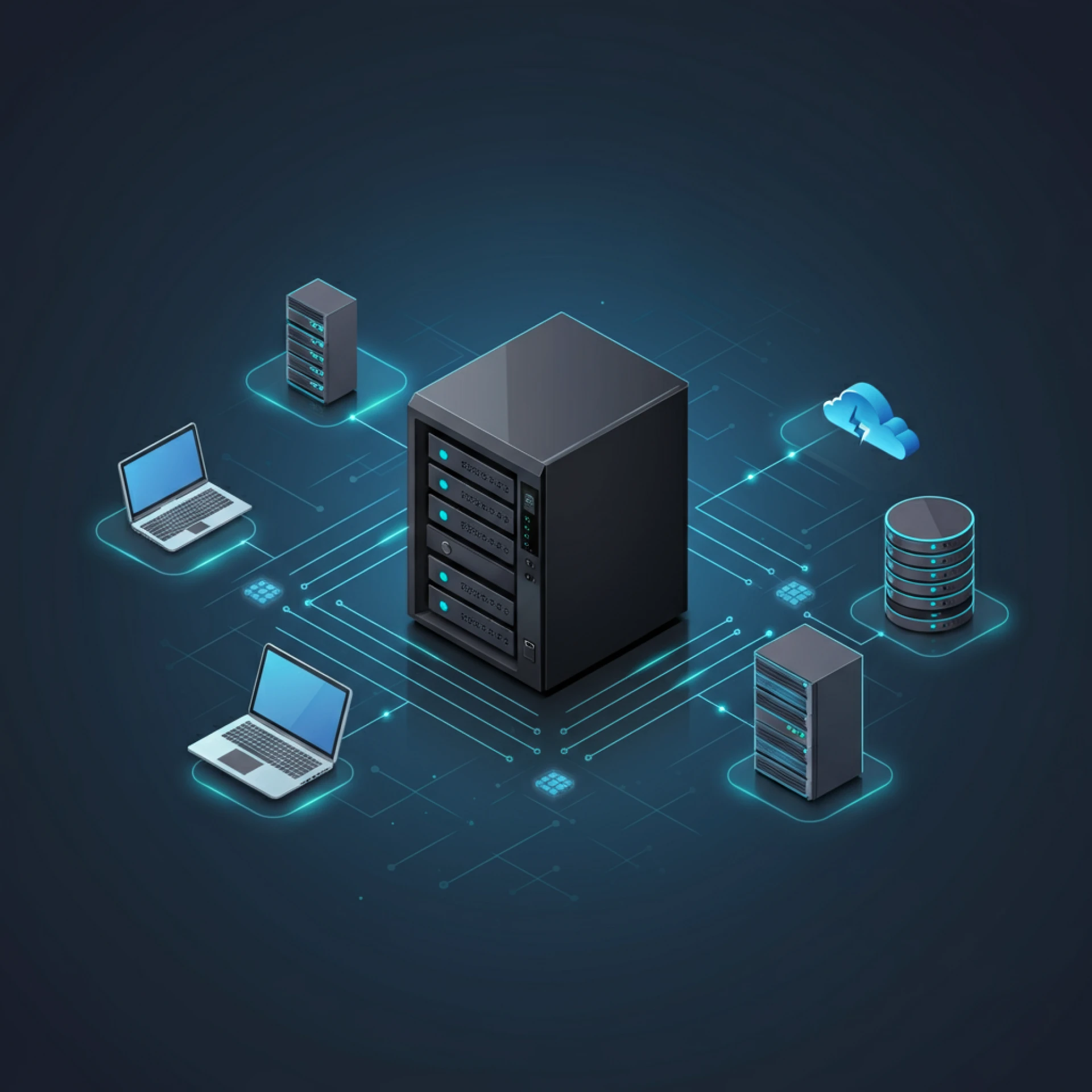
NAS (Network-Attached Storage) is a dedicated file storage device that connects to a network, allowing multiple users and devices to access data from a centralized location. Unlike direct-attached storage (DAS), which connects directly to a single computer, NAS operates over a local area network (LAN) or the internet.
NAS devices are popular because they offer:
- Centralized data management: Store files in one place accessible by authorized users.
- Scalability: Add more storage as your needs grow.
- Redundancy: Many NAS systems support RAID configurations to protect against drive failures.
However, this accessibility also makes NAS systems attractive targets for cybercriminals if not properly secured.
Essential NAS Storage Security Best Practices
Change Default Credentials Immediately
One of the most common vulnerabilities in NAS systems is the use of default usernames and passwords. Attackers often exploit these predictable credentials to gain unauthorized access.
Action steps:
- Change the default admin username and password during initial setup.
- Use strong, unique passwords that combine uppercase and lowercase letters, numbers, and special characters.
- Consider using a password manager to generate and store complex credentials.
Enable Two-Factor Authentication (2FA)
Two-factor authentication adds an extra layer of security by requiring a second form of verification beyond just a password. Even if someone obtains your password, they won't be able to access your NAS without the second factor.
Most modern NAS devices support 2FA through authenticator apps or SMS codes. Enable this feature for all administrative accounts and any users with sensitive data access.
Keep Firmware and Software Updated
Manufacturers regularly release firmware updates to patch security vulnerabilities and improve system stability. Running outdated software leaves your NAS exposed to known exploits.
Action steps:
- Enable automatic firmware updates if available.
- Regularly check for updates manually if automatic updates aren't supported.
- Subscribe to your NAS manufacturer's security bulletins to stay informed about critical patches.
Configure Network Security Properly
Your NAS should sit behind a firewall, not directly exposed to the internet. Many security breaches occur because NAS devices are improperly configured to be accessible from the public internet without adequate protection.
Action steps:
- Place your NAS behind a router with a properly configured firewall.
- Disable unnecessary services and ports.
- Use VPN (Virtual Private Network) connections for remote access instead of opening ports directly.
- Implement network segmentation to isolate your NAS from less secure devices.
Implement User Access Controls
Not everyone needs full access to all data on your NAS. Implementing proper access controls limits the damage that can occur if an account is compromised.
Action steps:
- Create separate user accounts for each person who needs access.
- Apply the principle of least privilege: give users only the permissions they need.
- Regularly audit user accounts and remove access for former employees or unused accounts.
- Use shared folder permissions to restrict access to sensitive data.
Enable Encryption
Encryption protects your data both at rest and in transit. If someone gains physical access to your drives or intercepts network traffic, encrypted data remains unreadable without the proper keys.
Action steps:
- Enable volume or folder encryption on your NAS device.
- Use SSL/TLS certificates for web-based access to encrypt data in transit.
- Consider full-disk encryption for maximum protection.
Establish a Backup Strategy
Even with robust security measures, data loss can occur due to hardware failure, ransomware, or human error. Following the 3-2-1 backup rule provides comprehensive protection.
The 3-2-1 rule:
- Keep 3 copies of your data.
- Store copies on 2 different types of media.
- Keep 1 copy offsite.
Cloud backup solutions can serve as your offsite backup, providing an additional layer of protection against physical disasters or sophisticated attacks.
Modern NAS Solutions: Scale-Out NAS and NAS in AWS Cloud
Scale-Out NAS
Traditional NAS systems scale vertically by adding more drives to a single device. Scale-out NAS takes a different approach by distributing storage across multiple nodes that work together as a single system.
Benefits of scale-out NAS:
- Performance: Workloads are distributed across multiple nodes, improving speed and throughput.
- Scalability: Add nodes as your storage needs grow without disrupting operations.
- Redundancy: Data is replicated across nodes, providing better fault tolerance.
Scale-out NAS is particularly valuable for organizations with rapidly growing data needs or those running data-intensive applications.
NAS in AWS Cloud
Cloud providers like Amazon Web Services (AWS) offer NAS-like services that bring the benefits of network-attached storage to the cloud environment. AWS offers several storage solutions that function similarly to traditional NAS:
Amazon EFS (Elastic File System): A fully managed, elastic NAS file system that automatically scales as you add or remove files.
Amazon FSx: Provides fully managed third-party file systems, including FSx for Windows File Server and FSx for Lustre.
Benefits of NAS in AWS Cloud:
- No hardware maintenance: AWS manages the underlying infrastructure.
- Global accessibility: Access your data from anywhere with an internet connection.
- Integration with AWS services: Seamlessly connect with other AWS tools and services.
- Built-in redundancy: Data is automatically replicated across multiple availability zones.
When using NAS in AWS Cloud, security remains critical. Apply the same best practices mentioned earlier, plus AWS-specific measures like:
- Using AWS Identity and Access Management (IAM) for granular access control.
- Enabling AWS CloudTrail for audit logging.
- Configuring security groups and network ACLs properly.
- Encrypting data using AWS Key Management Service (KMS).
Stay Vigilant and Keep Your Data Protected
Securing your NAS storage isn't a one-time task. It requires ongoing attention and regular updates to your security posture. Start by implementing the fundamental practices outlined here: change default credentials, enable 2FA, keep systems updated, and establish proper access controls.
As your needs grow, consider modern solutions like scale-out NAS for improved performance and scalability, or NAS in AWS Cloud for the flexibility and global reach of cloud infrastructure.
By taking a proactive approach to NAS security, you'll protect your valuable data from the ever-evolving landscape of cyber threats while maintaining the accessibility and convenience that makes NAS storage so valuable.




















Sign in to leave a comment.