
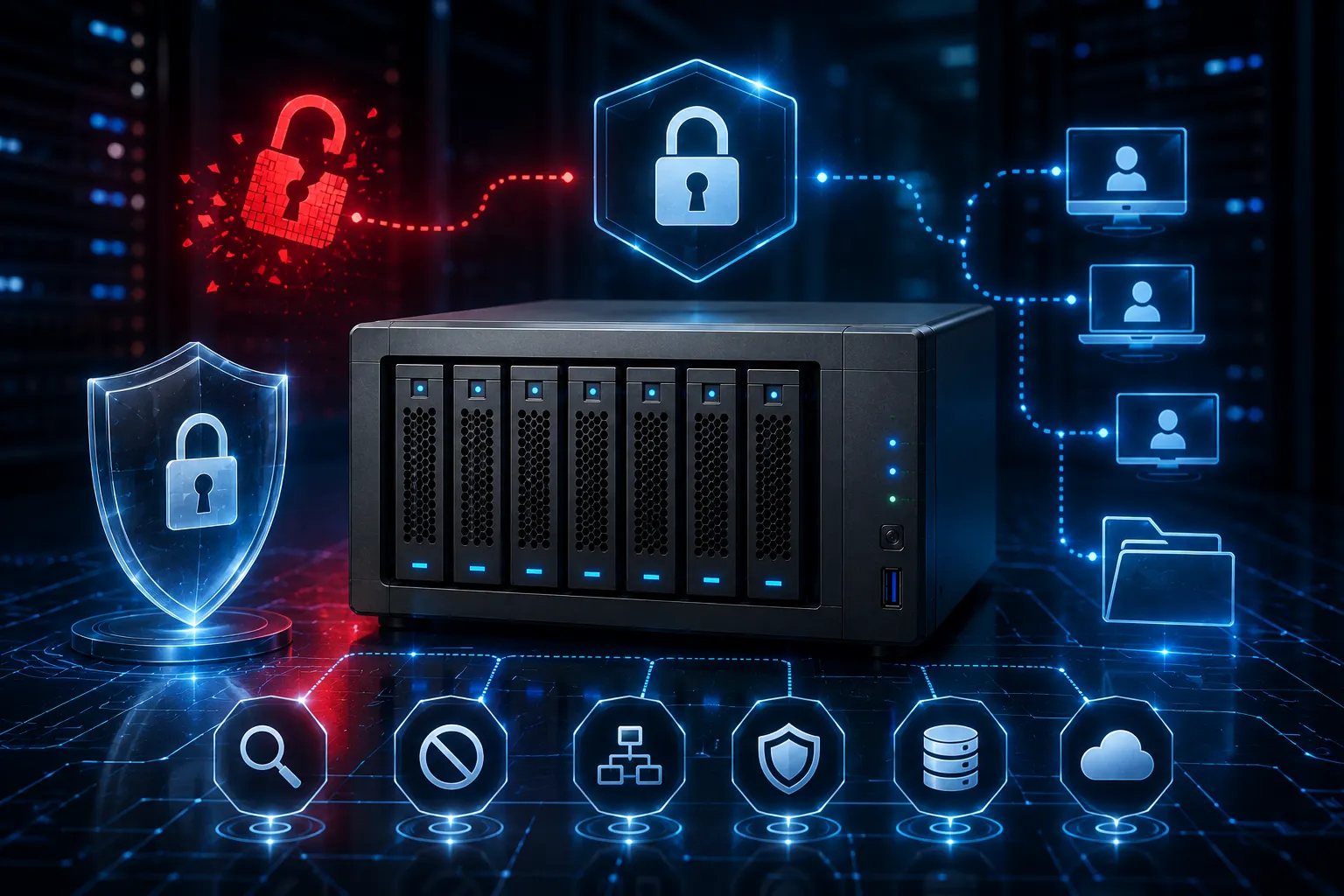
Network-Attached Storage, or commonly known as NAS, is a file-level computer data storage server connected to a computer network that provides data access to a heterogeneous group of clients. Many companies use NAS solutions to store and share data in their internal networks, but with the rise of mobile devices, access to NAS systems has become increasingly common outside of the office. As a result, securing your NAS system is essential to protect your sensitive data from outside threats. In this blog, we will discuss some best practices to secure your NAS system for mobile access.
Understand the security risks
Before you start securing your NAS system, you need to understand the security risks associated with mobile access. Mobile devices are most vulnerable to cyber-attacks because they lack the protective measures that desktop computers have. If you allow mobile access to your NAS system, you need to ensure that it doesn't become a point of entry for attackers. One possible threat is that mobile devices are often used on unsecured public networks, which can allow attackers to intercept your data. Other threats include hacking attempts, malware, and device theft.
Use strong authentication
One way to secure mobile access to your NAS system is through strong authentication methods. Passwords alone are not enough to protect your data, hence, it's recommended that you use multi-factor authentication (MFA). MFA requires users to enter additional verification methods, such as a fingerprint or facial recognition, to access your data. This ensures that only authorized users can access your NAS system.
Limit access rights
Another best practice to secure your NAS system is to limit access rights. By default, all users have access to all data in the NAS system, but that can be dangerous. You need to give access rights to each user or group of users according to their job responsibilities. For example, a human resources manager may have full access to employee data while a salesperson may have access only to sales data. This way, data access is limited to only authorized users, and it minimizes the risks of data breaches.
Enable encryption
You should enable encryption to protect data transferred to and from your NAS system. Encryption ensures that even if the attacker intercepts the data, they cannot read it. There are two types of encryption: data at rest and data in transit. Data at rest encryption means the data is encrypted when it's stored in your NAS system, while data in transit encryption means the data is encrypted when it's transferred between devices. Enabling both types of encryption will provide you with the maximum level of security.
Regularly update firmware for NAS solutions
To keep your NAS solutions secure and optimized, you should regularly update their firmware. Firmware updates typically address security vulnerabilities, so not keeping your firmware updated could leave your NAS system at risk. Check your vendor's website for updates related to NAS solutions and install them as soon as possible to ensure the safety and performance of your network-attached storage system.
Conclusion
Securing your NAS system is essential if you give mobile access to your employees. Cyber-attacks are on the rise, and attackers try to exploit any vulnerabilities to gain access to your data. By following the best practices described in this blog, you can secure your NAS system and safeguard your sensitive data from outside threats. Always remember to understand the security risks, use strong authentication, limit access rights, enable encryption, and regularly update firmware. If you need more assistance in securing your NAS system, consult with a professional information security firm please contact us!


























Sign in to leave a comment.