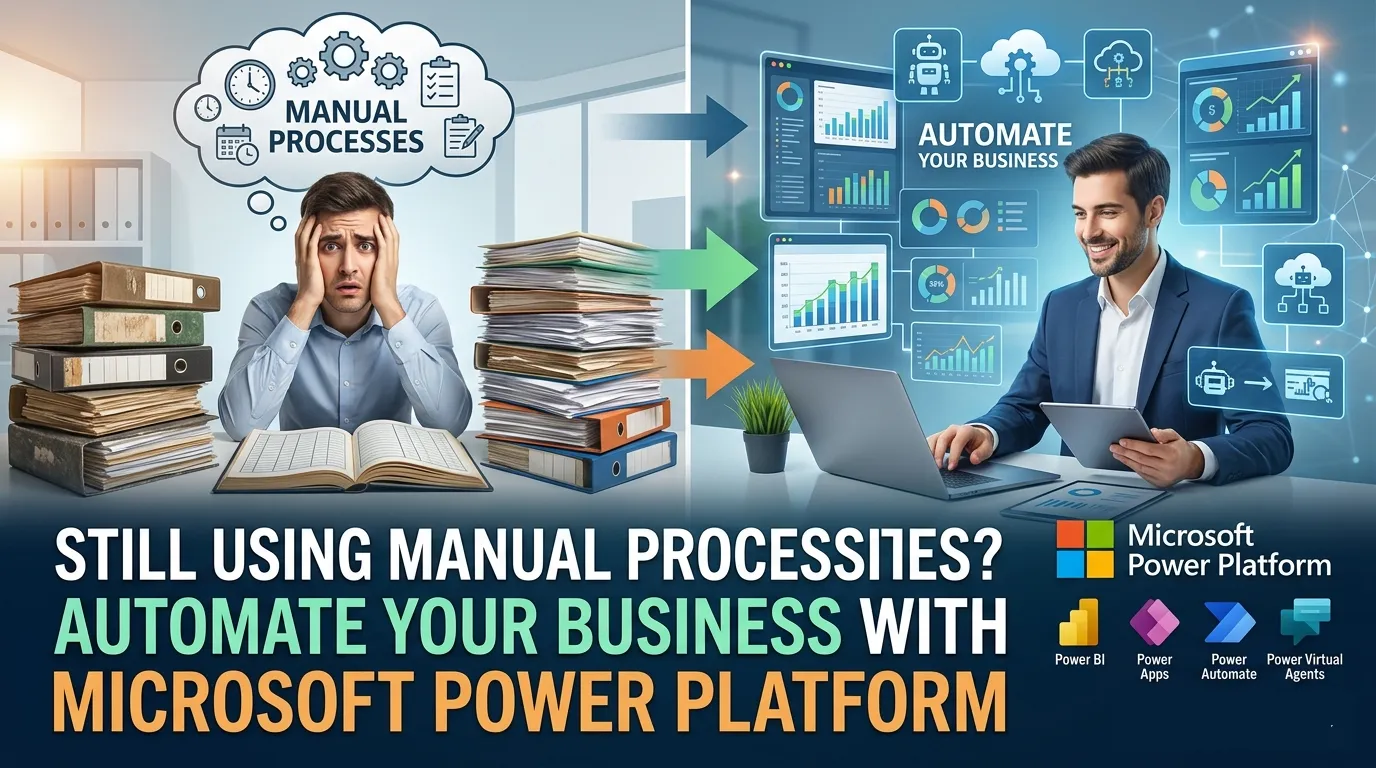

Still Using Manual Processes? Automate Your Business with Microsoft Power Platform
Many businesses still run on manual processes. Data is entered by hand. Approvals move through long email chains. Reports take hours to prepare. At first, it feels manageable. But as the business grows, these small inefficiencies turn into major roadblocks.
Work slows down. Errors increase. Teams spend more time managing tasks than creating value.
This is exactly where Microsoft Power Platform makes a real difference. It allows businesses to replace repetitive manual work with smart, automated workflows—without needing complex coding.
What is Microsoft Power Platform?
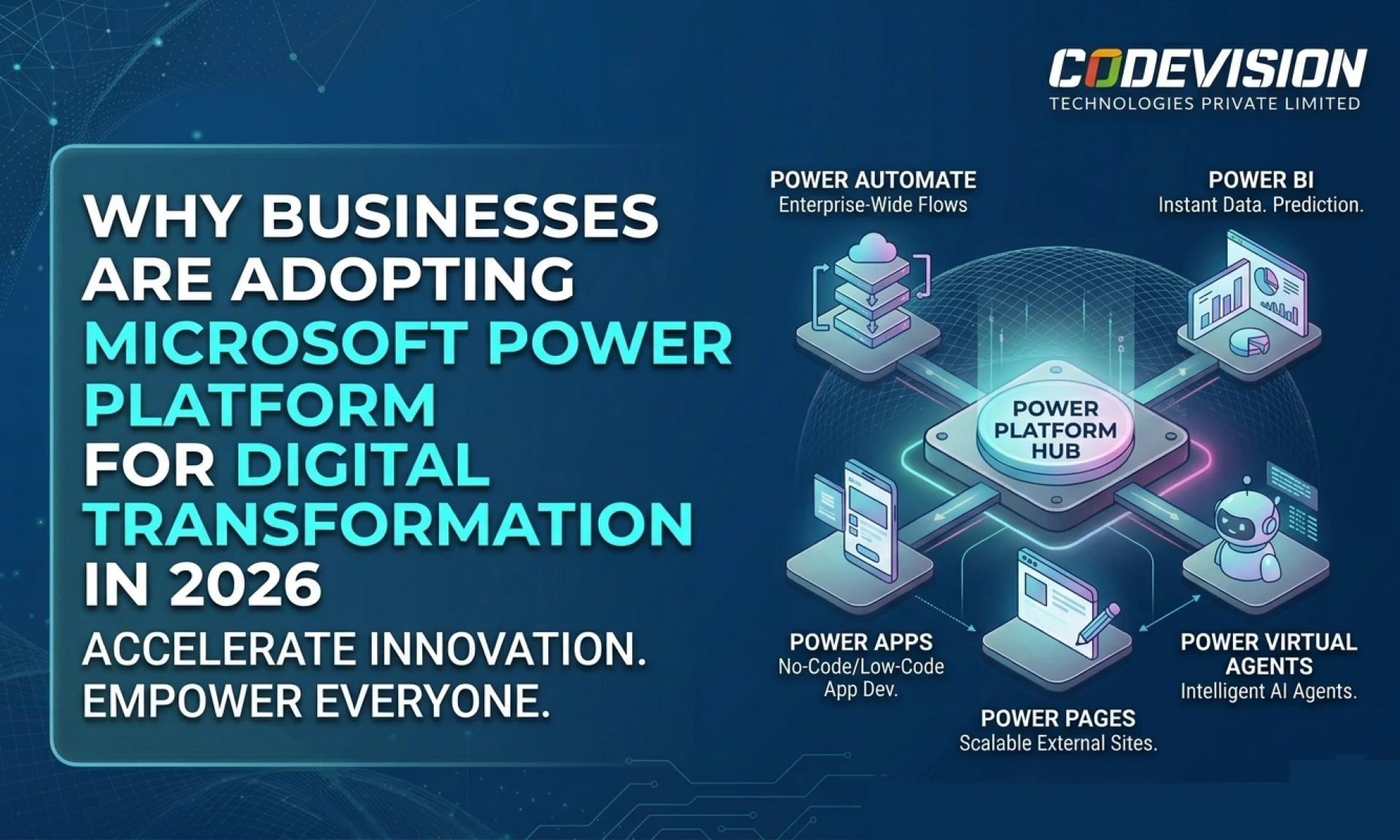
Microsoft Power Platform is a suite of tools that helps businesses automate processes, build applications, and analyse data in a simple and efficient way. It is designed for both technical and non-technical users, making it accessible across teams.
The platform includes tools like Microsoft Power Apps for building custom apps, Microsoft Power Automate for automating tasks, and Microsoft Power BI for creating dashboards and insights.
Instead of switching between multiple systems, businesses can bring everything together into one connected environment.
Why Manual Processes Become a Problem Over Time
Manual processes often start as quick solutions. A spreadsheet here, an email there—it works in the beginning. But as operations expand, these methods begin to break down.
Teams start facing delays in approvals. Important data gets missed or duplicated. There is little visibility into what is happening in real time. Even simple tasks begin to take longer than expected.
Imagine a growing company managing customer inquiries manually. Each request is tracked in Excel, assigned via email, and followed up manually. It doesn’t take long before things slip through the cracks. A missed response or delayed follow-up can directly impact customer satisfaction.
This is not just inefficient—it’s risky.
How Microsoft Power Platform Automates Business Processes
Automation with Power Platform works by connecting your systems and removing unnecessary manual steps. It brings structure to everyday tasks and ensures that processes run smoothly without constant human intervention.
For example, when a customer submits a form, the system can automatically store the data, notify the right team, and trigger the next action. Everything happens in sequence, without anyone needing to chase updates.
Instead of relying on people to remember each step, the system ensures consistency and accuracy. Over time, this leads to faster operations and fewer mistakes.
Key Benefits of Moving from Manual Work to Automation
One of the biggest advantages of using Power Platform is the immediate improvement in efficiency. Tasks that once took hours can now be completed in minutes. Teams no longer need to spend time on repetitive activities, which allows them to focus on more meaningful work.
Automation also improves accuracy. Since processes follow predefined rules, the chances of human error are significantly reduced. Data remains consistent, and reporting becomes more reliable.
Another important benefit is visibility. With automated workflows and dashboards, businesses can see what is happening in real time. This makes decision-making faster and more informed.
Scalability is another key factor. As your business grows, your processes can grow with it. You don’t need to rebuild systems from scratch. Instead, you can expand existing workflows and applications as needed.
Real-World Use Cases of Power Platform
Across industries, businesses are using Power Platform to simplify operations and improve performance.
In sales, companies are automating lead tracking and follow-ups, ensuring no opportunity is missed. In HR, onboarding processes are streamlined, reducing paperwork and improving employee experience. Finance teams use automation to manage approvals and track expenses more efficiently.
Customer support teams benefit from automated ticketing systems that ensure faster response times. Operations teams use custom apps to manage tasks and monitor progress in real time.
These are not complex transformations. They are practical improvements that deliver immediate value.
Power Platform vs Manual Processes
The difference between automated and manual processes becomes clear when you look at daily operations. Manual systems rely heavily on human effort, which makes them slower and more prone to errors. In contrast, automated systems are faster, more reliable, and easier to manage.
| Feature | Power Platform | Manual Processes |
|---|---|---|
| Speed | Fast and automated | Slow and manual |
| Accuracy | High consistency | Error-prone |
| Visibility | Real-time insights | Limited tracking |
| Scalability | Easy to expand | Difficult to manage |
This shift is not just about technology—it’s about working smarter.
Common Challenges and How to Overcome Them
Adopting automation can feel overwhelming at first. Many businesses are unsure where to begin. Some teams may resist change, especially if they are comfortable with existing processes.
The key is to start small. Choose one process that is repetitive and time-consuming. Automate it, test it, and measure the results. Once the benefits become clear, it becomes easier to expand automation across other areas.
Training also plays an important role. When employees understand how automation helps them, they are more likely to adopt it. The goal is not to replace people, but to empower them.
Getting Started with Power Platform
The best way to begin is by identifying tasks that consume the most time and effort. These are usually repetitive and follow a fixed pattern. Once identified, you can use Power Platform tools to build simple solutions that automate these tasks.
Start with a basic workflow or app. Keep it simple. Test it in a real environment. As confidence grows, you can build more advanced solutions and connect multiple processes together.
The journey to automation does not happen overnight. But each step brings measurable improvement.
How Codevision Technologies Supports Your Automation Journey
At Codevision Technologies, we help businesses transition from manual operations to intelligent automation using Microsoft technologies. Our approach focuses on understanding your processes first, then building solutions that are practical and scalable.
We have worked with businesses across industries, helping them reduce manual effort, improve efficiency, and achieve better outcomes through automation.
From initial consultation to implementation and support, we ensure that your automation journey is smooth and results driven.
Conclusion
Manual processes may feel familiar, but they limit growth. They slow down operations, increase errors, and make it harder to scale.
Automation changes that.
With Microsoft Power Platform, businesses can simplify workflows, improve accuracy, and make faster decisions. It’s not about replacing systems—it’s about improving how work gets done.
The most important step is to start.
If you’re ready to move beyond manual processes and build a more efficient, scalable business, Codevision Technologies can help you turn that vision into reality.
Frequently Asked Questions (FAQs)
Q1. What is Microsoft Power Platform used for?
Microsoft Power Platform is used to automate workflows, build applications, and analyze data to improve business processes.
Q2. Can non-technical users use Power Platform?
Yes, it is designed for both technical and non-technical users with its low-code approach.
Q3. How does automation improve business efficiency?
Automation reduces manual work, minimizes errors, and speeds up processes, allowing teams to focus on higher-value tasks.
Q4. Is Power Platform suitable for small businesses?
Yes, it is scalable and cost-effective, making it ideal for businesses of all sizes.
Q5. Why choose Codevision Technologies for automation solutions?
Codevision Technologies provides tailored Power Platform solutions, helping businesses automate processes efficiently and achieve long-term growth.

























Sign in to leave a comment.