

Why do LGU transactions stall between departments? They usually stall when one office finishes its part, but the next office cannot clearly see the status, missing requirement, approval owner, payment reference, or record location. A GoLGU ERP System setup should make department movement easier to track across BPLO, Treasury, Accounting, Records, HR, procurement, and the administrator’s office.
A citizen may think the request is already moving, while staff from the next office may still be waiting for a file, signature, payment note, or printed copy. That gap creates follow-ups, repeated questions, and extra manual checking.
Why Do LGU Transactions Stall Between Departments?
LGU transactions stall between departments when the next office does not have enough information to continue the request. A transaction may leave BPLO, but Treasury may not see the assessment detail. A payroll record may leave HR, but Accounting may still need the attendance basis. A procurement request may reach the department head, but the supporting attachment may still be in a separate folder.
This usually happens when staff rely on separate trackers, printed logs, email threads, and verbal updates. Each office may be working, but the transaction still looks stuck because the route is not visible from end to end.
Where Do Transaction Stalls Usually Start?
Transaction stalls usually start at intake, routing, review, payment, approval, or filing. These are the points where one office depends on another office before work can continue.
In BPLO, a business permit request may wait because a required document was not tagged clearly. In Treasury, a payment record may wait because the assessment reference is missing. In Accounting, a report may wait because the supporting list is still with another unit. In Records, a signed copy may wait because the releasing office has not received the final version.
Intake gaps at the receiving office
Intake gaps happen when the first office accepts a request but does not record the status, assigned staff, missing requirement, or next step clearly. The next office then receives a transaction with little context.
For example, a permit request may show that the applicant submitted documents, but the log may not show whether the application is ready for assessment, returned for correction, or waiting for inspection.
Unclear status labels
Unclear status labels create confusion because staff do not know what a transaction needs. Labels like “pending,” “for review,” or “in process” are too broad when several offices handle the same request.
Better labels show the action needed, such as “for BPLO validation,” “for Treasury payment posting,” “for Accounting verification,” “for department head review,” or “for Records filing.”
How Do Department Handoffs Break Down in Daily LGU Work?
Department handoffs break down when the next office receives a task without the record, attachment, reference number, or decision note needed to act. A handoff should show what was completed, what remains open, and who owns the next action.
A BPLO permit route may pass through document checking, assessment, Treasury payment, final review, approval, and release. If one step is not recorded, staff may spend time asking who last handled the file.
The same issue appears in HR and payroll work. HR may prepare attendance records, leave records, overtime details, and employee files. Accounting may need those details before payroll checking can continue. Without a clear handoff, both offices may need to repeat the same review.
What Approval Routing Issues Cause Delays?
Approval routing issues cause delays when the request reaches the wrong approver, waits for a missing document, or returns to an earlier office without a clear reason. The problem is not always the number of approvers. It is often the lack of visible routing rules.
An approving officer should know why the request reached their queue. A department head should know whether Budget, Accounting, Legal, Records, or the administrator’s office already reviewed the item. Staff should also know what happens when an approver asks for a correction.
A simple approval route should answer:
- Which office starts the request?
- Which office reviews the record?
- Which office checks payment or funding details?
- Who approves the transaction?
- Who receives the signed copy?
- Who files the final record?
- Who informs the citizen or employee?
When these answers are unclear, the transaction can stop even if staff are available.
How Do Separate Trackers Make Stalled Transactions Hard to Find?
Separate trackers make stalled transactions hard to find because each office sees only its own part of the record. One office may use a spreadsheet. Another may use a printed logbook. Another may keep the latest update in an email thread.
This creates different versions of the same transaction. BPLO may say the request was forwarded. Treasury may say no payment reference was received. Records may have the signed copy, but the releasing staff may not know that the approval is complete.
Separate trackers also make reporting harder. The administrator may ask which requests are delayed, but staff may need to combine several lists before giving an answer.
What Fixes Reduce Stalled LGU Transactions?
LGUs reduce stalled transactions by setting clear intake fields, routing rules, status labels, record owners, and review times. These fixes do not need to start with a large change. They can begin with the route that creates the most delays.
For BPLO, start with permit intake, assessment, payment, approval, and release. For HR, start with attendance, leave, overtime, payroll input, and employee records. For procurement, start with request preparation, attachment checking, budget review, approval, purchase tracking, and filing.
Review the route before changing the system
The LGU should map the actual route first. Ask staff where the request begins, which office touches it next, what document moves with it, and where the final record is filed.
This review shows whether the issue is intake, approval, payment, attachment handling, or final release.
Assign one record owner per stage
Each stage should have a record owner. The owner does not need to approve everything, but they should know whether the transaction is complete, returned, pending, or ready for the next office.
A record owner prevents the request from floating between desks without status.
How Can Local Government Workflow Automation Support Department Movement?
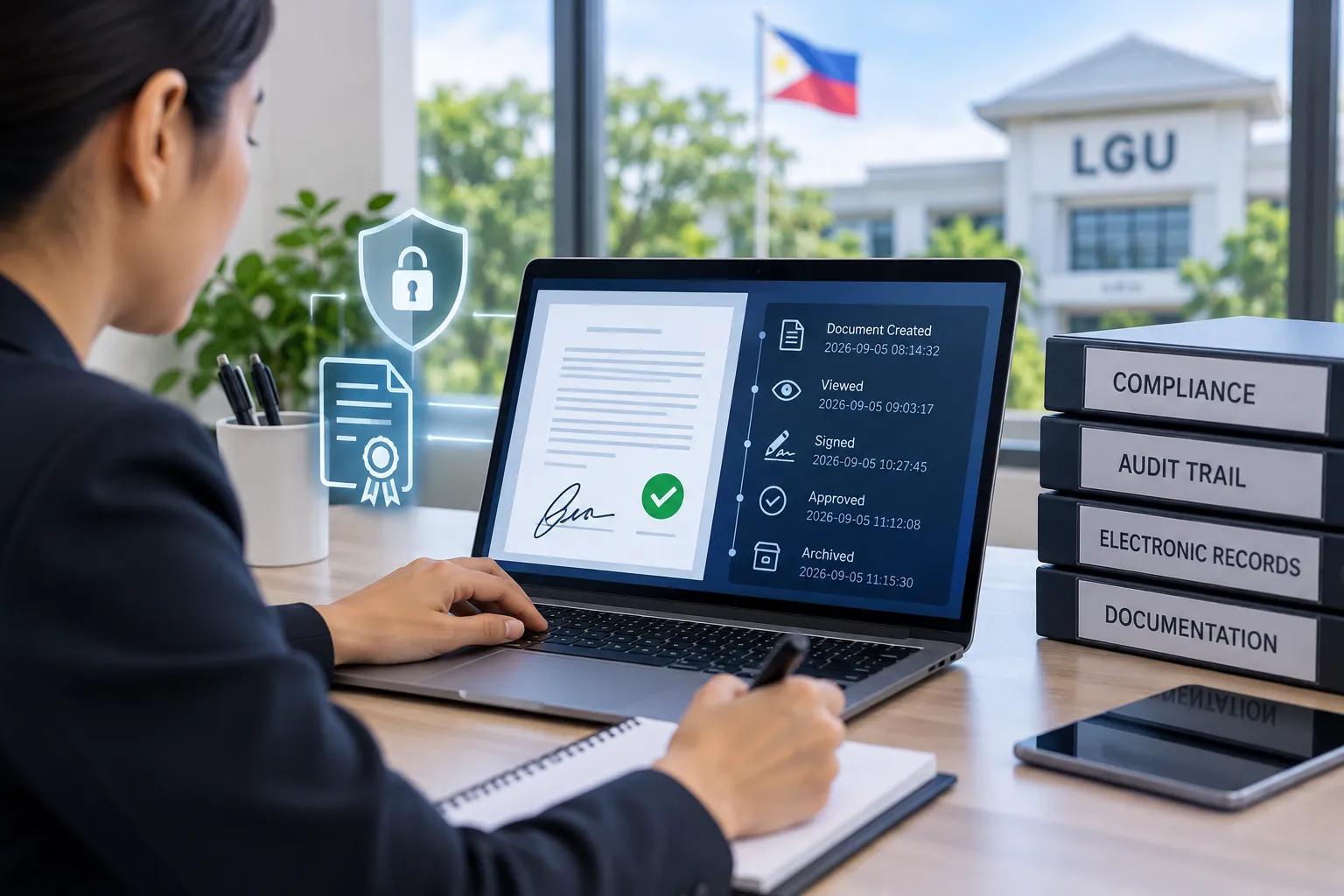
Local government workflow automation supports department movement by recording the route, status, timestamp, assigned office, and next action in one place. It gives staff a clearer view of what happened before the request reached their office.
For example, a BPLO staff member can see whether a permit request is still missing a requirement. Treasury can see whether the assessment is ready for payment. Accounting can see whether a payment or payroll input needs checking. Records can see whether the signed copy is ready for filing or release.
For a related ERP preparation topic, read How Do LGUs Prepare Department Workflows for ERP?.
For permit-specific delays, read Why Do Business Permit Payments Get Delayed?.
What Official Reference Should LGUs Review?
LGUs should review official service-delivery references when discussing transaction routes, processing steps, and public-facing timelines. Republic Act No. 11032, also known as the Ease of Doing Business and Efficient Government Service Delivery Act of 2018, is an important reference for public service delivery work.
Review the official Lawphil copy of Republic Act No. 11032 when discussing service delivery, Citizen’s Charter concerns, processing steps, or government transaction timelines.
This article is not a legal guide. LGUs should still follow their internal policies, official government guidance, and advice from the proper offices.
How GoLGU ERP System Workflow Fits This Problem
GoLGU ERP System workflow fits this problem by connecting office routes, user roles, records, and reports into a clearer working path. The ERP System page explains that GoLGU supports traceability, centralized data, reporting, workflows, mobility, and paperless transactions for local government work.
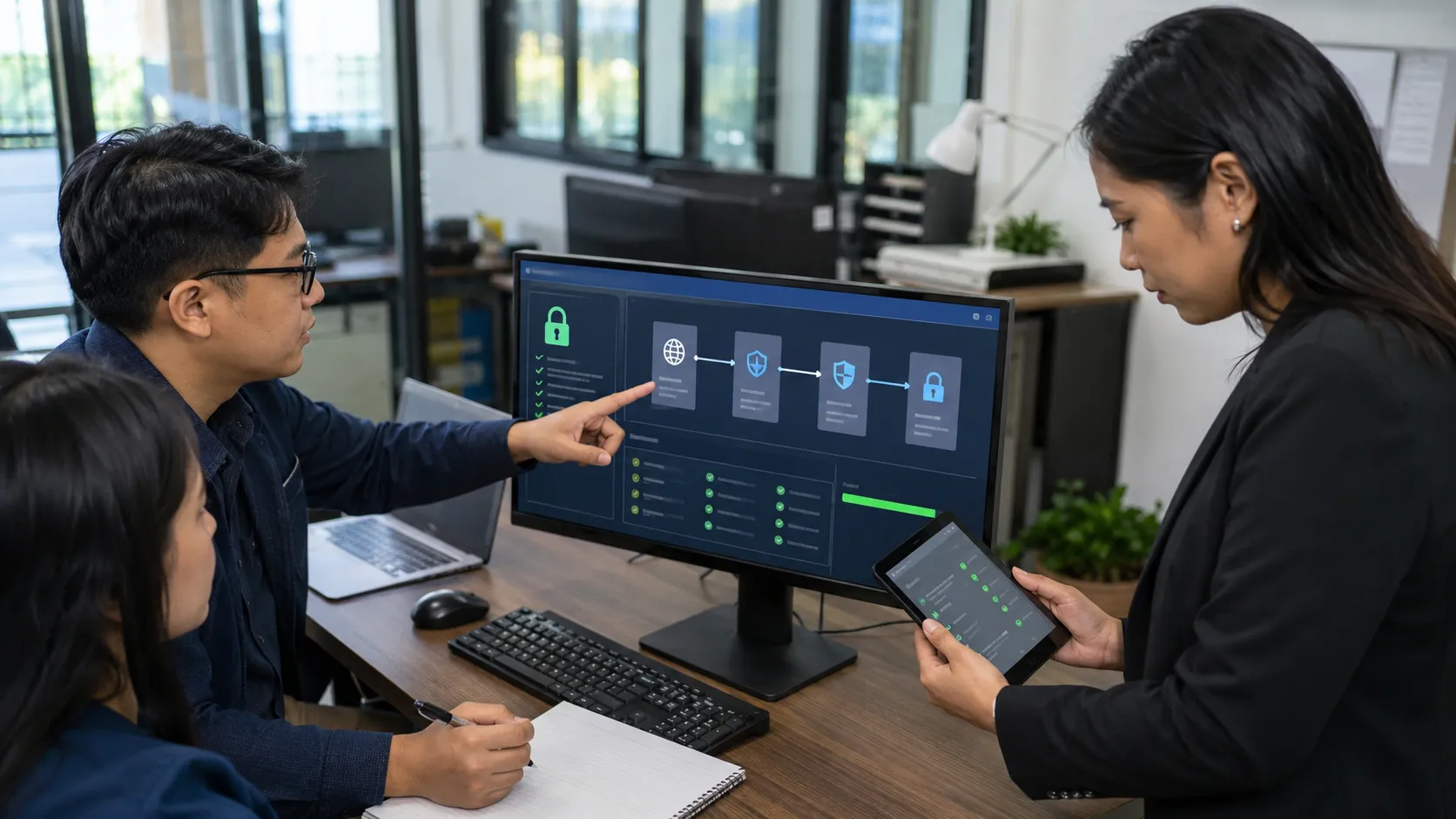
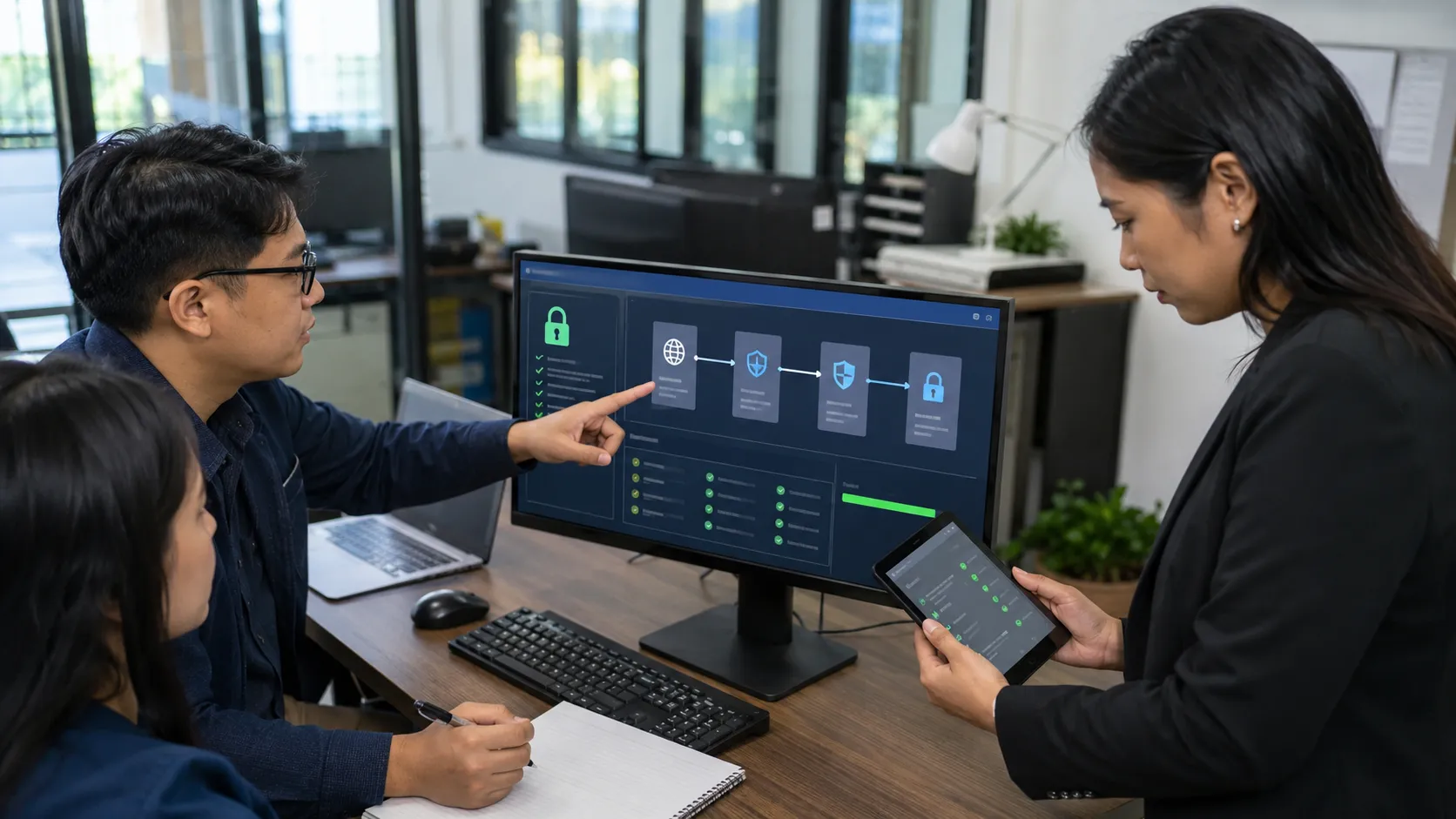
In daily operations, that means BPLO, Treasury, Accounting, HR, Records, procurement, department heads, and administrators can work from a clearer record path. A request should not depend only on a printed routing slip or a message from the last person who handled it.
Learn more about the platform through About GoLGU.
For BPLO preparation, read How to Organize BPLO Requirements for Faster Processing.
Conclusion
Why do LGU transactions stall between departments? They stall when the route, status, owner, requirement, payment reference, approval note, or final record is not clear to the next office.
The fix is to make every handoff easier to trace. Start with the request type that creates the most follow-ups. Review the intake fields, approval route, payment link, record owner, and filing step. Then connect the offices around one clear workflow.
If your LGU is reviewing department handoffs, transaction delays, and ERP workflow planning, request a GoLGU demo.
Disclaimer
This article is for general informational and educational purposes only. It is not legal, accounting, procurement, or official government compliance advice. LGUs should follow their internal policies, applicable Philippine laws, and guidance from the proper government agencies.
Frequently Asked Questions
What causes LGU transactions to stall between departments?
LGU transactions stall when the next office lacks visibility into the status, missing requirements, approval owners, or payment references. This lack of clarity can lead to delays as staff may wait for essential documents or information before proceeding.
Which offices are typically involved in stalled LGU transactions?
Stalled transactions often involve various offices such as BPLO, Treasury, Accounting, HR, Records, procurement, and the administrator’s office. The specific offices involved depend on the type of request being processed.
What steps can LGUs take to reduce transaction delays?
To reduce transaction delays, LGUs should implement clear intake fields, use specific status labels, assign record owners for each stage, establish routing rules, and regularly review stalled requests. These measures help improve communication and clarity across departments.
How do separate trackers contribute to transaction delays?
Separate trackers contribute to delays because each office may use different systems, such as spreadsheets or email threads, leading to fragmented visibility of the transaction's status. This makes it challenging for staff to quickly assess the overall progress of a request.
In what ways does the GoLGU ERP System improve LGU transactions?
The GoLGU ERP System enhances LGU transactions by providing a centralized platform that tracks the route, status, records, and roles involved in each request. This visibility helps streamline processes and reduces the likelihood of transactions stalling due to miscommunication.
What are common points where transaction stalls start in LGUs?
Transaction stalls in LGUs commonly start at points such as intake, routing, review, payment, approval, or filing. These stages often require clear communication between offices to ensure that all necessary information is available for the next step.
How can unclear status labels affect LGU transaction processing?
Unclear status labels can create confusion among staff about what actions are needed to move a transaction forward. Labels that are too broad, like 'pending' or 'for review,' do not provide sufficient context, leading to delays in processing.























Sign in to leave a comment.