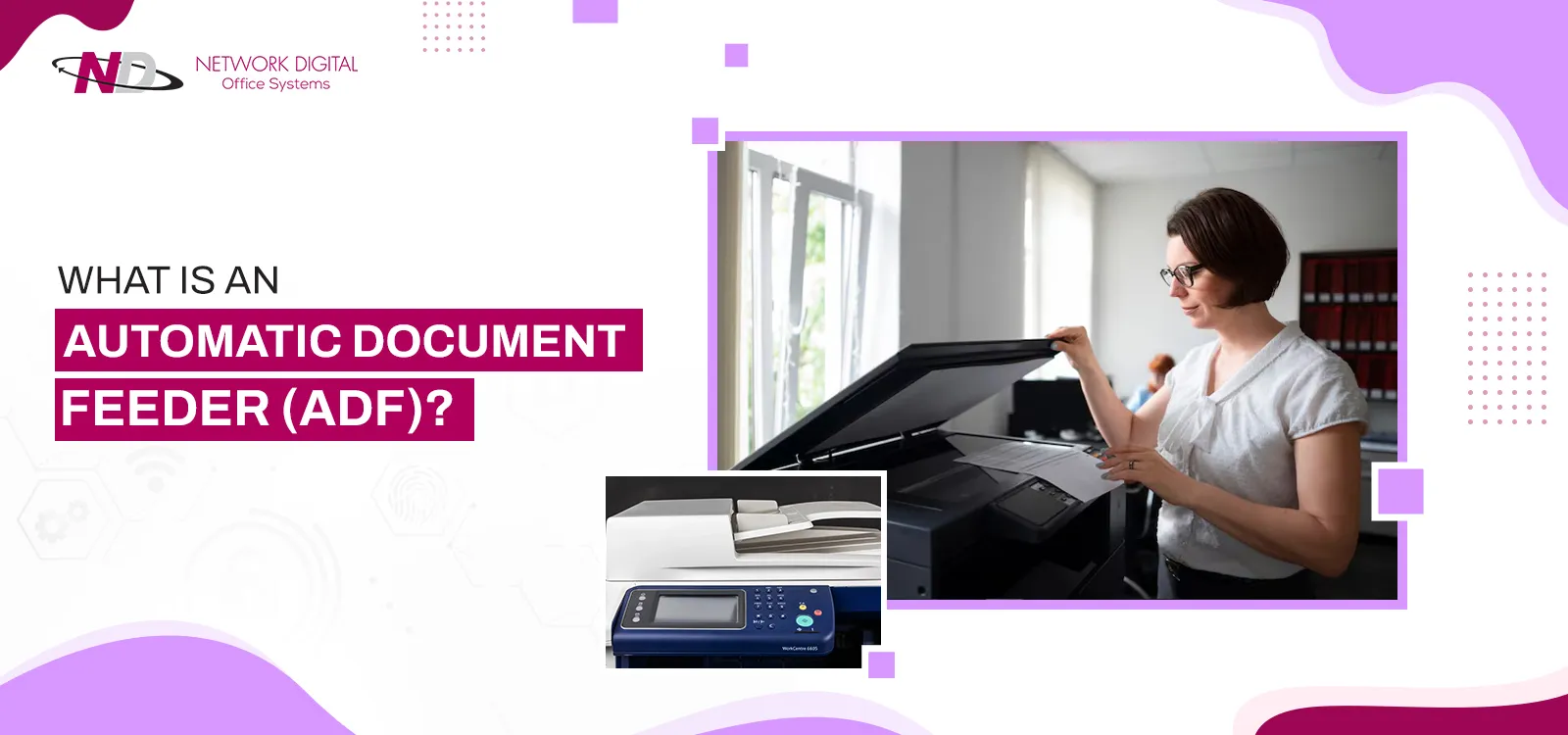
Managing documents can take a significant amount of time, especially when you need to scan, copy, or fax multiple pages. An Automatic Document Feeder (ADF) can make these routine tasks much faster and easier. Found on many modern printers, copiers, and scanners, an ADF allows users to process multiple pages without manually placing each sheet on the scanner glass.
Here are five key benefits of using an Automatic Document Feeder.
1. Saves Time
One of the biggest advantages of an Automatic Document Feeder is its ability to process multiple pages automatically. Instead of placing each document on the scanner glass one at a time, you can load a stack of pages into the feeder and let the machine handle the rest.
This can significantly reduce the time required to scan, copy, or fax multi-page documents.
2. Improves Office Productivity
In a busy office, employees often work with invoices, contracts, reports, forms, and other multi-page documents. Manually scanning each page can interrupt workflow.
An ADF allows employees to start a document-processing task and focus on other responsibilities while the machine processes the pages. This can help improve productivity and reduce repetitive work.
3. Makes Multi-Page Scanning Easier
Scanning a large document manually can be frustrating. With an Automatic Document Feeder, you can place multiple pages into the feeder at once.
Depending on the device, the ADF may automatically separate and feed each sheet through the scanner. This makes it particularly useful for digitizing paperwork and creating electronic copies of important records.
4. Reduces Manual Handling
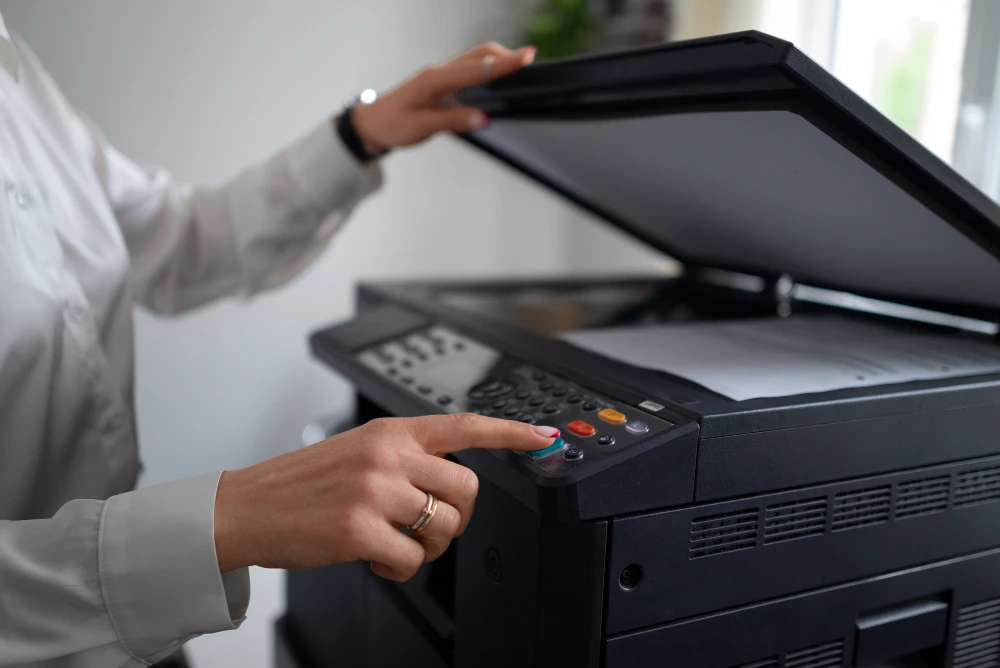
Without an ADF, users need to repeatedly lift the scanner lid, position a document, scan it, remove it, and repeat the process.
An Automatic Document Feeder minimizes this manual handling. This is especially helpful when processing dozens or hundreds of pages.
5. Supports Faster Copying and Faxing
An ADF is not limited to scanning. Many multifunction printers use the document feeder for copying and faxing multiple pages as well.
Instead of feeding every page individually, users can load the complete document stack and allow the machine to process it automatically. This makes an ADF especially valuable in offices that frequently copy or fax multi-page documents.
Automatic Document Feeder vs. Flatbed Scanner
A flatbed scanner requires users to place each document directly on the glass. It can be ideal for books, photographs, fragile documents, or unusual paper sizes.
An Automatic Document Feeder, on the other hand, is better suited to standard-size, multi-page documents that need to be processed quickly.
Many multifunction printers include both options, giving users flexibility depending on the type of document they are handling.
Final Thoughts
An Automatic Document Feeder can save time, reduce repetitive tasks, and make scanning, copying, and faxing more efficient. For businesses that regularly process large quantities of paperwork, an ADF can be a valuable feature that improves everyday document management.
When choosing a printer, scanner, or multifunction copier, consider your typical document volume and workflow. If you frequently handle multi-page documents, investing in a device with a reliable ADF can make a noticeable difference in productivity.
























Sign in to leave a comment.