

Cloud computing has reshaped how businesses store, manage, and access their data. While public cloud services offer scalability and convenience, they aren't always the perfect fit for every need. Security concerns, compliance requirements, and unpredictable costs can make a full public cloud strategy challenging. This is where a hybrid cloud model, powered by Network Attached Storage (NAS), offers a powerful alternative.
By combining the security and control of on-premises storage with the flexibility of the public cloud, a hybrid approach gives organizations the best of both worlds. A NAS device is central to this strategy, acting as a private cloud server that you own and manage. It provides a secure, centralized location for your data while seamlessly integrating with public cloud services for backup, disaster recovery, and file sharing.
This post will explore how you can build an effective hybrid cloud using Network Attached Storage. We will cover the benefits of this model, the key steps to get started, and how to find an affordable NAS storage solution that fits your specific business requirements.
What is a Hybrid Cloud?
A hybrid cloud is an IT environment that combines on-premises infrastructure—such as a private cloud—with one or more public cloud services. These separate environments are connected to work together, allowing data and applications to be shared between them. This integration gives businesses greater flexibility and more data deployment options.
For example, a company might store sensitive customer data on its private cloud (the NAS device) to meet regulatory compliance while using a public cloud service like Amazon S3 or Google Drive for less critical files, collaborative projects, or off-site backups. The goal is to create a unified, automated, and well-managed computing environment.
The Role of Network Attached Storage
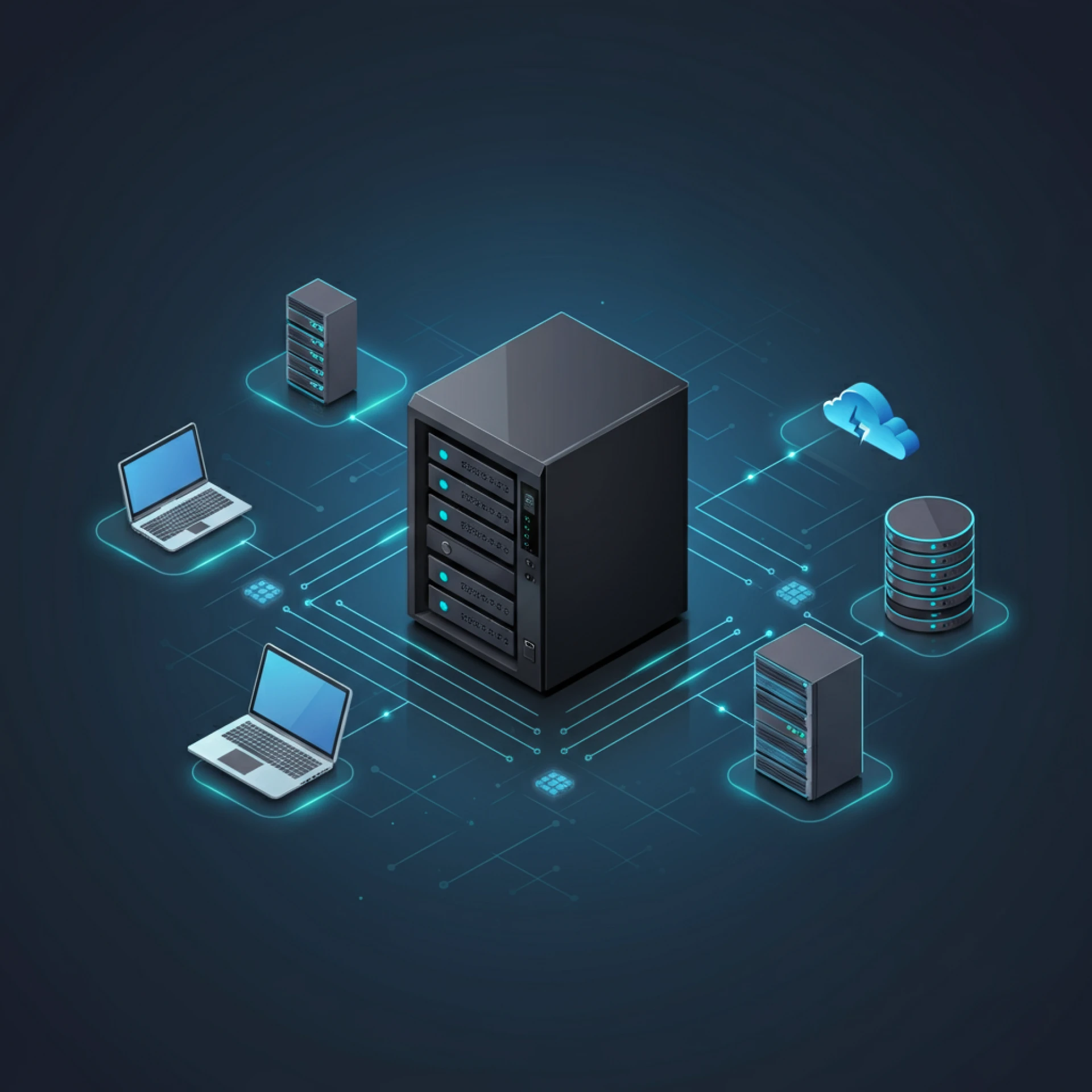
Network Attached Storage (NAS) is the cornerstone of a private cloud infrastructure in a hybrid model. A NAS is essentially a dedicated file storage server that connects to a network, allowing multiple users and devices to access and share files from a central location. Modern network attached storage devices have evolved far beyond simple file storage. They are powerful computers with their own operating systems, capable of running a wide variety of applications.
Here’s why NAS is ideal for building a hybrid cloud:
- Centralized Data Control: With a NAS, your data resides on-premises, giving you complete control over who can access it. This is crucial for businesses that handle sensitive information or must comply with data privacy regulations like GDPR or HIPAA.
- Cost-Effectiveness: While there is an upfront investment, an affordable NAS storage solution can be more cost-effective in the long run compared to ongoing public cloud subscription fees, especially as your data volume grows. You pay for the hardware once and avoid unpredictable monthly bills.
- Scalability: NAS systems are designed to grow with your business. You can start with a small setup and easily expand your storage capacity by adding more or larger hard drives as your needs increase.
- Built-in Hybrid Cloud Features: Leading NAS manufacturers provide built-in software that simplifies integration with popular public cloud services. These tools allow you to automatically sync or back up your NAS data to the cloud, creating a seamless hybrid experience.
How to Build Your Hybrid Cloud with NAS?
Building a hybrid cloud with Network Attached Storage is more straightforward than it might sound. Here are the steps to get started.
1. Define Your Storage Needs and Strategy
Before purchasing any hardware, assess your organization's needs. Ask yourself these questions:
- What type of data will you be storing?
- How much storage capacity do you need now, and how much do you anticipate needing in the future?
- Which data is sensitive and must remain on-premises?
- Which data can be stored in the public cloud for easier access or collaboration?
- What is your budget for an affordable NAS storage solution?
Your answers will help you develop a clear data management strategy and choose the right NAS device.
2. Choose the Right NAS Device
With your strategy in place, you can select a NAS that fits your requirements. Consider the following factors:
- Number of Drive Bays: NAS devices come with anywhere from one to over a dozen drive bays. A 2-bay or 4-bay NAS is often a good starting point for small businesses, offering a balance of storage capacity and data redundancy options (like RAID 1 or RAID 5).
- Processor and RAM: A more powerful CPU and more RAM will deliver better performance, especially if you plan to run multiple applications, stream media, or support many simultaneous users.
- Software Ecosystem: Look at the operating system and available applications. A user-friendly interface and a wide range of apps for backup, synchronization, and security are essential for a robust hybrid cloud setup.
3. Set Up and Configure Your NAS
Once you have your NAS and hard drives, the initial setup is typically straightforward. You'll install the drives, connect the NAS to your network, and follow the manufacturer's on-screen instructions to initialize the system and create your storage volumes.
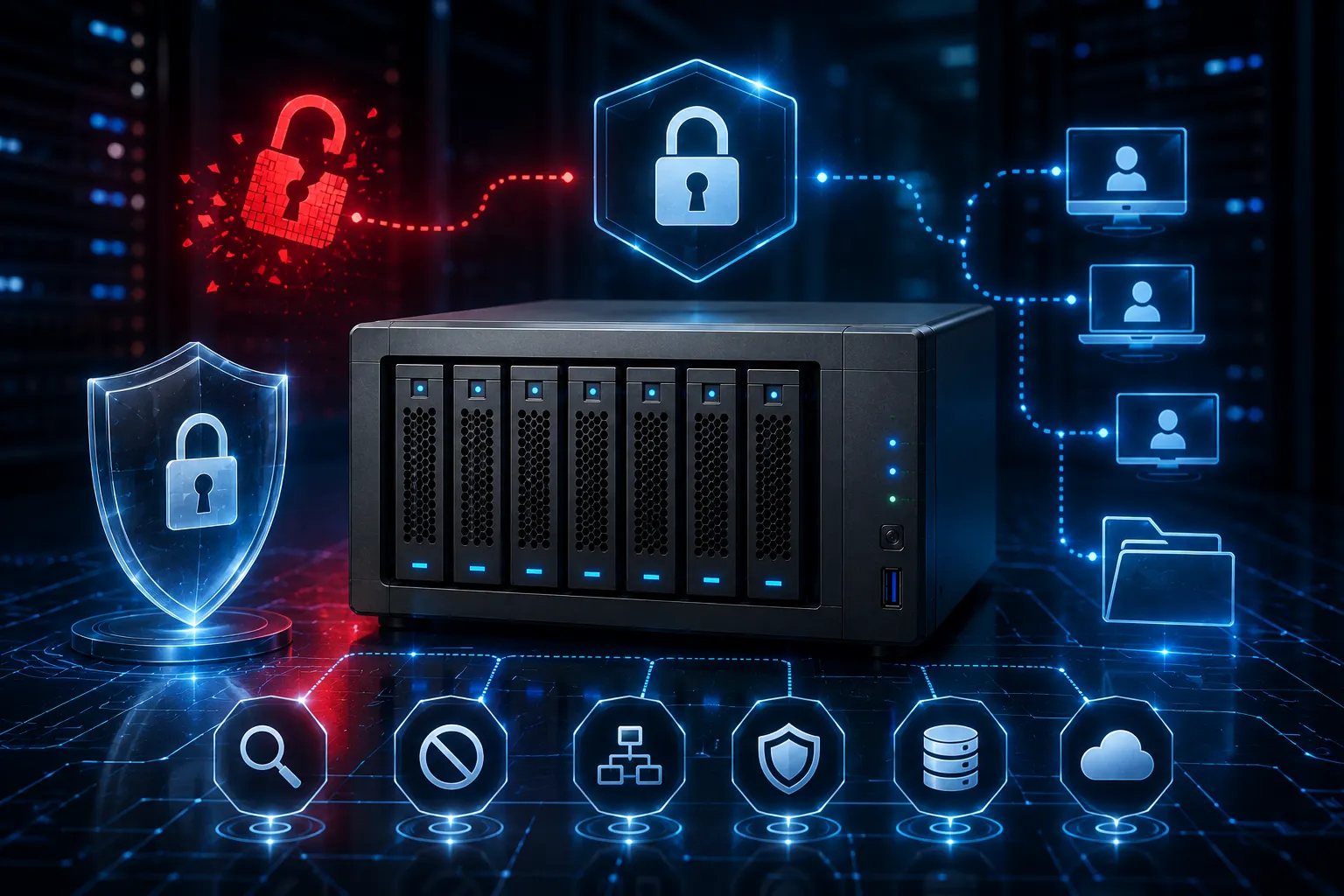
During configuration, you will set up user accounts, define access permissions, and enable security features like a firewall and two-factor authentication (2FA). This ensures your private cloud is secure from unauthorized access.
4. Integrate with Public Cloud Services
This is where the hybrid model comes to life. Most NAS operating systems include native applications for cloud synchronization.
- Amazon S3
- Microsoft Azure
- Google Cloud Storage
- Dropbox
- Google Drive
- Microsoft OneDrive
You can configure these tools to perform one-way or two-way synchronization. For instance, you could set up a one-way backup of your most critical NAS folders to a public cloud service for disaster recovery. Alternatively, you could use two-way sync to keep a folder on your NAS and a folder in Google Drive identical, enabling seamless collaboration between on-site and remote team members.
Your Path to a Smarter Storage Solution
Building a hybrid cloud with Network Attached Storage offers a balanced and powerful solution for modern businesses. It combines the security, control, and long-term cost savings of on-premises storage with the unmatched flexibility and accessibility of the public cloud. By carefully planning your strategy and choosing an affordable NAS storage device that meets your needs, you can create a secure, scalable, and efficient IT environment that empowers your organization to thrive.
Ready to take control of your data? Start exploring NAS solutions today and discover how a hybrid cloud can transform your data management strategy for the better.
























Sign in to leave a comment.