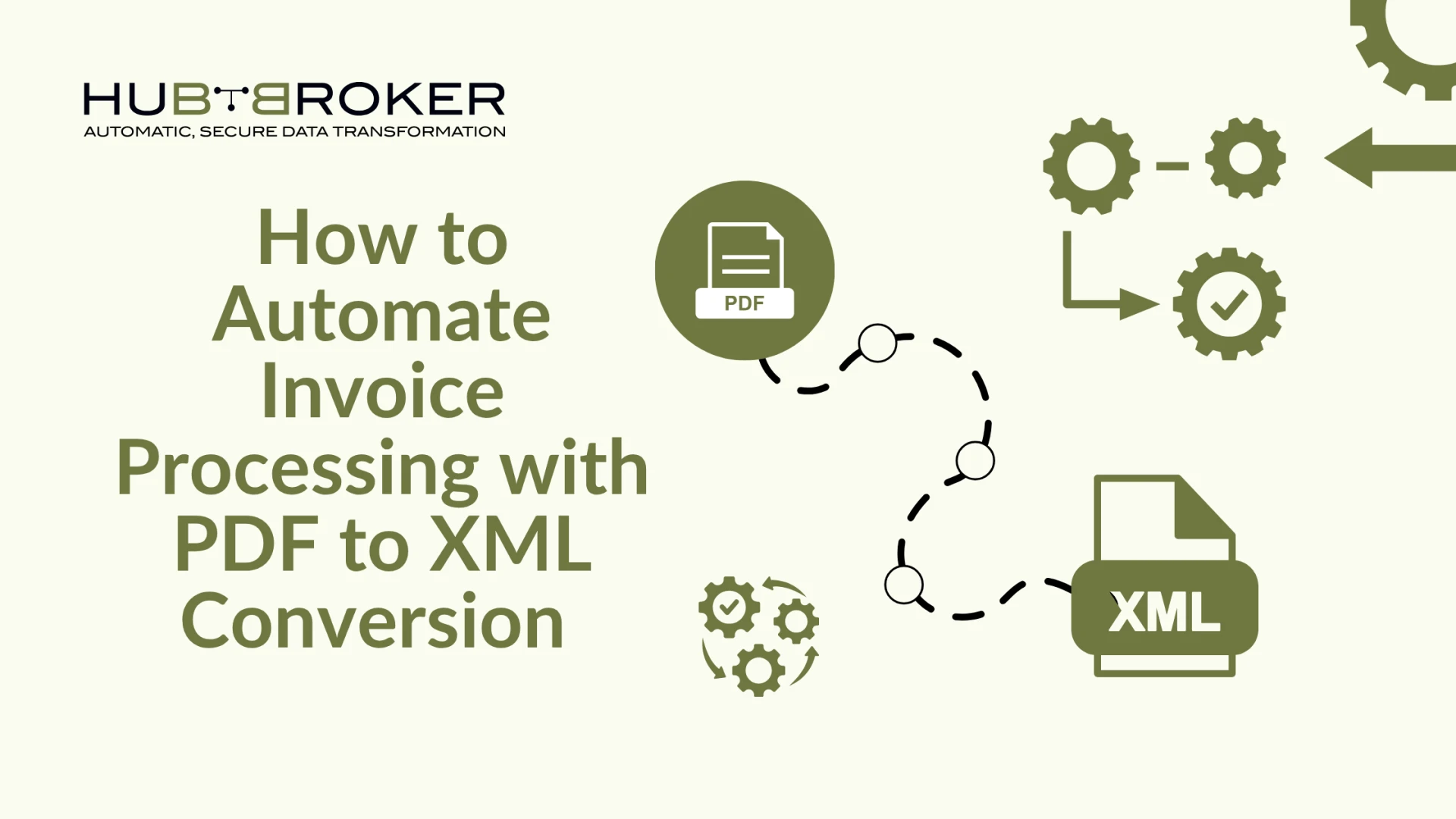

In business, invoices are indispensable — they facilitate cash flow, ensure suppliers are paid, and maintain orderly financial records. Yet, the manual handling of invoices can be a drag, consuming time, causing headaches, and leading to numerous errors. The solution? Automation, especially the conversion of PDF invoices into XML files. This smart upgrade is revolutionizing accounts payable, empowering professionals to cut down on time and costs.
What Is Automated Invoice Processing and Why Does It Matter Today
The Problem with Manual Invoice Handling
Processing invoices manually means paper trails, email attachments, typing data into spreadsheets, and hoping everything balances. It's a repetitive task, and the margin for error is enormous — especially when you're dealing with hundreds or thousands of invoices a month. Plus, late payments or data mistakes can cause vendor friction or even financial penalties.
Introduction to PDF to XML in Invoicing
Automating this process starts with converting static PDFs into XML. Why XML? Because it's structured and machine-readable. PDF to XML conversion makes it possible for invoice data to be automatically pulled into your financial systems with zero manual input. That means no more keying in invoice amounts, due dates, or vendor details — the system does it for you.
Understanding the PDF to XML Conversion Process
Key Data Extracted from PDF Invoices
Automated software pulls out key details from your invoices: invoice number, dates, vendor information, line items, totals, and tax amounts. Rather than going through each document by hand, the application scans and sorts the data, streamlining the entire workflow.
Overview of XML Schema for Invoice Data
An XML file isn't just a document; it's a blueprint. It defines where each piece of information goes and how systems should interpret it. Structured invoice data in XML ensures seamless integration with your accounting software or ERP, with no confusion about fields or formatting.
The Role of OCR and AI in Data Extraction
When invoices aren't digital (like scanned copies or images), OCR — Optical Character Recognition — reads the text and converts it into machine-encoded text. This text can then be processed by AI, which can learn to handle different layouts and languages, reducing errors and improving data capture accuracy over time.
Benefits of Automating Invoice Processing
Faster Invoice Approval and Payment Cycles
No more waiting for someone to open an email, review an invoice, and type numbers into a system. Automation speeds up the entire cycle — from invoice arrival to payment — often within hours instead of days.
Improved Accuracy and Fewer Manual Errors
Manual entry is a breeding ground for mistakes. One missed digit can cause payment delays or accounting issues. Automation ensures consistency and minimises human error, keeping records clean and accurate.
Easier Integration with ERP and Accounting Systems
When invoice data is provided as XML, it can be ingested directly by systems including SAP, Microsoft Dynamics, QuickBooks, and numerous others. This capability removes the necessity for redundant manual entry, thereby fostering a streamlined, efficient, and error-minimized process that extends from the initial document creation to the final payment reconciliation.
Tools and Technologies for PDF to XML Automation
Evaluating PDF to XML Converters and Software Options
There are many software tools available, ranging from simple desktop converters to advanced enterprise platforms. Choose one that fits your volume, complexity, and integration needs.
API-Based Solutions vs Standalone Platforms
If your business wants to build automation into an existing workflow, APIs offer flexibility. If you prefer an out-of-the-box experience, standalone platforms with drag-and-drop interfaces might be a better fit.
Essential Features to Look For
Look for batch processing, OCR capabilities, XML schema customization, integration support, and intelligent error handling. These features will save you time and headaches in the long run.
Step-by-Step Guide to Implementing Automation
Assessing Your Current Workflow
Before you automate, take stock of your current process. What slows things down? Where do errors happen? Mapping this out helps you see precisely where automation will have the most impact.
Selecting and Setting Up the Right Tool
Choose a solution that suits your needs, and make sure it supports your invoice formats. For example, HubBroker offers tailored PDF to XML automation solutions designed for fast, accurate implementation.
Mapping, Validation, and Testing
Subsequently, adjust the configuration of the system to accurately identify and correlate the designated invoice fields. Conduct comprehensive tests to verify that the extracted data conforms to the established specifications, ensuring that all outcomes are satisfactory prior to deploying the solution.
Deployment and Team Training
When everything's set up and running, gather your finance team for training. Even though most tasks are automated, the team will need to supervise the workflows and step in for the occasional odd case that the system can't resolve on its own.
Common Challenges and Solutions
Managing Diverse Invoice Formats
Invoices vary widely in layout and presentation. A robust invoice processing system must handle this diversity without friction, leveraging templating, artificial intelligence, and adaptable field-mapping techniques to reconcile the differing standards of multiple suppliers.
Ensuring Data Validation and Quality Control
Automated systems continue to demand careful oversight. Introduce cohesive validation procedures in concert with exception reporting to detect anomalies immediately, thereby deterring their transmission to both financial statements and external releases.
Scaling for Large Volumes of Invoices
As your enterprise expands, the volume of operational demands inevitably increases. Ensure your automation platform possesses the capacity to scale seamlessly, managing thousands of invoices monthly without a decline in processing velocity or data integrity.
Real-World Examples and Case Studies
Business Use Cases of PDF to XML Automation
From manufacturing to logistics, businesses are cutting down invoice processing time by more than 70% through automation. It's not just for big companies either — small and mid-sized businesses benefit too.
Time and Cost Savings in Action
One company using automated PDF to XML conversion reduced its invoice processing time from days to minutes. This not only saved them thousands of dollars a month in Laboure costs but also improved their vendor relationships by ensuring timely payments and accurate records.
The Future of Invoice Automation with PDF to XML
Trends in AI-Powered Document Processing
AI is steadily redefining how invoices are handled. Soon, you'll see extraction tools that read values more accurately, automated classification that learns your categories, and fraud detection that warns you mid-upload. Each of these capabilities is moving toward being a default, not a nice-to-have.
Evolving Standards in e-Invoicing and Compliance
As global e-invoicing standards tighten, automating invoice workflows with XML keeps your business ready and compliant. It's not just efficient — it's future-proof.
Final Thoughts and Recommendations
Is Your Organization Ready to Automate?
If your company battles a mountain of invoices every month, or if you've grown weary of fixing the same typos again and again, it's time to consider automation. You don't need to be a huge tech outfit; every small and mid-sized business that cares about saving time and getting numbers right can benefit. Start your journey towards automation today.
Starting with a Pilot Project for Measurable Results
You don't have to overhaul everything at once. Start small. Choose a few vendors, test the process, and measure your results. Once you see the improvement, scaling becomes the natural next step.


























Sign in to leave a comment.