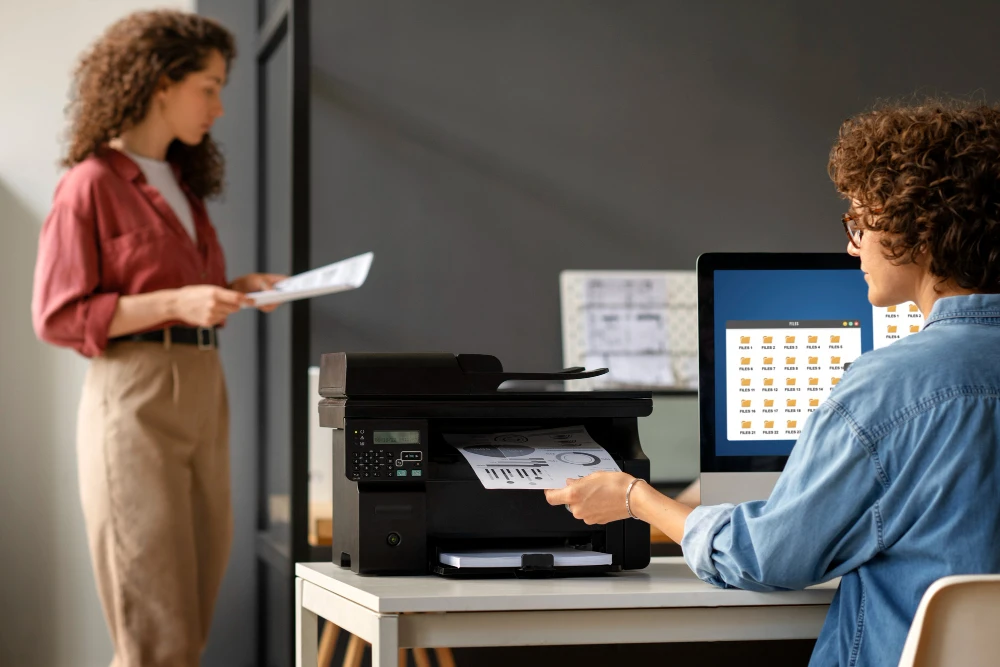

Choosing the right commercial office printer is a critical decision for any business, whether you run a small startup, a growing mid-sized company, or a large enterprise. A printer is not just a piece of office equipment—it plays a vital role in daily operations, productivity, document quality, and long-term costs.
With so many models, features, and pricing options available, selecting the right commercial office printer can feel overwhelming. This guide will walk you step by step through everything you need to know, helping you make a smart, informed decision that aligns with your business needs and budget.
Understanding What a Commercial Office Printer Is
A commercial office printer is designed specifically for business environments with higher printing demands than home or personal printers. These printers are built for:
- High-volume printing
- Faster print speeds
- Greater durability
- Advanced features such as scanning, copying, faxing, and finishing
- Lower cost per page
Unlike consumer printers, commercial office printers are engineered to handle daily workloads reliably and efficiently.
Step 1: Assess Your Business Printing Needs
Before comparing models, start by evaluating how your business actually prints.
Monthly Print Volume
Determine how many pages your office prints per month. This is one of the most important factors when choosing a commercial office printer.
- Low volume (1,000–3,000 pages/month): Small offices
- Medium volume (3,000–10,000 pages/month): Growing teams
- High volume (10,000+ pages/month): Large or print-heavy offices
Choosing a printer rated for your workload prevents breakdowns and excessive maintenance.
Color vs. Black-and-White Printing
Ask yourself:
- Do you print mainly text documents?
- Do you need color for presentations, marketing materials, or reports?
If color is used only occasionally, a monochrome printer may be more cost-effective. However, businesses that rely on visuals should invest in a color commercial office printer.
Single Function vs. Multifunction Printer
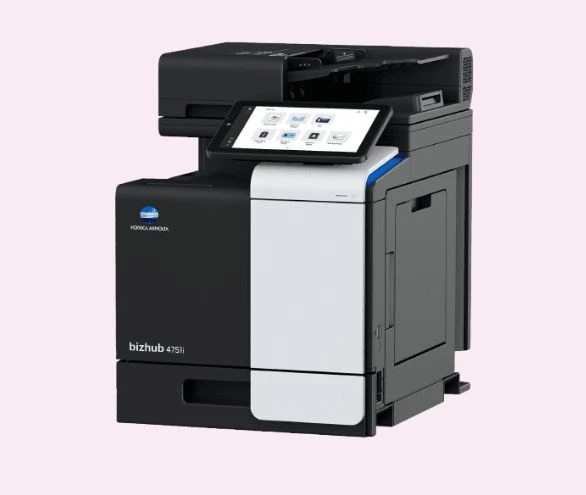
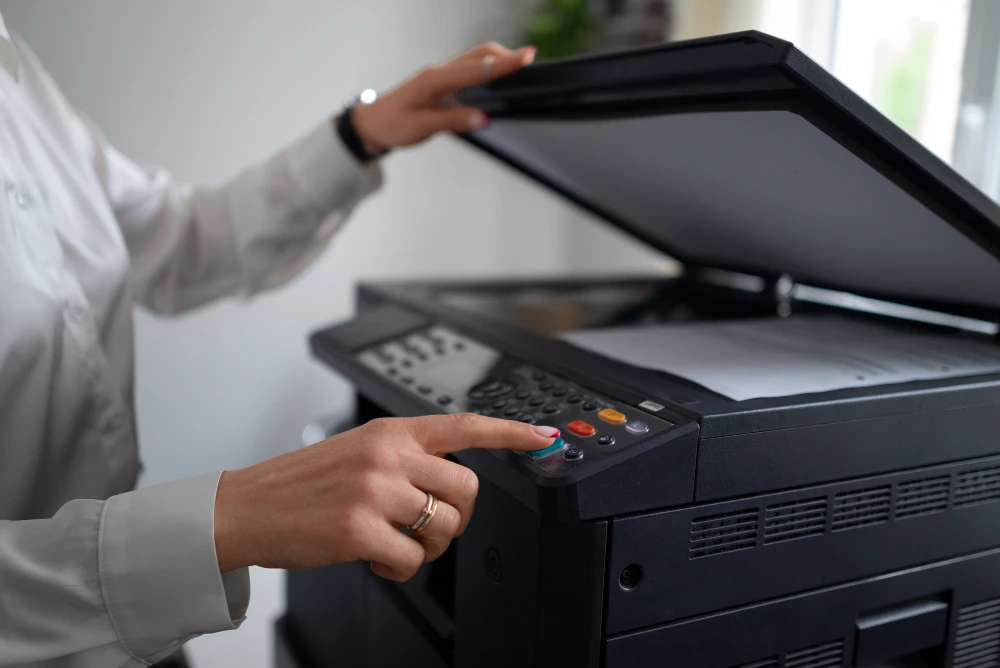
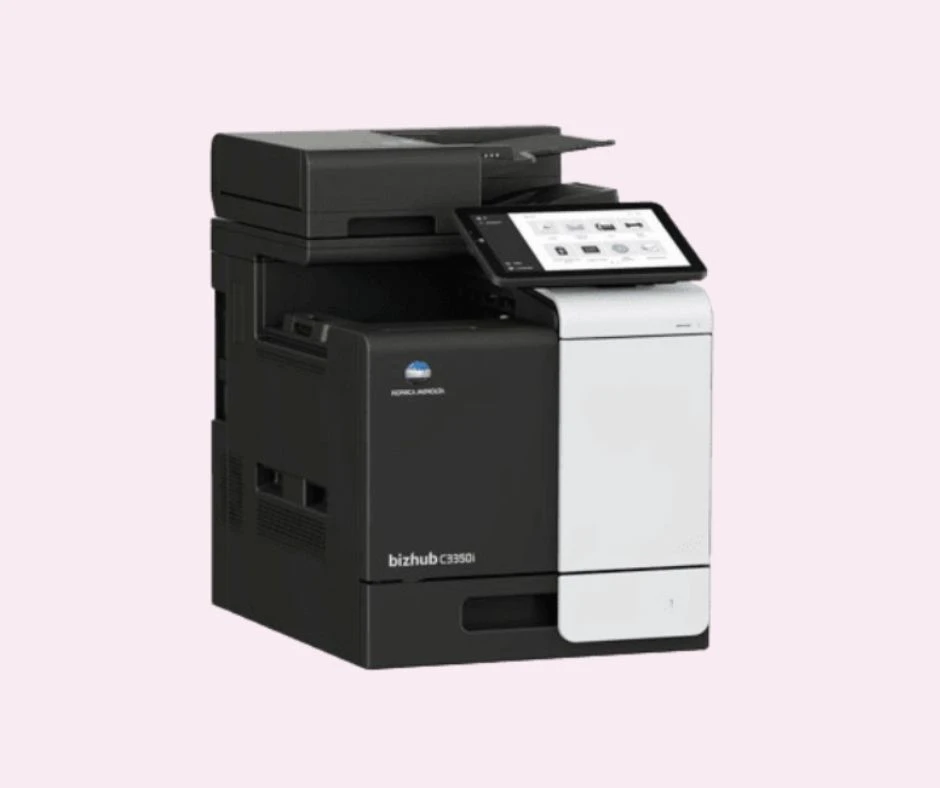
A multifunction printer combines printing, scanning, copying, and sometimes faxing into one machine.
Benefits of multifunction printers:
- Saves office space
- Reduces equipment costs
- Streamlines workflows
Most modern offices benefit from multifunction models.
Step 2: Choose the Right Printer Type
There are two main types of commercial office printers.
Laser Printers
Laser printers are the most common choice for business use.
Advantages:
- Fast print speeds
- Sharp text quality
- Low cost per page
- Ideal for high-volume printing
Best for: Offices that print large amounts of text documents daily.
Inkjet Printers (Commercial-Grade)
Commercial inkjet printers have improved significantly in recent years.
Advantages:
- Excellent color quality
- Lower upfront cost
- Energy-efficient
Best for: Businesses focused on graphics, images, or color-heavy documents.
Step 3: Evaluate Print Speed and Performance
Print speed is measured in pages per minute (PPM).
- Small offices: 20–30 PPM
- Medium offices: 30–45 PPM
- Large offices: 45+ PPM
A fast commercial office printer reduces waiting time, improves productivity, and supports busy teams.
Also consider:
- First-page-out time
- Processor speed
- Memory capacity
These factors affect overall performance, especially when multiple users print at the same time.
Step 4: Paper Handling and Capacity
Paper handling capabilities determine how efficiently your printer operates.
Input Trays
Look for:
- Large paper trays (500+ sheets)
- Multiple trays for different paper sizes
This reduces the need for frequent refills.
Output and Finishing Options
Advanced commercial office printers may include:
- Stapling
- Hole punching
- Folding
- Booklet making
These features are valuable for offices producing professional documents in-house.
Step 5: Connectivity and Integration
Modern offices require seamless connectivity.
Essential Connectivity Options
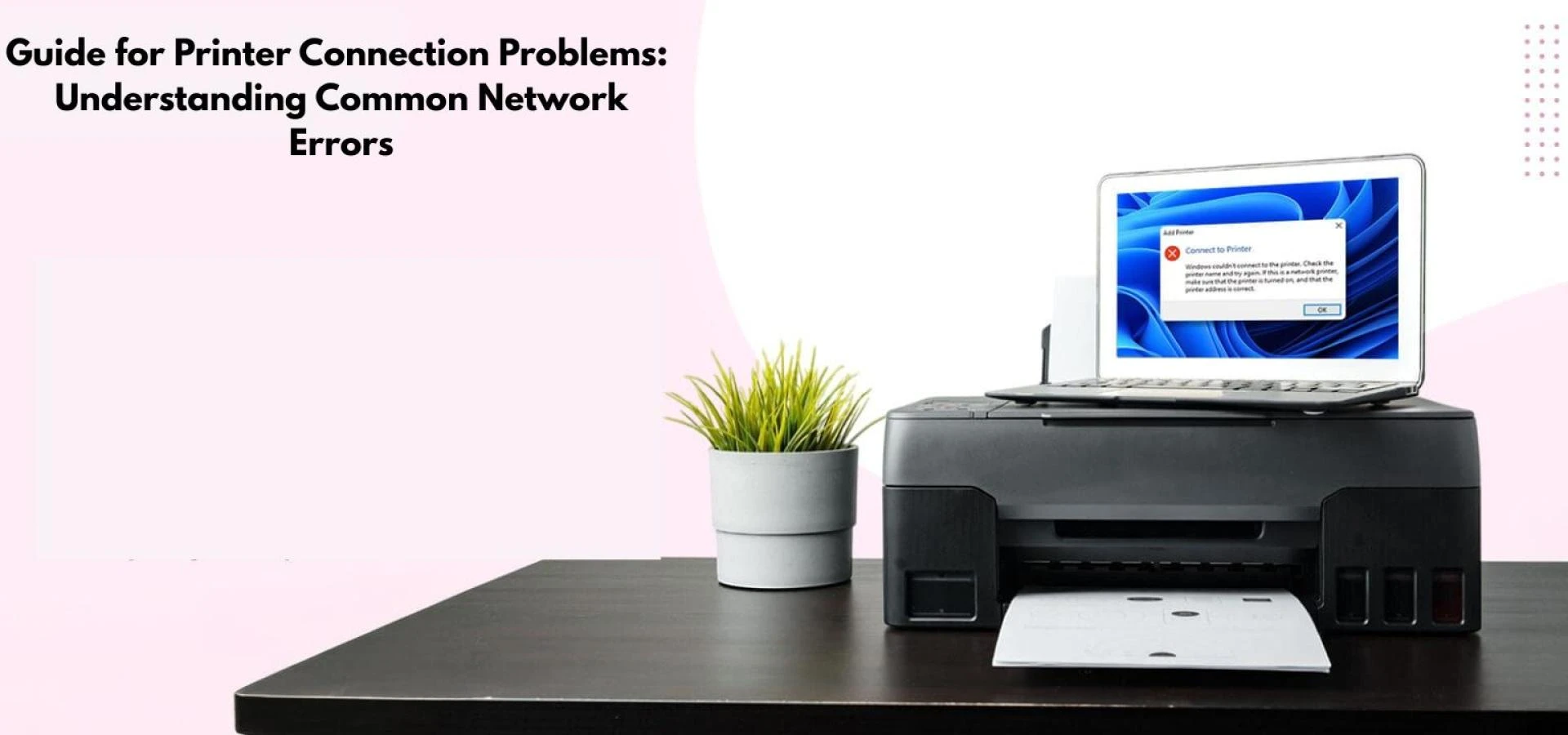
Your commercial office printer should support:
- USB
- Ethernet (network printing)
- Wi-Fi
Mobile and Cloud Printing
Look for features such as:
- Mobile printing from smartphones and tablets
- Cloud printing integration (Google Drive, OneDrive, etc.)
These features support remote work and flexible office environments.
Step 6: Security Features Matter
Printer security is often overlooked but extremely important.
Why Printer Security Is Important
Commercial office printers store data and connect to your network, making them potential security risks.
Key Security Features to Look For
- User authentication (PIN or badge access)
- Secure print release
- Data encryption
- Automatic data deletion
Investing in a secure commercial office printer helps protect sensitive business information.
Step 7: Total Cost of Ownership (TCO)
The purchase price is only part of the cost.
Costs to Consider
- Toner or ink replacement
- Maintenance and repairs
- Energy consumption
- Paper usage
A higher-priced commercial office printer may offer lower long-term costs due to efficiency and durability.
Cost Per Page
Always check the estimated cost per page. This helps compare printers accurately and predict long-term expenses.
Step 8: Ease of Use and User Experience
A good commercial office printer should be easy for everyone to use.
Look for:
- Intuitive touchscreen controls
- Clear menu navigation
- Quick access to common functions
User-friendly printers reduce training time and improve efficiency.
Step 9: Reliability and Durability
Downtime costs businesses time and money.
Key Indicators of Reliability
- Strong build quality
- High-duty cycle ratings
- Positive user reviews
A reliable commercial office printer ensures consistent performance even under heavy workloads.
Step 10: Service, Support, and Warranty
Even the best printers need maintenance.
What to Look For
- Manufacturer warranty
- Local service availability
- Maintenance contracts
Reliable support ensures your commercial office printer stays operational when you need it most.
Step 11: Scalability for Future Growth
Your business may grow—your printer should grow with it.
Choose a commercial office printer that:
- Supports higher print volumes
- Allows add-on trays or finishing modules
- Can integrate with future software systems
Planning ahead prevents costly replacements later.
Step 12: Environmental Considerations
Sustainability matters to many businesses.
Eco-Friendly Features
- Energy-saving modes
- Duplex (double-sided) printing
- Low-emission certifications
An eco-friendly commercial office printer reduces waste and operating costs.
Common Mistakes to Avoid When Choosing a Commercial Office Printer
- Buying based on price alone
- Ignoring monthly print volume
- Overlooking security features
- Underestimating ongoing costs
- Choosing consumer-grade printers for business use
Avoiding these mistakes ensures a better long-term investment.
Final Checklist Before You Buy
Before purchasing a commercial office printer, confirm:
- It meets your print volume needs
- It supports required features
- It fits your office space
- It offers reliable support
- It aligns with your budget
Conclusion
Choosing the right commercial office printer is a strategic decision that impacts productivity, efficiency, and operational costs. By understanding your business needs, evaluating printer types, and considering long-term value, you can confidently select a printer that supports your workflow today and scales for tomorrow.
A well-chosen commercial office printer is more than just an office machine—it’s a long-term business asset that helps your organization run smoothly, securely, and efficiently.






















Sign in to leave a comment.