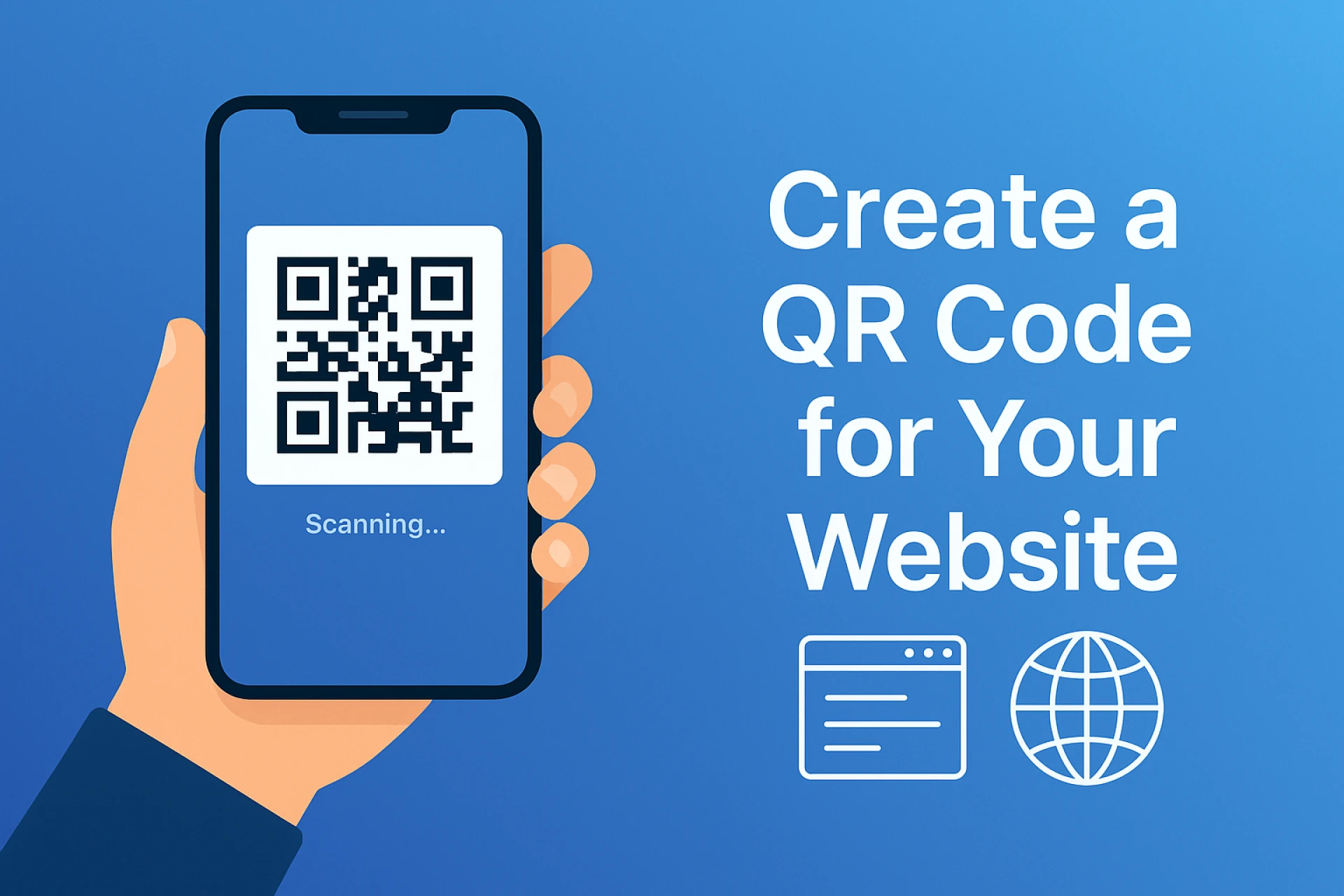

Turn your website into something people can access instantly with just one scan — here’s how to create a custom QR code that does it all.
You’ve probably seen QR codes everywhere — on restaurant tables, posters, business cards, and product packaging. In 2025, they’re one of the simplest and smartest ways to share online content.
With a QR code for your website, visitors can open your site in seconds by scanning it with their phone’s camera — no typing, no searching.
In this article, you’ll learn exactly how to create one using generate-qr-code.com, and how to use it effectively to bring more traffic to your website.
🔎 What Is a Website QR Code?
A website QR code is a small, square barcode that instantly opens a web page when scanned.
It bridges the gap between physical marketing and your digital presence — connecting offline audiences directly to your website.
You’ll often see website QR codes used on:
- Business cards
- Flyers and brochures
- Product boxes or labels
- Storefront windows
- Menus or event signage
They’re compact, professional, and instantly recognizable.
💡 Why Every Website Needs a QR Code
Adding a QR code to your marketing strategy is a simple yet powerful way to boost engagement. Here’s why:
- Instant access: Scanning is faster than typing a URL.
- Better engagement: Encourages people to act on curiosity immediately.
- Works anywhere: You can print it, display it online, or embed it in media.
- Trackable results: With a dynamic QR code, you can track scans and update links anytime.
- Professional appearance: Makes your business look modern and accessible.
In short — it’s a fast, low-effort way to turn attention into traffic.
⚙️ How to Create a QR Code for Your Website
Here’s how you can make one in less than a minute.
Step 1: Visit generate-qr-code.com
It’s a free, user-friendly online generator made for quick QR code creation.
Step 2: Enter Your Website Link
Paste your full URL (for example: https://yourwebsite.com) into the field.
Step 3: Customize Your QR Code (Optional)
Adjust colors, shapes, or even add your logo to match your brand identity.
Step 4: Click “Generate”
Your QR code appears instantly, ready to use.
Step 5: Sign Up or Log In to Download
Before downloading, you’ll need to sign up or log in — this unlocks access to dynamic QR codes and tracking features.
🔄 Static vs Dynamic QR Codes
When you create your code, you can choose between static or dynamic types.
Static QR Codes:
- The link is permanent and can’t be changed after creation.
- Ideal for links that never expire, like your homepage or portfolio.
Dynamic QR Codes:
- You can edit the destination later without reprinting.
- Allows scan tracking and analytics.
- Perfect for time-sensitive campaigns or promotions.
💡 You can easily create both on generate-qr-code.com once you’re logged in.
🧠 Creative Ways to Use a Website QR Code
Once your QR code is ready, there are endless ways to use it:
- On business cards: Let clients reach your site instantly.
- On flyers and posters: Promote events, launches, or discounts.
- On packaging: Share tutorials, how-to videos, or offers.
- On invoices and receipts: Encourage repeat visits or reviews.
- On store signs: Let people browse your products from outside your shop.
QR codes turn physical interactions into digital opportunities.
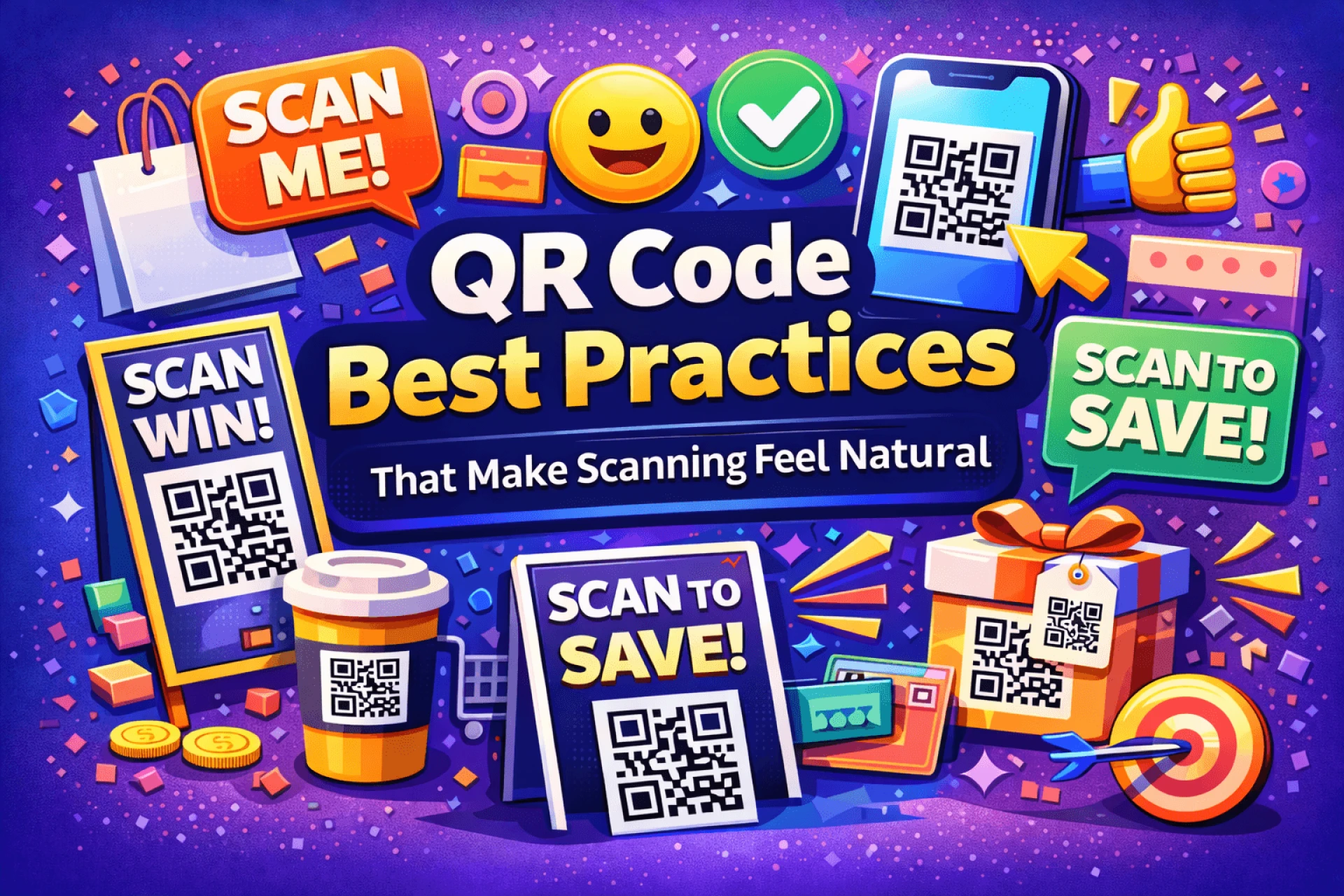
✅ Best Practices for Using QR Codes
To get the most out of your QR codes:
- Test them before printing to ensure they scan correctly.
- Keep strong contrast between the code and background.
- Avoid clutter — leave white space around the code.
- Add a clear “Scan Me” call-to-action.
- Print in high resolution to keep it sharp and readable.
These small details make a big difference in performance.
📈 Do QR Codes Improve SEO?
Not directly — but they do drive traffic and engagement, which can improve your SEO indirectly.
Every scan that leads to a visit increases your site’s visibility, interaction rate, and potential conversions — all key ranking factors.
🚀 Start Creating Your QR Code
It’s never been easier to make your website more accessible.
Go to generate-qr-code.com,
enter your website URL, and create a static or dynamic QR code instantly.
Just sign up or log in before downloading to access all customization and tracking options.
In less than a minute, you’ll have a scannable link that brings people straight to your website.
✍️ Written by
The team at generate-qr-code.com
A free online QR code generator for creating static and dynamic QR codes — simple, secure, and fast.





























Sign in to leave a comment.