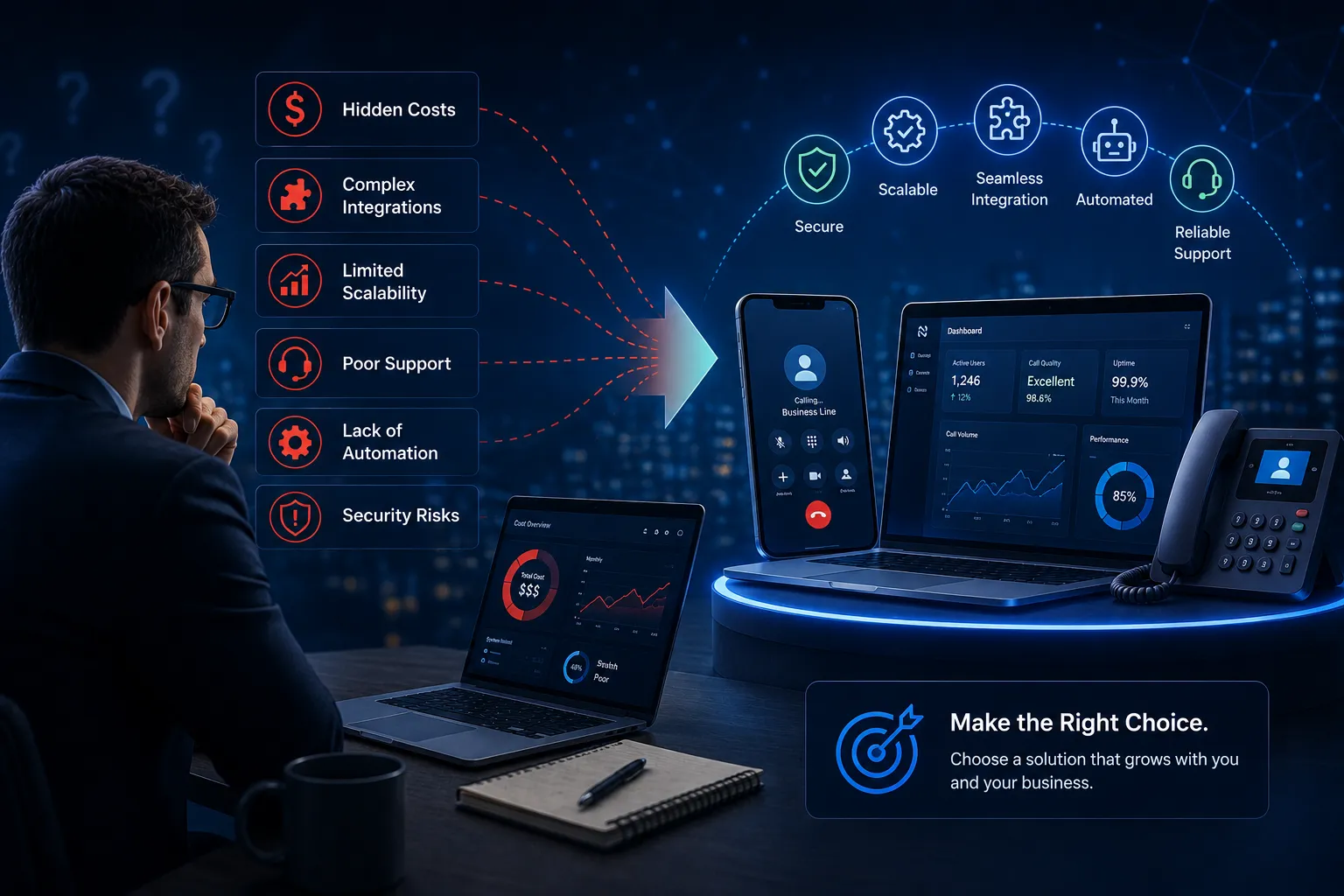

Migrating off a legacy UCaaS platform to NetSapiens has become one of the most common conversations in the service provider world. The math keeps pushing in NetSapiens' direction. Concurrent-session pricing instead of per-seat. Multi-tenant architecture built in from the start. Better APIs. Reseller-friendly economics. For a lot of telecom operators, MSPs, and service providers, the question isn't whether to migrate. It's how to do it without breaking the customer experience along the way.
This is a practical look at what to expect when migrating to NetSapiens. What works, what surprises people, and what's worth planning for before the cutover.
Why the migration conversation keeps coming up
A few forces are pushing service providers to seriously evaluate moving to NetSapiens.
The economics on legacy UCaaS platforms have gotten worse. Per-seat pricing made sense when service providers were running tens or hundreds of end users. At thousands or tens of thousands of users, the math gets brutal. Concurrent-session pricing on NetSapiens lines up better with how usage actually distributes across a real customer base.
The multi-tenant story matters more as reseller businesses scale. Adding a new client tenant on a legacy platform often means weeks of configuration work, support engagements with the vendor, and operational overhead that doesn't scale. NetSapiens treats multi-tenancy as a normal admin task. For service providers running fifteen, fifty, or two hundred reseller clients, the operational difference is substantial.
The API depth opens up integrations that weren't practical before. NetSapiens APIs actually work in production, which means resellers can build custom dashboards, billing automation, specialized workflows, and tighter integration with the rest of their stack without fighting the platform.
The branding control matches the modern reseller market. Service providers selling under their own brand can finally ship branded softphone apps and UCaaS services without compromising on user experience. This is a meaningful upgrade from the old "your logo on our app" approach that most legacy UCaaS platforms still default to.
What the migration process actually looks like
Migrating an existing UCaaS deployment to NetSapiens isn't a single project. It's three or four parallel workstreams that have to coordinate.
The platform side is the most predictable piece. Setting up the NetSapiens tenant structure for your business, configuring dial plans, setting up integrations with your back-end systems, porting numbers, and validating call routing. Most experienced teams get through this in a few weeks for a serious deployment. The NetSapiens Manager Portal takes some getting used to but follows a recognizable pattern once the first few tenants are configured.
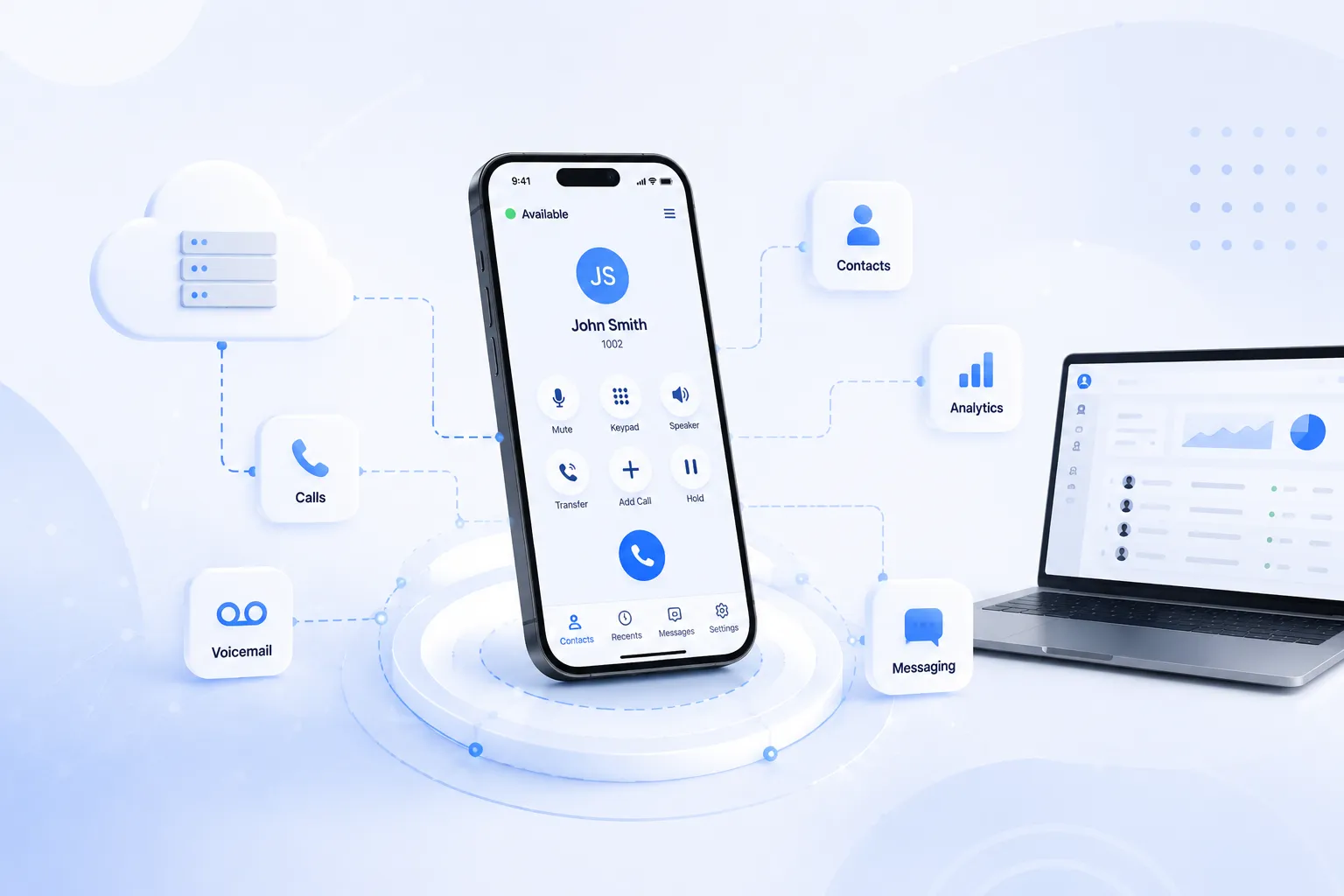
The trickier piece is the user-facing transition. Your existing customers are using a softphone, mobile app, or desktop client today. Moving them onto NetSapiens means either using NetSapiens' default clients or pairing the platform with a third-party softphone that integrates natively with it. Most service providers underestimate this part during migration planning.
The default NetSapiens softphone works for basic calling. For service providers building branded UCaaS services for end customers, "works for basic calling" is rarely enough.
Customers expect their calling app to carry their service provider's branding, not someone else's. They expect mobile push notifications to work reliably. They expect call center features on mobile if they're running agent operations. Service providers planning a migration to NetSapiens should evaluate white-label softphones that integrate natively with NetSapiens alongside the platform decision itself, not as an afterthought.
The third workstream is the data migration. Voicemails, call history, recordings, contact lists, integration configurations. Some of this transfers cleanly between platforms. Some requires manual recreation. Some can't be carried over at all and has to start fresh on the new system. Plan for this work explicitly during migration planning.
The fourth workstream, often underestimated, is customer communication. Existing end customers need to know what's changing, when, and what they need to do. Resellers serving fifteen or fifty customer accounts can't push a migration through silently. The communication plan matters as much as the technical plan.
What surprises people during the migration
A few things consistently surprise service providers going through their first NetSapiens migration. The platform configuration is easier than expected. NetSapiens has a learning curve, but the system is designed for the operational patterns that resellers actually run. After the first few tenant setups, the rest follows recognizable patterns.
The softphone decision is harder than expected. Most teams enter the migration thinking the softphone choice will be a quick decision after they pick the platform. It rarely is. Evaluating white-label softphone options properly takes weeks of testing against real-world conditions, especially mobile push notifications, call quality on cellular networks, and integration with NetSapiens' provisioning workflows.
Push notification reliability varies more than vendors admit. The lock-the-phone-and-wait-an-hour test eliminates a surprising number of softphone candidates. Service providers running mobile-first customers should make this test the first filter, not the last.
Auto-provisioning makes or breaks scale. Moving from hundreds to thousands of users on the new platform requires solid auto-provisioning that hooks into NetSapiens cleanly. Provisioning depth determines whether onboarding new users takes minutes or hours, which compounds significantly at scale.
The customer migration is the longest piece. Technical migration of a single tenant might take days. Customer migration of an entire reseller book of business can take months because each end customer has its own timing, training needs, and migration windows.
How to plan a successful NetSapiens migration
The service providers who run smooth NetSapiens migrations tend to follow a pattern.
They evaluate the softphone layer at the same time as the platform, not after. The softphone decision determines the customer experience and is harder to change post-migration than people assume.
They run parallel operations during the cutover period. The old platform stays live alongside the new NetSapiens deployment for at least a few weeks. Customers can be migrated in phases. Issues can surface and get fixed without breaking anyone's service.
They test under real network conditions before customer migration begins. Office Wi-Fi tests are not enough. Cellular networks, home internet, hotel Wi-Fi, public networks. The softphone has to work everywhere the customer actually uses it.
They communicate aggressively with end customers throughout the process. Migration is a customer event, not an IT event. The reseller relationships that survive migrations are the ones built on transparency about what's changing and when.
They factor in vendor support quality during evaluation. Migrations generate edge cases. When something breaks at an awkward hour during a critical cutover window, the speed of vendor response matters more than every feature on every comparison chart.
Conclusion
The migration conversation is going to keep accelerating. More service providers are evaluating NetSapiens every quarter. The platform's continued investment in AI features, contact center capabilities, and integration depth keeps adding reasons to migrate off legacy systems. The reseller-friendly architecture keeps winning operators who would have stayed on their old platforms five years ago.
For service providers thinking about a NetSapiens migration today, the practical advice is straightforward. Plan the platform side and the softphone side as two parallel workstreams, not sequential ones. Test mobile and customer-facing experience under real conditions before cutover. Communicate with end customers throughout. Pick vendors based on operational reality, not on the strength of their marketing.
The migrations that go smoothly are the ones that took the planning seriously. The ones that struggle are usually the ones that treated the softphone layer or the customer communication as afterthoughts.























Sign in to leave a comment.