

We have all been there. You are working on a critical project, and the file name reads "Project_Proposal_Final_v3_EDIT_FINAL." You send it to a colleague, who makes changes and sends back "Project_Proposal_Final_v4_REAL_FINAL." Suddenly, you have two different versions of the truth, storage space is being eaten up by duplicates, and nobody knows which document is the right one to send to the client.
This scenario is a productivity killer. When teams rely on email attachments, USB drives, or disjointed cloud links to share files, they inadvertently create data silos. This slows down workflows and introduces the risk of costly errors.
For businesses looking to centralize their data and speed up teamwork without the headache of constant file duplication, Network Attached Storage (NAS) provides a powerful answer.
What is NAS Storage?
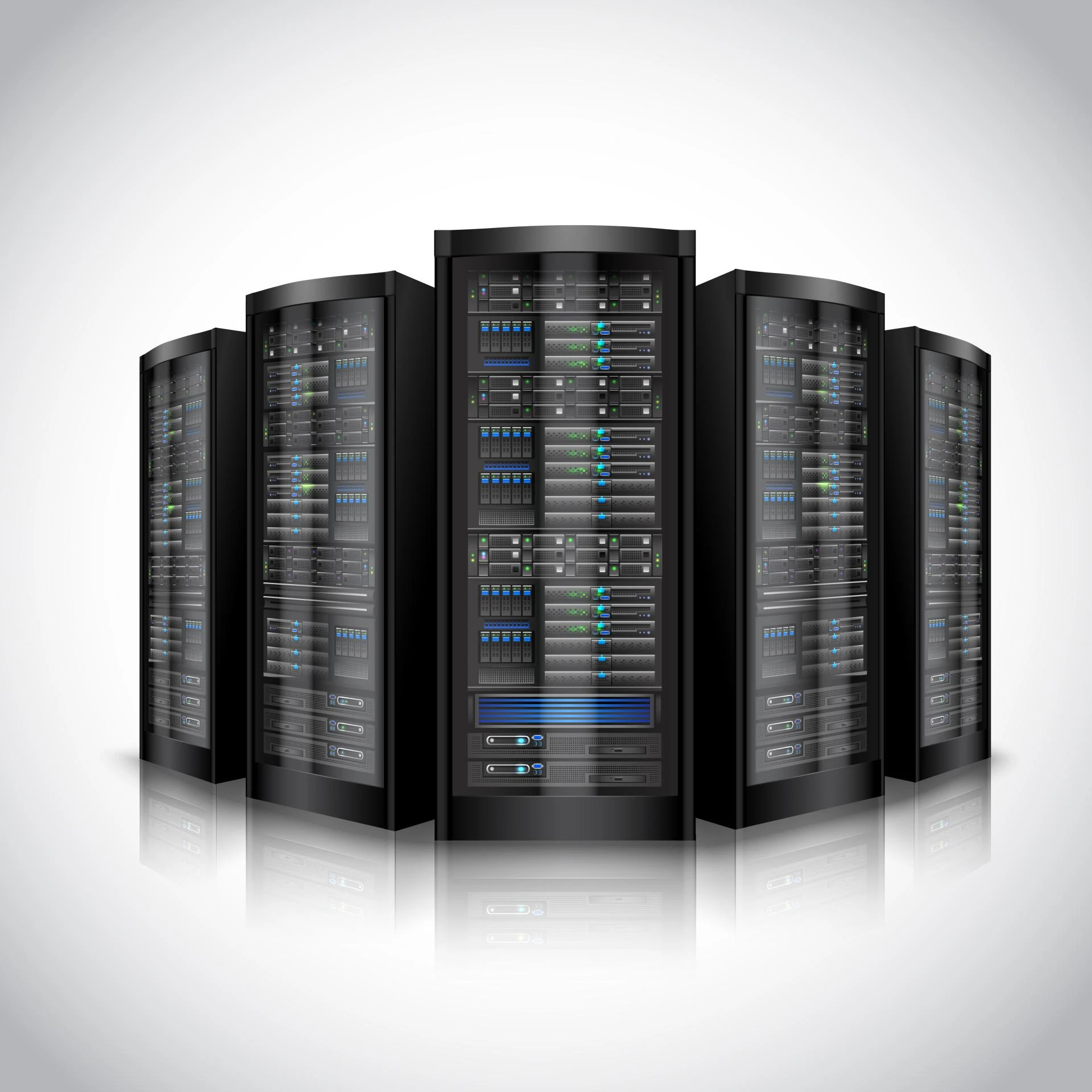
At its simplest, NAS storage is a dedicated file storage server connected to your network. Unlike a standard external hard drive that plugs into a single computer via USB, a NAS device connects to your router or switch via an Ethernet cable.
This connection allows multiple users and heterogeneous client devices (like Windows, Mac, and Linux machines) to retrieve data from a centralized disk capacity. NAS solutions act as a private cloud for your office, keeping data on-site, accessible, and fully under your control.
The "Single Source of Truth"
The primary enemy of efficient collaboration is data duplication. When five employees download a 500MB video file to their local desktops to work on it, you haven't just used 2.5GB of storage; you have created five separate timelines for that project.
NAS solutions solve this by hosting the master file. Instead of moving the data to the user, the user connects to the data.
Simultaneous Access
Team members can access the same files at the same time. Advanced NAS operating systems handle file locking and permissions, ensuring that two people don't overwrite each other's work while allowing for seamless reading and reviewing.
Version Control
Because everyone is working off the central NAS, there is no confusion about which file is the most current. The file sitting on the server is the file everyone sees. This eliminates the need to reconcile different versions at the end of a project, saving hours of administrative work.
Speed: Keeping Workflows Moving
Cloud storage services like Google Drive or Dropbox are excellent for many things, but they have a bottleneck: your internet connection.
If you are a creative agency, an architecture firm, or any business handling large datasets, waiting for files to upload and download from the public cloud can kill your momentum.
NAS solutions operate on your Local Area Network (LAN). This means data transfer speeds are limited only by your internal network hardware (routers and cabling), not your ISP's bandwidth. With modern Gigabit or 10-Gigabit Ethernet connections, opening a massive 4K video file or a complex CAD drawing from a NAS feels almost as fast as opening it from your computer's internal hard drive.
This speed ensures that collaboration happens in real time. With NAS storage, you aren't waiting for a sync bar to complete, you are simply working.
Remote Collaboration Without the Cloud Fees
One common misconception is that NAS storage restricts you to the physical office. Modern NAS devices have evolved significantly. Most leading manufacturers now offer secure remote access features that allow employees to connect to the office NAS from home or on the road.
This creates a hybrid environment. You get the speed and security of on-premise hardware with the flexibility of cloud access, all without paying monthly subscription fees for every terabyte of data you store.
Data Protection and NAS Backup
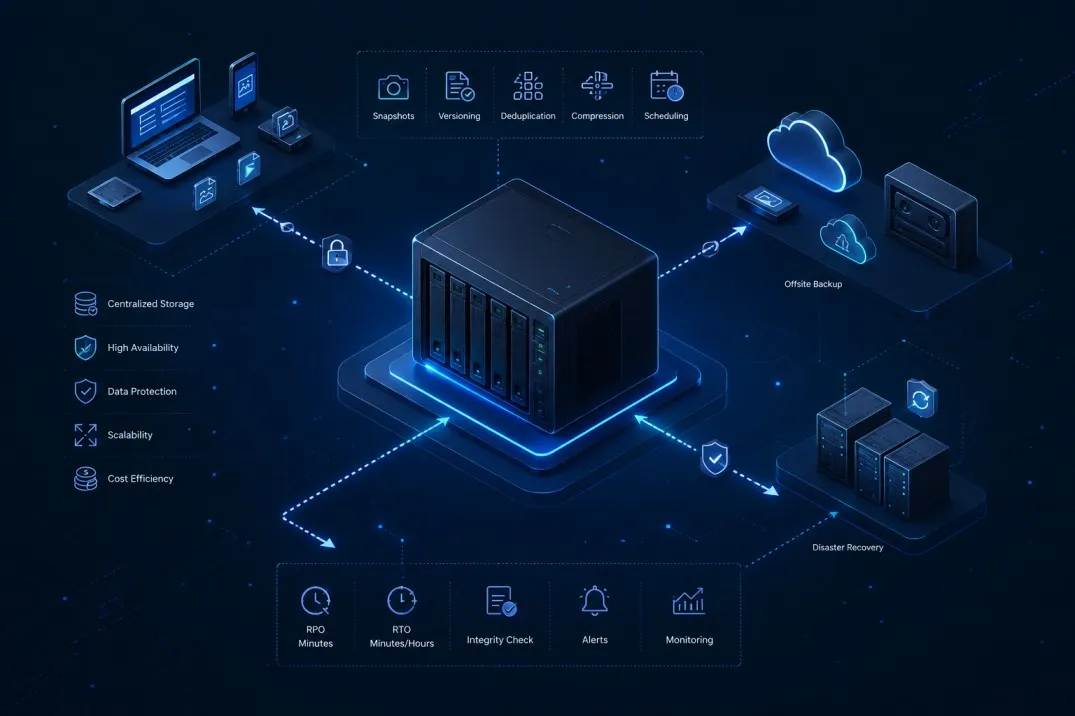
Centralizing your data does more than just help with collaboration; it simplifies your disaster recovery strategy. When files are scattered across twenty different employee laptops, backing them up is a logistical nightmare. If a laptop is lost or a hard drive fails, that unique data is often gone forever.
When everyone works directly off the NAS, you only have one target to protect.
Built-in Redundancy (RAID)
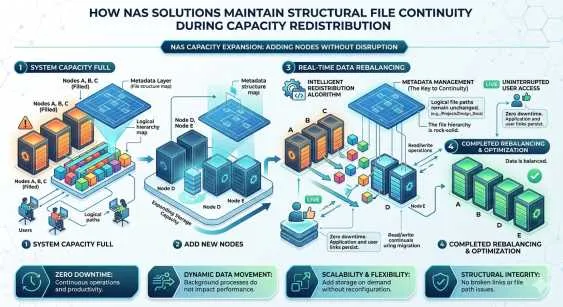
Most NAS devices with two or more hard drive bays support RAID (Redundant Array of Independent Disks). This technology writes your data across multiple drives. If one hard drive fails, your data remains safe and accessible on the others. You simply swap out the bad drive, and the system rebuilds itself—zero downtime, zero data loss.
The 3-2-1 Strategy
While RAID protects against hardware failure, it is not a backup (it doesn't save you from accidental deletion or fire). However, NAS backup software is typically included with the device. This software can automate backing up the NAS contents to:
- An external USB drive attached to the NAS.
- Another remote NAS located off-site.
- A public cloud service (like AWS or Azure) for cold storage.
By automating this process, you ensure that your collaborative work is always preserved without requiring manual intervention from your team.
Choosing the Right NAS for Your Team
If you are ready to implement a NAS solution, consider these factors to ensure it meets your collaboration needs:
- Number of Bays: More drive bays mean more storage capacity and better RAID options. A 2-bay NAS is great for small home offices, but a 4-bay or 6-bay unit offers better scalability for growing small-to-medium businesses.
- Processor and RAM: If multiple users will be accessing heavy files simultaneously, or if you plan to run applications directly on the NAS, opt for a unit with a quad-core processor and upgradable RAM to prevent lag.
- Connectivity: Look for devices with 10GbE ports to ensure faster file transfers for video or large graphics workflows, especially when supporting high-performance NAS backup operations.
Upgrade Your Workflow
Collaboration shouldn't be a struggle against file versions and slow download speeds. By implementing a robust NAS architecture, you create a central hub where work happens seamlessly. You eliminate data duplication, increase access speeds, and ensure that your intellectual property is backed up and secure.
If your team is still emailing files back and forth, it is time to stop the chaos and start collaborating efficiently.

























Sign in to leave a comment.