
Network storage solutions are more critical than ever for businesses and individuals managing an increasing volume of digital data. Whether you are a small business storing files or a tech enthusiast organizing media libraries, investing in the right network-attached storage (NAS) solution can significantly improve your workflow, security, and efficiency.
This blog will walk you through the essential features to consider when choosing a network storage solution so you can make an informed decision that meets your needs.
What Are Network Storage Solutions?
Network storage solutions, often referred to as NAS storage solutions, allow multiple users to store and access data from a centralized location via a network. Unlike traditional external drives, they provide seamless data sharing across devices, offering convenience, scalability, and enhanced security.
But not all NAS solutions are created equal. To ensure you choose the best solution for your setup, focus on the following key features.
Essential Features to Look for in Network Storage Solutions
1. Storage Capacity and Scalability
The first question to consider is how much data you need to store. Storage capacity can vary widely among network storage solutions, from a few terabytes to several petabytes for enterprise-level setups.
It is also crucial to think long-term. Will your storage needs grow? Look for a NAS solution that offers scalability, allowing you to add more drives or expand your storage pool as your requirements increase.
Tip: Consider how easily you can upgrade the solution, such as swapping out drives for higher-capacity ones or integrating additional units.
2. File Backup and Redundancy
Losing important data can be a nightmare, which is why having reliable backup options is non-negotiable. Modern NAS storage solutions should provide robust data redundancy through RAID (Redundant Array of Independent Disks) configurations. Popular RAID levels like RAID 1, RAID 5, and RAID 6 provide varying degrees of redundancy, ensuring your files are safe even if a drive fails.
For added protection, look for features like end-to-end encryption, incremental backup options, and automated scheduling.
3. Speed and Performance
Speed plays a crucial role, especially if you’re working in media production, managing large databases, or editing high-resolution videos. Look for NAS devices with fast processors, sufficient RAM, and support for SSD (Solid-State Drives). These can deliver high-speed data transfer rates with minimal lag.
Another feature to note is gigabit ethernet or 10-gigabit ethernet compatibility, which ensures efficient data transfer over your network.
Example Use Case:
Creative professionals managing multimedia files would benefit from high-speed NAS systems that enable them to stream, edit, and render without interruptions.
4. User-friendly Interface
A user-friendly interface can make managing your NAS system much less daunting, even for non-technical users. Many NAS providers, like StoneFly, offer intuitive management software with dashboards that display key metrics such as storage usage, system health, and active users.
Remote access is another convenience. Ensure the solution includes mobile and web-based apps to manage your data easily from any location.
5. Security Features
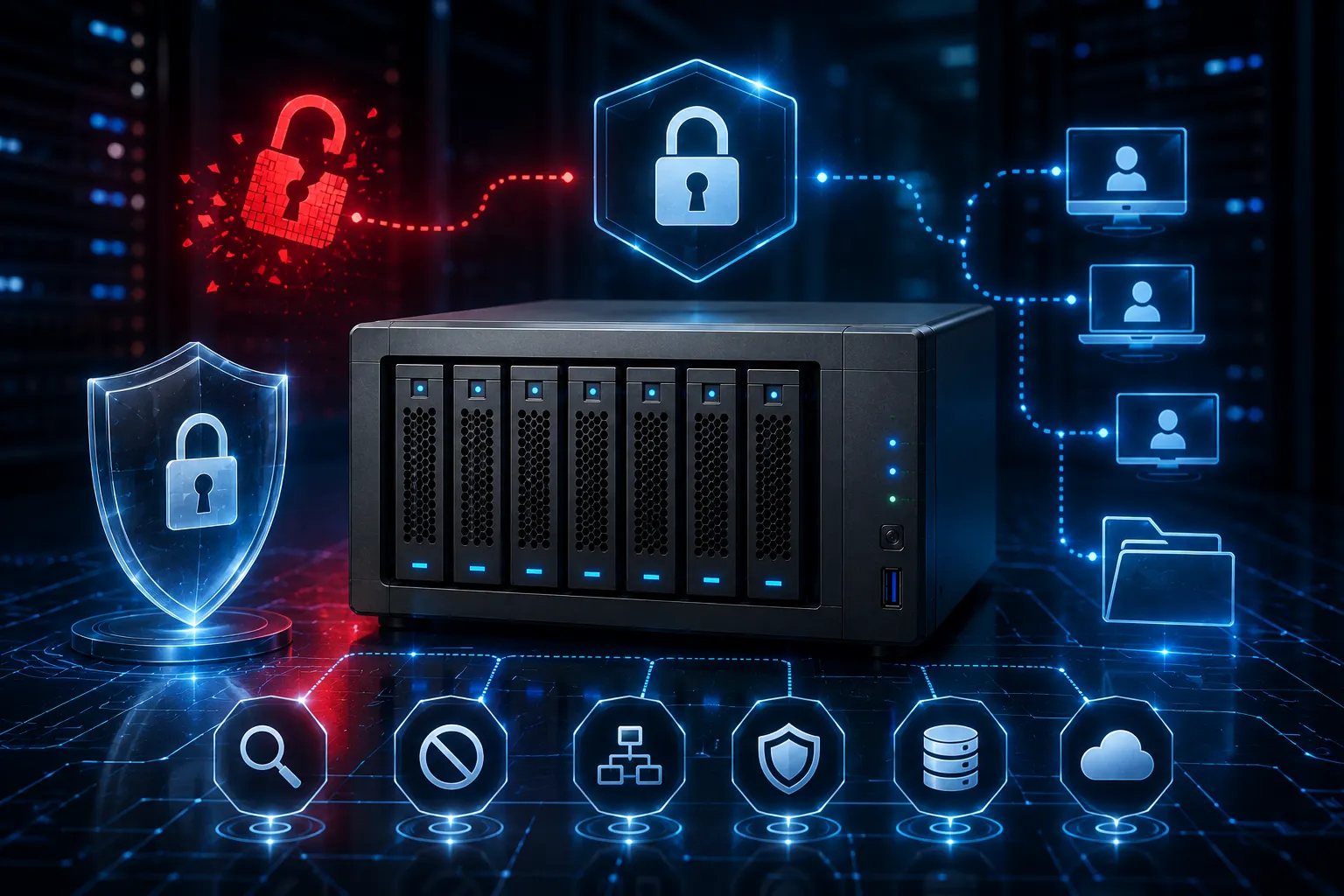
With the rise in cyber threats, safeguarding your data with robust security features is vital. Leading network storage solutions provide enterprise-grade tools like firewalls, antivirus, and malware scanning.
Look for NAS systems that feature:
- Encrypted data transmission to secure files during transfer
- Two-factor authentication (2FA) to protect against unauthorized access
- Role-based user permissions for better administrative control
6. Compatibility and Ecosystem Integration
Your NAS storage solution should integrate seamlessly with the devices and software you already use. Many NAS systems offer cross-platform support for Windows, macOS, Linux, and even mobile platforms.
Additionally, compatibility with popular cloud storage platforms, such as Google Drive, Dropbox, or OneDrive, provides a hybrid model where you can sync and back up data between your NAS and the cloud.
7. Applications and Versatility
The best NAS devices go beyond mere data storage. Many models function as all-in-one servers, offering:
- Media streaming via DLNA or Plex
- Surveillance storage with security camera integrations
- Web hosting to run small websites or manage databases
Business users may also benefit from collaboration tools, centralized email servers, and virtual machine support.
8. Power Efficiency
Energy consumption can add up over time, especially for businesses using the NAS 24/7. Energy-efficient features like scheduled power-off and hibernation modes not only save costs but also extend the lifespan of your hardware.
9. Price and Value
Finally, consider the cost-to-value ratio. While high-end NAS storage solutions offer advanced features, they may not be necessary for all users. Balance your current budget against your long-term needs, ensuring you don’t overpay for capabilities you won’t use.
Many providers offer budget-friendly options without compromising essential functionality.
Why Choosing the Right Network Storage Solutions Matters?
Investing in the right NAS storage solutions is more than just buying hardware; it’s about creating a dependable, scalable, and secure way to manage your data. Whether you’re an individual aiming to keep your media library organized or a business managing sensitive client files, the right NAS solution can enhance efficiency and peace of mind.
Where to Go From Here
Now that you know what to look for in network storage solutions, it’s time to explore your options. Start by assessing your data needs and identifying your priorities. From there, compare leading NAS systems, read reviews, and choose the one that best aligns with your requirements.

























Sign in to leave a comment.