
WordPress has long been a dominant player in the world of content management systems, empowering millions of websites worldwide. Over the years, it has continually evolved to meet the needs of its diverse user base. One of the most significant changes in recent years has been the introduction of the Gutenberg editor. Whether you're a seasoned WordPress user or a novice just getting started, understanding Gutenberg is key to making the most of your WordPress experience. Whether you need a simple blog or a complex eCommerce website, a WordPress development company can help you achieve your goals and maximize the potential of the Gutenberg editor.
Are you new to WordPress or just want to learn more about the Gutenberg editor? This comprehensive tutorial will guide you through everything you need to know about the new WordPress block editor. With this guide, you'll master the WordPress Gutenberg editor and create stunning content no matter your level of experience.
What is Gutenberg?
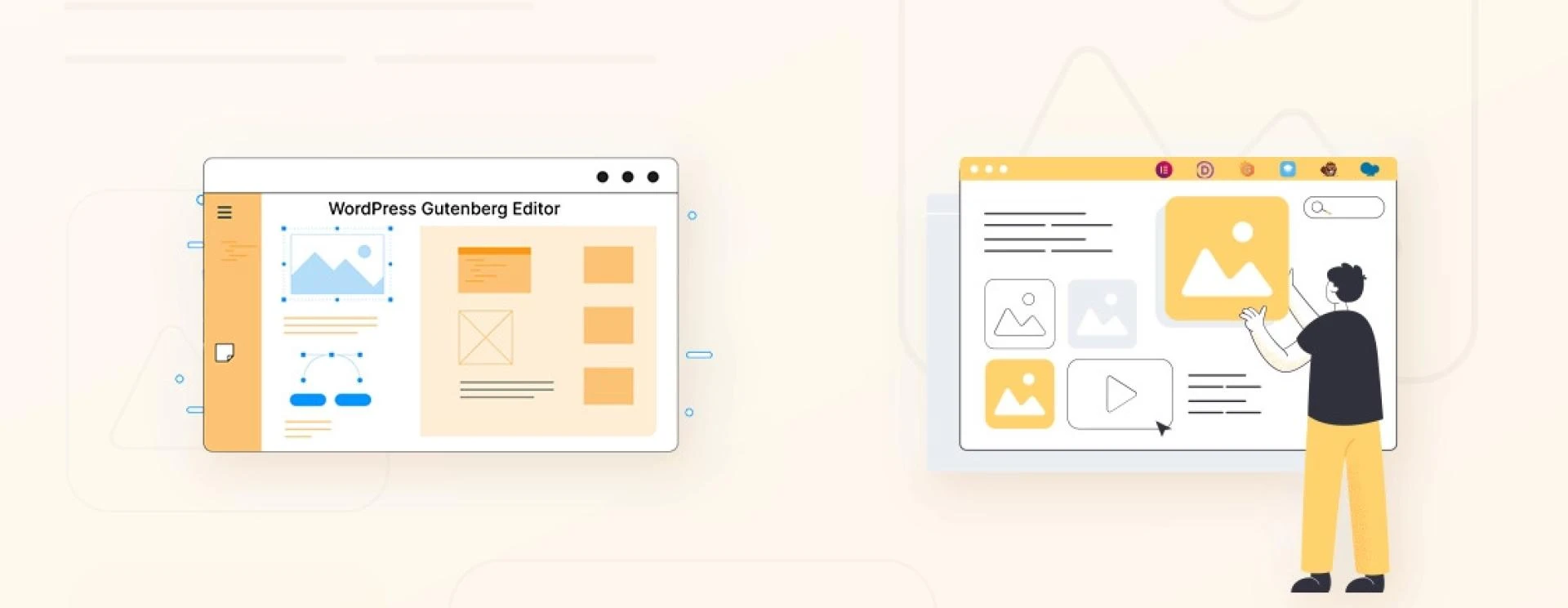
Gutenberg, named after Johannes Gutenberg, the inventor of the printing press, renowned for its distraction-free and content-free environment, is now the default editor for WordPress 5.0. Since its release on December 6, 2018, it has been known as the "block editor" or the "WordPress editor." Built with React, Gutenberg is a client-side interface that enables the construction of media-rich pages and posts via content blocks.
Overview and Statistics of Gutenberg
Gutenberg uses a block-based system, where each piece of content, such as paragraphs, headings, images, or videos, is represented by a block. WordPress Gutenberg Blocks can be easily added, edited, rearranged, and customized, making it more intuitive and flexible for users to create and design their posts and pages.
Active Plugin installationsBlocks and pluginsAdvantages and Disadvantages of Gutenberg
If you're a Classic Editor user or new to both editors, you might be wondering whether to use Gutenberg or stick with the Classic Editor. To help you make an informed decision, let's explore the pros and cons of Gutenberg.
Advantages
User-friendly interfaceBlock-based editingReusable blocksBlock patternsExtensibilityAccessibility improvementsDisadvantages
Learning curveCompatibility issuesPerformance concernsLimited advanced styling optionsMixed user receptionHow to Use the WordPress Gutenberg Block Editor
Block Themes
With the introduction of Gutenberg, WordPress has evolved to support block themes, which are designed to take full advantage of the block editor's features. Block themes are built with the understanding that content creation and design are done primarily through blocks, and they offer seamless integration with the Gutenberg editor.
Template Editing
One of the most significant advancements in Gutenberg is the introduction of template editing. With template editing, you can create, edit, and customize theme templates directly within the block editor. This feature allows you to have more control over your site's design and layout without needing to dive into code or work with a separate theme editor.
How to Create a New Block Post or Page
Creating a new block post or page using Gutenberg, the block-based editor in WordPress, is a straightforward process. Here's a step-by-step guide to help you get started:
1. Log in to your WordPress admin dashboard.
2. Create a new post or page.
3. Customize your blocks.
Extending Gutenberg with Block Plugins
Introduction to Block PluginsInstalling Block PluginsUsing Block PluginsExamples of Block PluginsConclusion
In conclusion, Gutenberg represents a significant transition in the way WordPress content is created and edited. It has profoundly transformed the website-building experience as the modern WordPress block editor by providing a more intuitive, flexible, and user-friendly interface.


























Sign in to leave a comment.