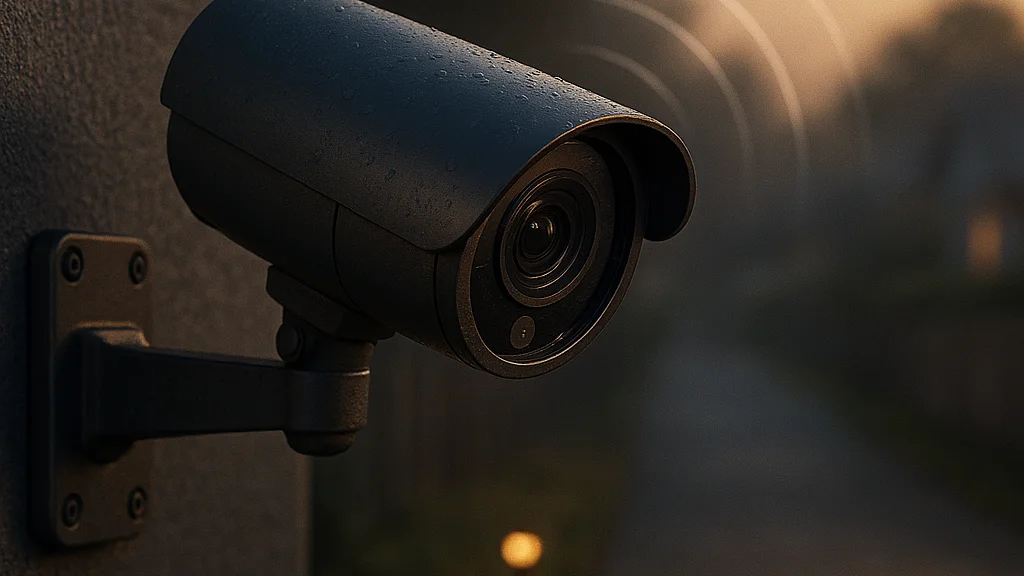

How far can a camera really go before your setup stops feeling like a normal home gadget and starts looking like remote-work infrastructure?
That question sounds dramatic, but it is exactly why long-range wireless security cameras suddenly matter to people who work from home, manage rural property, run a backyard studio, or split time between a city apartment and a second site. A camera that can be installed more than half a mile away is not just a security toy. It can become part of your productivity stack! It can protect a detached workshop where inventory is stored, monitor a gate at a farm office, watch a remote cabin used for focused work, or give a consultant peace of mind while traveling.
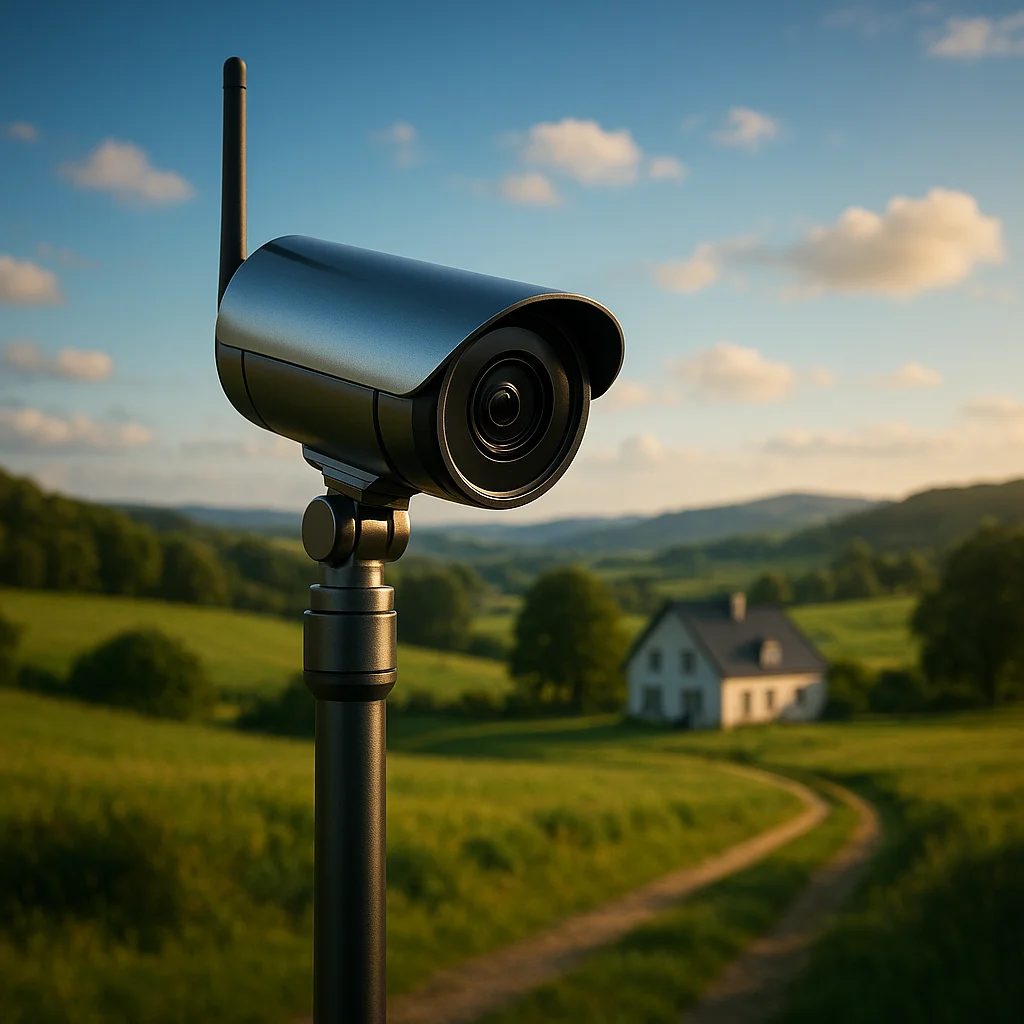
The spark for the current conversation came from reporting by The Verge on xThings' Ulticam, which highlighted a wireless security camera system using Wi-Fi HaLow and claiming installation over half a mile away. That is a different proposition from the familiar consumer camera that starts buffering the moment you move it to the garage. The point is not only range. The point is usable range with lower power consumption and a network design built for difficult distances.
For remote workers, the practical appeal is obvious. Productivity is fragile. If you are trying to write, code, edit video, host client calls, or manage operations from a home base, small security worries eat attention. Did a delivery reach the detached office? Did someone open the gate? Is the equipment shed still locked? A reliable camera network turns those open loops into quick checks instead of constant mental background noise.
There is also a broader consumer push behind this. Home monitoring remains a huge category, and mainstream publications continue to emphasize demand for simple, always-on surveillance. Hindustan Times' overview of home security cameras reflects the same pressure point: people want visibility without standing physically on site. That need becomes sharper, not smaller, when work is distributed across home, road, and side-business locations.
Key idea: A long-range wireless camera is not mainly about spying farther away. It is about reducing friction across dispersed workspaces, assets, and routines.
If you are just getting started, the smartest move is to stop thinking like a gadget shopper and start thinking like an operations manager. What are you trying to see, how often, from what distance, with what power source, and on what network? Once you answer that, the category makes sense fast.
Why this technology matters for remote work more than most people realize
Most security-camera buying guides are written for suburban front doors. Fine. Useful. But that is not the full story anymore. Remote work changed the geography of work itself. People now operate from garden offices, converted barns, multi-building properties, co-living compounds, mobile work trailers, maker spaces, and short-term rentals that double as work retreats. The old assumption was simple: if your Wi-Fi reached the room, your camera worked. If not, tough luck. That assumption is collapsing.
Long-range wireless cameras matter because remote work has stretched the perimeter of what counts as a workplace. A detached office 200 meters away is still your office. A gate where deliveries arrive is part of your workflow. A field equipment locker for drone gear, event supplies, or tools is part of your business continuity. If that space is beyond conventional Wi-Fi, you either ignore it, spend heavily on trenching and wired infrastructure, or look at newer wireless options.
This is where Wi-Fi HaLow enters the conversation. The Verge described the xThings system as using the 900MHz band and aiming for much longer distances than standard Wi-Fi setups. The exact real-world performance will always depend on terrain, walls, weather, and local interference, but the design goal is clear: better range and penetration with lower power requirements than traditional consumer camera radios. That changes the economics for people who need light-touch deployment.
Remote workers should care for three reasons.
- Attention protection: Security uncertainty creates interruptions. You check texts, neighbor messages, package alerts, and motion notifications manually when you do not trust your setup.
- Asset protection: Cameras can cover expensive work gear such as laptops, networking hardware, photography kits, power tools, and stock for small e-commerce operations.
- Operational visibility: Seeing arrivals, deliveries, gate access, or weather impact at a secondary workspace can save a trip and keep your day on schedule.
There is also a social angle. Plenty of remote workers are now micro-operators: one person, two income streams, three storage areas, and a calendar held together by caffeine and determination. For that kind of setup, a camera network is not luxury tech. It is a coordination tool. If you want a broader primer on the category before choosing hardware, WriteUpCafe's What You Need to Know About Long-Range Wireless Cameras is a useful companion read because it frames the tradeoffs in plain language.
Remote work did not just move jobs into homes. It pushed work across driveways, outbuildings, gates, yards, and secondary sites. Security tech is catching up.
That is the real context. This is not a random viral gadget story. It is infrastructure for a more spread-out way of working.
What “over half a mile away” actually means before you buy anything
Here is where people get tripped up! Marketing language around range can sound like a sports highlight reel. Half a mile! Massive coverage! Rural freedom! Then the camera arrives, a wall blocks signal, a metal shed kills performance, and the dream starts posting apology notes on your budget spreadsheet. So let us get precise.
When a publication reports that a system can be installed over half a mile away, that usually refers to ideal or near-ideal conditions, not every backyard on Earth. The Verge's reporting on the xThings Ulticam made the headline point memorable, but even promising radio technologies live and die by deployment conditions. Trees, concrete, metal siding, elevation changes, competing signals, and router placement all matter. Battery life, resolution, frame rate, and event-trigger settings matter too.
Before buying, break the claim into four practical questions.
- What is the line of sight? Open land is easier than dense structures. A clear path can dramatically improve reliability.
- What is the workload? Continuous high-resolution streaming is more demanding than event-based clips and motion alerts.
- What powers the camera? Battery, solar, or wired power changes maintenance and placement flexibility.
- What is the failure cost? A dropped frame at a bird feeder is one thing. Missing access to a storage gate where business equipment sits is another.
For remote workers, this means you should map your use case before comparing brands. Start with the exact location. Measure the distance. Note obstacles. Decide whether you need live viewing, clip review, person detection, or just motion-triggered awareness. If your detached office is 150 meters away with one exterior wall between the hub and the camera, that is a different project from monitoring a gate 800 meters down a private road.
Another issue is bandwidth expectations. Long-range connectivity does not automatically mean premium video quality at all times. Some systems prioritize low power and dependable connection over cinematic footage. That can be the correct tradeoff! If your goal is to know whether a courier arrived or whether someone entered a storage area, reliability beats vanity specs every time.
A good beginner mindset is this: buy for the decision you need to make, not for the fantasy scenario. Do you need to verify an event, deter trespassers, document deliveries, or monitor a site before driving there? Answer that, and the product category narrows quickly. If you want a narrower look at the exact story that put these cameras on many readers' radar, WriteUpCafe's Wireless Security Cameras You Can Install Over Half a Mile Away summarizes the appeal and the headline claims cleanly.
A beginner's setup plan: from site audit to first live feed
If you are starting from zero, do not begin with the checkout page. Begin with a site audit. YES, boring! Also yes, essential. The strongest long-range camera setup usually comes from five decisions made in the right order, not from buying the most expensive kit.
First, identify your highest-value zone. For remote workers, that is often one of these: a detached office entrance, a gate where deliveries arrive, a workshop storing tools and electronics, a driveway approach, or a secondary building used for client meetings or inventory. Pick one zone first. A focused pilot teaches more than a sprawling, messy rollout.
Second, document the environment. Walk the route between the base station or hub and the intended camera location. Record distance, obstacles, power access, weather exposure, and mounting options. If you are dealing with a rural property or large lot, note whether there are metal roofs, dense tree lines, or sloped terrain. Those details affect performance more than most spec sheets admit.
Third, define your notification strategy. This is productivity-critical. Too many alerts and you will mute the app in two days. Too few and the camera becomes decorative. Decide in advance what events matter: person detection, vehicle movement, package arrival, after-hours access, or all motion. Then set a schedule around your workday. A camera should reduce interruptions, not create them.
Fourth, plan storage and review habits. Ask whether you need cloud access, local storage, or a mix. If you travel often, remote playback matters. If privacy is your main concern, local options may matter more. Also ask who needs access. A founder, spouse, property manager, or business partner may need shared visibility.
Fifth, test before final mounting. Temporary placement can save hours. Check signal strength, clip quality, trigger timing, night visibility, and app responsiveness. Review footage at the times that matter most: dawn, evening, delivery hours, and after dark.
- Best first use case: one entrance or one gate, not your entire property
- Best first metric: successful event capture over seven days
- Best first adjustment: motion zones and notification schedules
- Best first reality check: battery drain and weather performance
By this stage, you should know whether the system supports your work life or just looks impressive in a product demo. For readers comparing approaches, WriteUpCafe's Install Wireless Security Cameras Over Half a Mile in 2026 is useful because it looks at installation thinking through a current lens rather than treating all camera deployments as interchangeable.
The numbers and tradeoffs that actually matter in 2026
Tech buyers love headline specs, but 2026 buyers are more skeptical than they were a few years ago. Good! They should be. The market has matured, and consumers now know that one impressive number can hide three painful compromises. For long-range wireless cameras, the key tradeoffs are not mysterious, but they do need to be weighed honestly.
Range is the obvious one. Systems built for longer distances can outperform standard Wi-Fi in difficult layouts, especially when using radios designed for lower-frequency operation. That is the attraction highlighted by The Verge in the xThings report. But range is only useful if paired with stable event delivery. A camera that technically connects but misses triggers is not doing its job.
Power is the second factor. Long-range systems often appeal because they can be placed where power is inconvenient. Battery and solar combinations are attractive for remote sheds, gates, and fence lines. Yet battery life depends heavily on motion frequency, temperature, night vision use, and how often you view live feeds. A windy tree line can destroy your power budget if motion sensitivity is set badly.
Video quality comes third. Higher resolution sounds great, but for many remote-work use cases, identification and event verification matter more than ultra-sharp scenic footage. A clear clip that loads fast and captures a person approaching your office is more valuable than a prettier file that drains battery and lags on mobile data.
Latency and app design are fourth. If you are on the road heading to a client and need a quick check of your workshop or home office, the app experience matters as much as the radio. Slow authentication, delayed notifications, and clumsy playback interfaces can make a technically capable camera feel useless.
Finally, there is total cost. Buyers often underestimate accessories, mounts, hubs, subscription fees, replacement batteries, and installation time. That is where many “cheap” security systems stop being cheap.
- Most important for remote workers: dependable alerts, easy playback, low maintenance
- Most important for rural properties: signal resilience, weather tolerance, power flexibility
- Most important for side-business operators: shared access controls, delivery visibility, evidence retention
Current 2026 demand trends also matter. Consumers increasingly expect smart-home interoperability, better AI filtering for people and vehicles, and lower false alerts. Industry reporting over the past two years has shown a steady move toward systems that promise more intelligence at the edge and less pointless notification spam. That is crucial because attention is now the scarce resource. The winning camera is not the one that sees everything. It is the one that shows you what matters, fast.
Buying rule for 2026: prioritize reliability, alert quality, and maintenance burden ahead of vanity resolution claims.
That may not sound glamorous. It is also how grown-up purchasing works.
Real-world use cases: where long-range cameras help productivity immediately
The easiest way to understand this category is through scenarios. Not fantasy ones. Real ones. Imagine a freelance video editor working from a detached backyard studio. Couriers drop drives, lighting gear, and replacement hardware at a side gate while she is in back-to-back calls. A camera at the gate reduces missed deliveries and cuts the need to interrupt sessions. That is productivity, plain and simple.
Now picture a consultant who lives on a semi-rural property and uses a converted outbuilding as an office. The main house Wi-Fi does not reach the far structure reliably, and the access road is long enough that checking the gate takes time. A long-range camera gives him visibility into arrivals, after-hours movement, and weather-related access issues before he leaves his desk. Again: not gadget theater, but workflow support.
Another strong use case is the solo e-commerce seller. Inventory often lives outside the main house because space is tight. That could mean a garage, shed, or workshop. If stock, label printers, and shipping supplies are stored there, the area becomes business-critical. A long-range camera can document access, deter theft, and provide evidence if a delivery dispute arises. For a one-person business, that matters because every lost package or damaged tool hits margin directly.
Property managers and hosts are also obvious beneficiaries. A remote worker who rents a small cabin or annex part-time may need to monitor occupancy transitions, maintenance visits, and supplier arrivals without being physically present. Cameras placed at entrances or service areas can reduce unnecessary site visits and help coordinate cleaners, contractors, or guests.
These scenarios also explain why mainstream consumer advice is often too narrow. Articles focused only on front porches miss the reality that work now happens across mixed-use spaces. Security and productivity have merged. If your work assets are distributed, your visibility tools must be distributed too.
There is a cultural reason this topic pops off online as well. People love extreme examples: “half a mile away” sounds like the kind of tech flex that gets reposted next to concert clips and football transfer drama. But beneath the viral angle is a practical truth. The rise of hybrid living has made edge spaces more important. Sheds are offices. Garages are fulfillment centers. Cabins are meeting rooms. The camera market is responding to that weird, very 2026 reality!
Risks, privacy, and the mistakes beginners make first
Now the hard part. A long-range camera setup can absolutely make your life easier, but it can also create new problems if you install it carelessly. The first risk is over-collection. Beginners often point cameras too widely, capturing neighbors, public roads, or areas that are not necessary for the stated purpose. That is bad practice and, depending on where you live, can create legal and privacy issues. Keep the field of view tight and purpose-driven.
The second mistake is replacing process with surveillance. A camera cannot fix poor key control, weak locks, sloppy package handling, or bad team communication. If contractors, cleaners, or family members use a remote workspace, clear rules matter more than extra devices. Cameras are evidence and awareness tools, not substitutes for management.
Third comes alert fatigue. This one is brutal. If your app lights up every time a branch moves, you will start ignoring the feed. Then the one alert that matters gets buried. Use motion zones, schedules, and person or vehicle filters where available. Review your alert logs after the first week and cut noise aggressively.
Fourth is weak account security. A camera with a long radio link still depends on account hygiene. Use strong passwords, enable two-factor authentication if offered, and limit who gets access. Shared credentials are chaos. Separate user permissions are better.
Fifth is unrealistic installation confidence. Mounting a camera high on a pole or building edge may improve coverage, but it also complicates maintenance. Can you safely reach it to charge a battery, clean the lens, or reset the device? If not, your “smart” setup may become a ladder problem by month two.
- Do not monitor more area than you need
- Do not leave default passwords or broad shared access in place
- Do not ignore false-alert tuning after installation
- Do not assume range claims equal guaranteed performance on your property
Privacy is not a side issue. It is part of trust, especially if your camera covers a semi-professional space where clients, employees, or delivery workers may appear. Be transparent where appropriate. Use signage if required. Store footage responsibly. If you are integrating cameras into a remote-work environment, the standard should be proportionality: enough visibility to protect people and assets, not enough to create a creepy mini-panopticon around your home office.
The best security setup is the one you can justify clearly: what it watches, why it watches, who can access it, and how long footage is kept.
What to watch next and how to make a smart first move
So where is this heading? The big story for 2026 is not just range. It is the convergence of range, low power, smarter event filtering, and easier deployment. Consumers increasingly want systems that can cover awkward spaces without professional-grade networking projects. That pressure is pushing vendors toward simpler hubs, longer-lasting battery setups, and better AI-driven classification of people, vehicles, and packages. Expect more marketing around edge intelligence, lower false positives, and hybrid storage options.
There is also a broader infrastructure trend worth watching. As remote work settles into a permanent, less-hyped phase, buyers are becoming more practical. They are not asking, “What is the coolest smart-home trick?” They are asking, “What saves me time, protects my gear, and keeps me from making pointless trips?” That shift favors products with boring strengths: stable connections, clean apps, dependable notifications, and low maintenance. Boring wins! Especially when your workday is already loud enough.
If you want to get started now, make your first move small and measurable. Choose one remote area that affects your work most. Define one success metric, such as successful delivery verification for two weeks or reliable after-hours monitoring of a detached office. Install, tune, and review before expanding. Do not scale confusion.
A sensible first-step checklist looks like this:
- Measure the actual distance from hub to target location.
- Identify obstacles and available power options.
- Set one primary outcome: deliveries, gate access, office entry, or inventory monitoring.
- Test temporary placement before permanent mounting.
- Tune alerts after seven days of real use.
- Review privacy boundaries and account security.
If the system proves reliable in one mission-critical spot, then expand. Add a second camera only after you understand maintenance, battery behavior, and notification quality. That is how professionals roll out infrastructure. One site, one result, one improvement at a time.
The headline promise of cameras that work over half a mile away is exciting, sure. But the real value is quieter. Fewer interruptions. Fewer unnecessary trips. Better protection for the places where modern work actually happens. And that, frankly, is the kind of tech upgrade that earns its keep.




























Sign in to leave a comment.