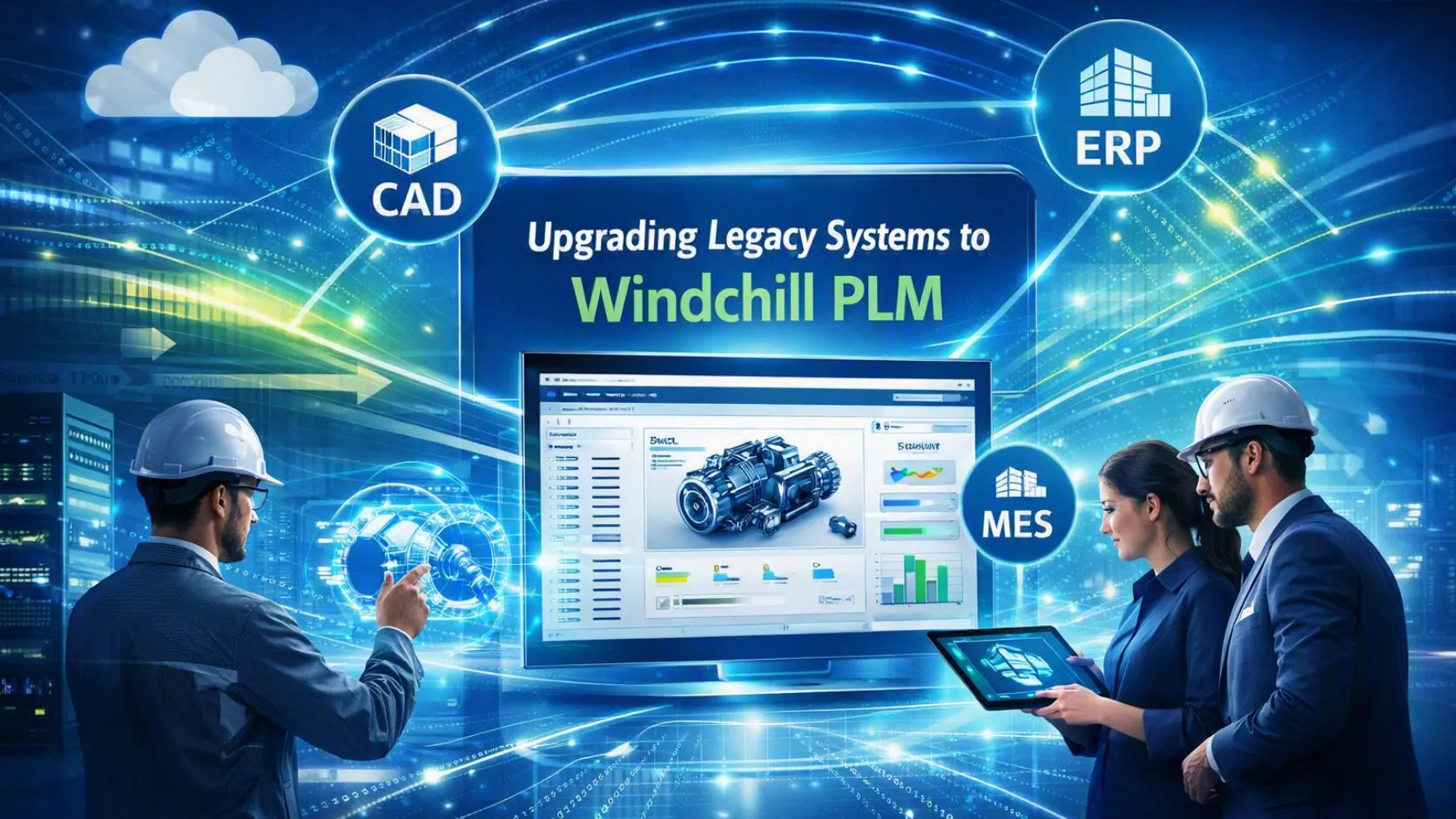

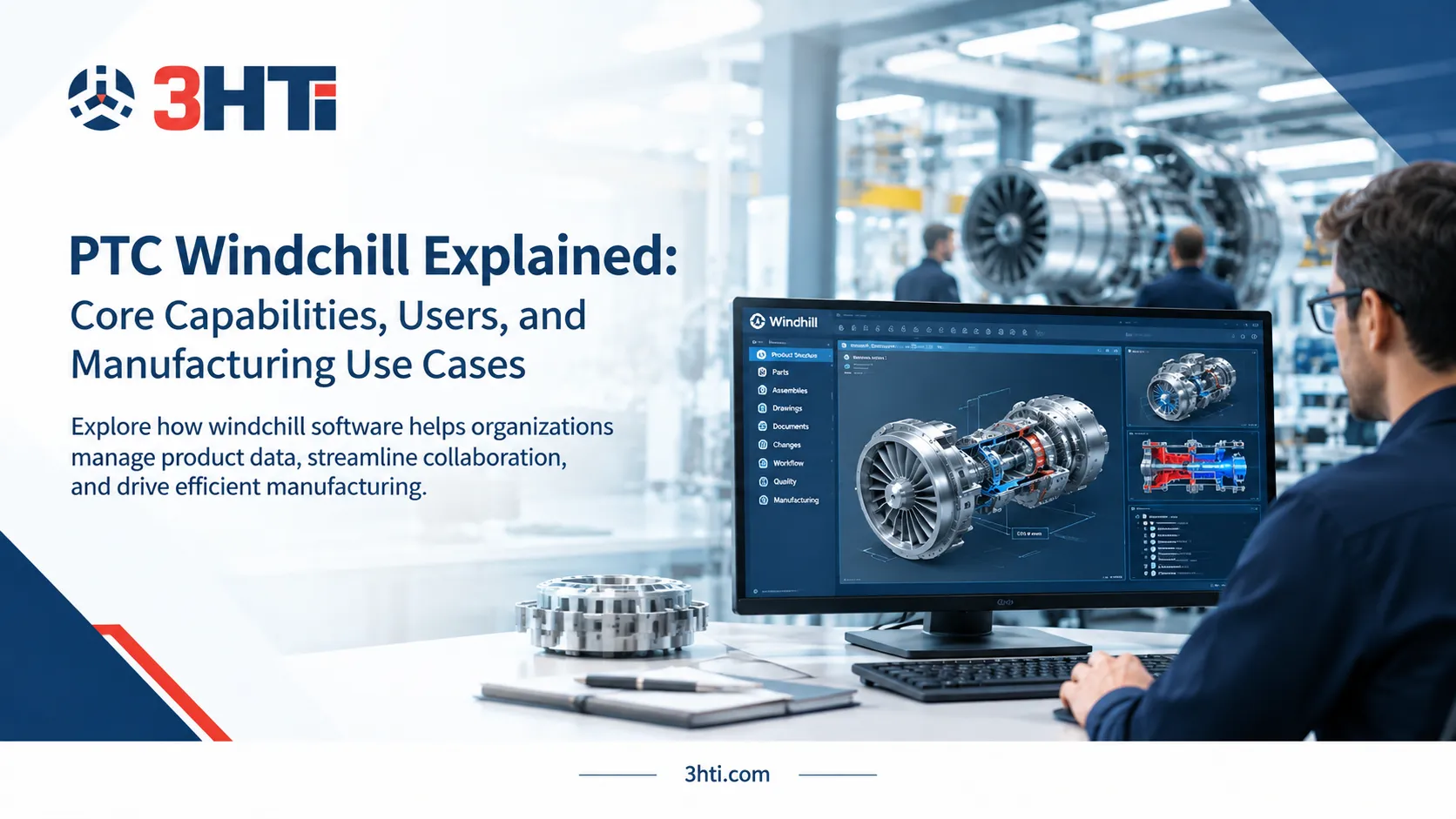
Upgrading a legacy product data or lifecycle-management environment to Windchill PLM software is not simply a software replacement. It is a modernization project involving product data, engineering processes, integrations, user roles, customizations, security, and change management. For U.S. manufacturers managing complex products, an effective Windchill transition can create a more connected product-development environment across engineering, manufacturing, quality, and supply chain. PTC currently positions Windchill as an enterprise PLM for managing product data, BOMs, changes, collaboration, manufacturing processes, quality, and traceability.

Key Takeaways
- Legacy PLM modernization should begin with a data and process assessment, not software installation.
- Windchill supports product data management, BOM management, change control, quality, manufacturing processes, multi-CAD environments, and lifecycle traceability.
- Existing customizations and integrations can significantly affect upgrade complexity and timeline.
- Organizations can deploy Windchill on-premises or consider Windchill+, PTC's SaaS offering, depending on requirements.
- Successful modernization depends on data governance, integration architecture, validation, user adoption, and post-go-live support, not just technical migration.
Why Upgrade a Legacy PLM System to Windchill?
Legacy systems often accumulate fragmented product data, customized workflows, outdated integrations, duplicate parts, and manual processes. Over time, these dependencies can make even routine engineering changes difficult to control.
Windchill PLM software provides a centralized platform for product data and lifecycle processes. PTC describes capabilities covering CAD and product data management, BOMs, engineering change management, manufacturing process management, quality, supplier collaboration, and product traceability.
The business case becomes particularly strong when an organization experiences problems such as:
- Multiple versions of the same engineering information
- Limited visibility into product changes
- Manual approval workflows
- Disconnected engineering and manufacturing processes
- Difficult-to-maintain customizations
- Duplicate or poorly classified parts
- Legacy integrations that are costly to support
- Increasing compliance and traceability requirements
- Difficulty scaling PLM across locations or business units
The objective should therefore be process modernization and controlled product-data continuity, rather than simply moving old files into a new application.
What Should You Assess Before Migrating?
A successful Windchill project starts with an inventory of the existing environment.
1. Product data
Identify what needs to move and what does not.
Typical migration candidates include:
- CAD files
- Documents
- Parts
- BOMs
- Product configurations
- Revision histories
- Change records
- Classifications
- Attributes
- Supplier information
- Manufacturing data
Do not assume that every legacy record deserves migration. Retaining obsolete, duplicate, or low-value information can transfer technical debt into the new PLM environment.
2. Customizations
Legacy PLM implementations frequently contain custom workflows, scripts, reports, interfaces, and data structures.
These should be classified into three groups:
Retain: Required functionality with a valid business purpose.
Replace: Functionality that Windchill can provide through standard configuration.
Retire: Customizations that no longer provide meaningful value.
This distinction is critical because excessive customization can increase upgrade complexity and maintenance requirements.
3. Integrations
Map every system exchanging information with the legacy PLM environment.
Common dependencies include:
- CAD
- ERP
- MES
- ALM
- Quality systems
- Supplier portals
- Document management
- Simulation tools
- Identity and authentication systems
PTC states that Windchill integrates with CAD, ERP, MES, and other enterprise systems rather than replacing those systems.
How Does a Windchill Migration Work?
A practical modernization program can be divided into six stages.
Stage 1: Discover and assess
Document the current PLM architecture, data quality, integrations, customizations, users, workflows, and infrastructure.
The output should be a migration roadmap with clear scope and risks.
Stage 2: Design the future state
Define the target information architecture, roles, lifecycle states, workflows, classification structure, integrations, security model, and deployment architecture.
This is where organizations should decide whether the future environment should remain on-premises, move to cloud infrastructure, or evaluate Windchill+ SaaS.
Stage 3: Clean and transform data
Data cleansing should occur before migration wherever practical.
Look for:
- Duplicate parts
- Incomplete attributes
- Invalid references
- Obsolete documents
- Incorrect revisions
- Broken relationships
- Inconsistent naming conventions
Windchill also has current AI capabilities designed to identify duplicate or similar parts and improve part findability.
Stage 4: Migrate and validate
Migrate a representative dataset first rather than attempting a full production migration immediately.
Validate:
- Metadata
- Revision history
- Relationships
- BOM structures
- CAD associations
- Permissions
- Workflows
- Search
- Reports
- Integrations
PTC's current documentation shows that supported Windchill upgrade paths vary by existing release, making version assessment an important part of planning.
Stage 5: Pilot and train
Use representative engineering teams to test real workflows.
Training should focus on actual tasks such as:
- Creating and revising parts
- Managing CAD data
- Creating change requests
- Approving changes
- Managing BOMs
- Searching product information
- Collaborating with manufacturing
Stage 6: Cut over and optimize
After production deployment, monitor system performance, user adoption, integration behavior, data quality, and workflow bottlenecks.
The project should transition into an ongoing PLM governance and optimization program.
Should You Move Legacy PLM to the Cloud?
Cloud modernization can reduce infrastructure-management responsibilities, but it should not be treated as an automatic upgrade strategy.
PTC supports Windchill deployments across on-premises and cloud environments, while Windchill provides a SaaS deployment model with built-in infrastructure management and continuous updates.
Organizations considering cloud should evaluate:
- Data residency requirements
- Security requirements
- Existing customizations
- Integration dependencies
- Performance requirements
- User locations
- Regulatory obligations
- Internal IT capabilities
- Long-term operating costs
PTC describes the Windchill+ migration approach as Assess, Convert, and Operate, including evaluation of the existing environment and customization standardization before transition.
How Do ALM, Simulation, and PLM Fit Together?
Modern product development increasingly involves mechanical, electrical, and software engineering. A PLM modernization program therefore needs to consider more than CAD and documents.
ALM integration solutions can connect software development and product lifecycle information, helping organizations maintain traceability across hardware and software development.
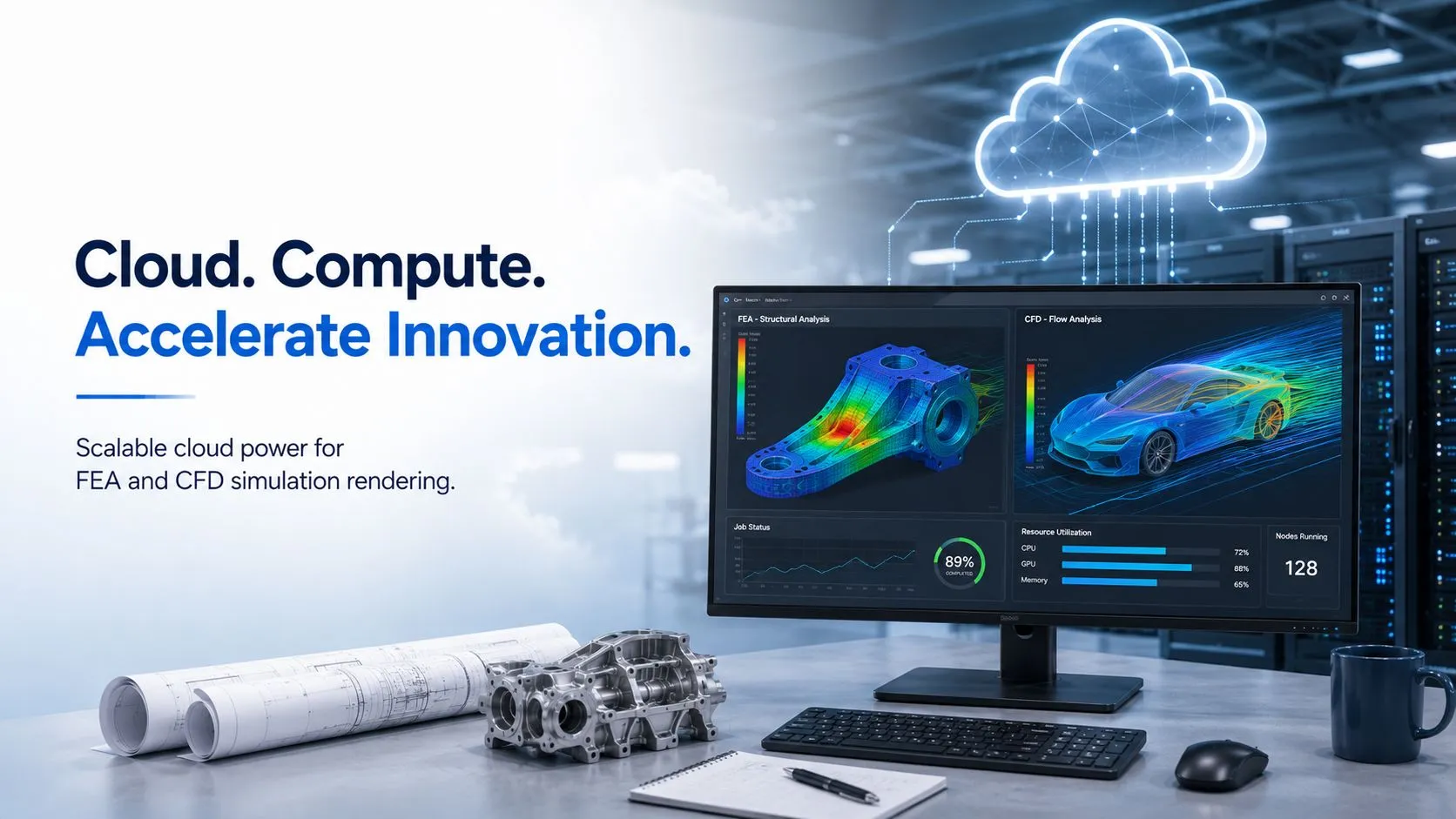
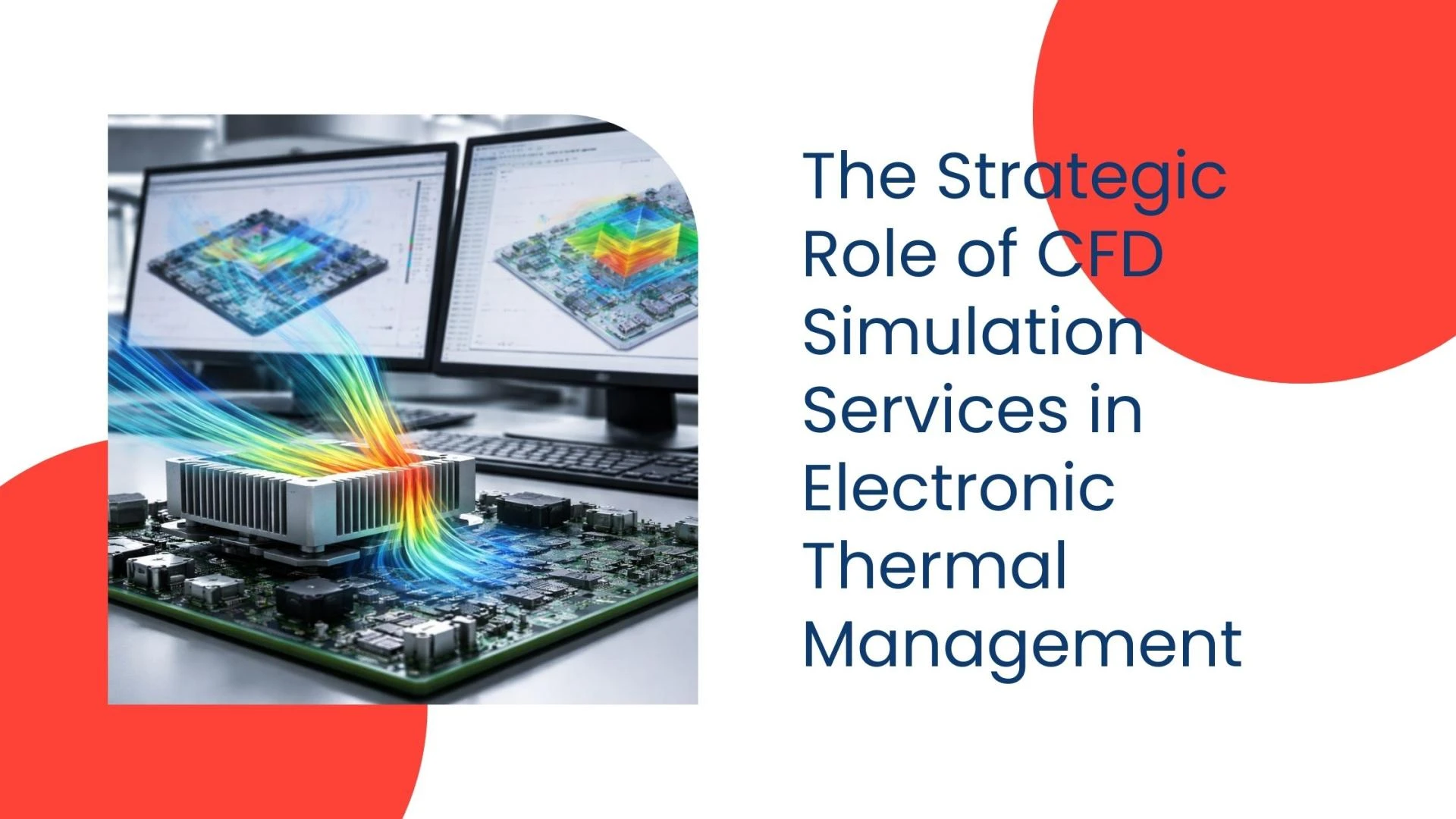
Simulation is another important dependency. Engineering teams may use FEA simulation services or other simulation workflows alongside PLM to evaluate designs before physical production.
The broader objective is a connected Digital Thread in which product information, engineering changes, requirements, manufacturing processes, quality data, and related decisions remain traceable across the lifecycle.
How Can You Reduce Windchill Migration Risk?
The most effective approach is to treat modernization as a business transformation project with technical execution, not as a database conversion.
Use these principles:
- Establish executive ownership for the PLM transformation.
- Audit legacy data before migration.
- Minimize unnecessary customization.
- Document every integration dependency.
- Pilot with representative product data.
- Validate migrated information against business requirements.
- Train users before production cutover.
- Define post-launch governance and support.
Experienced plm implementation services can help organizations structure these activities around architecture, migration, configuration, integration, testing, deployment, and ongoing optimization.
For manufacturers planning a broader modernization program, 3HTi's PLM services can provide a starting point for evaluating implementation and lifecycle-management requirements.
What Does a Successful Legacy PLM Upgrade Look Like?
A successful migration is not measured by how quickly legacy records appear in the new system. It is measured by whether engineers, manufacturing teams, quality teams, and other stakeholders can reliably access and use controlled product information.
The target state should provide:
- A trusted product-data foundation
- Controlled engineering changes
- Better BOM visibility
- Traceable lifecycle processes
- Reduced data duplication
- Stronger cross-functional collaboration
- Scalable integration
- Improved governance
- A sustainable platform for future digital transformation
Windchill's current roadmap also includes AI capabilities such as natural-language product-data access and AI-assisted parts rationalization, making data quality and governance increasingly important to the value of a modern PLM environment.
For organizations modernizing complex engineering environments, the strongest strategy is therefore to modernize the process and information architecture alongside the technology. Windchill can become the foundation, but disciplined migration planning, integration, governance, and user adoption determine whether the transformation delivers lasting value.
FAQs
What is Windchill PLM software?
Windchill is PTC's enterprise Product Lifecycle Management platform for managing product data, BOMs, engineering changes, configurations, quality processes, manufacturing information, and collaboration across the product lifecycle. It supports both on-premises and cloud/SaaS deployment models.
Can legacy PLM data be migrated to Windchill?
Yes, legacy PLM data can be migrated to Windchill, but the migration approach depends on the source platform, data structures, versions, customizations, and integration architecture. Organizations should assess and cleanse data before determining what should be migrated.
How long does a Windchill migration take?
There is no universal timeline. Project duration depends on data volume, legacy architecture, customization, integrations, number of users, geographic scope, validation requirements, and deployment model. A discovery and assessment phase should establish the realistic implementation schedule.
Is Windchill available in the cloud?
Yes. PTC offers Windchill deployment options including on-premises and Windchill+ SaaS. Windchill+ uses a SaaS delivery model designed to reduce infrastructure-management responsibilities while providing PLM capabilities through the cloud.
Should an organization migrate every legacy PLM record?
No. Migration should be based on business value, regulatory requirements, product lifecycle relevance, data quality, and accessibility needs. Migrating obsolete or duplicate information can increase complexity and undermine the quality of the new PLM environment.
Does Windchill integrate with ALM and other engineering systems?
Windchill is designed to operate within a broader enterprise ecosystem and integrate with other systems. PTC describes integrations spanning CAD, ERP, MES, and related product-development environments. ALM integration can be particularly important for organizations developing products that combine mechanical, electrical, and software components.























Sign in to leave a comment.