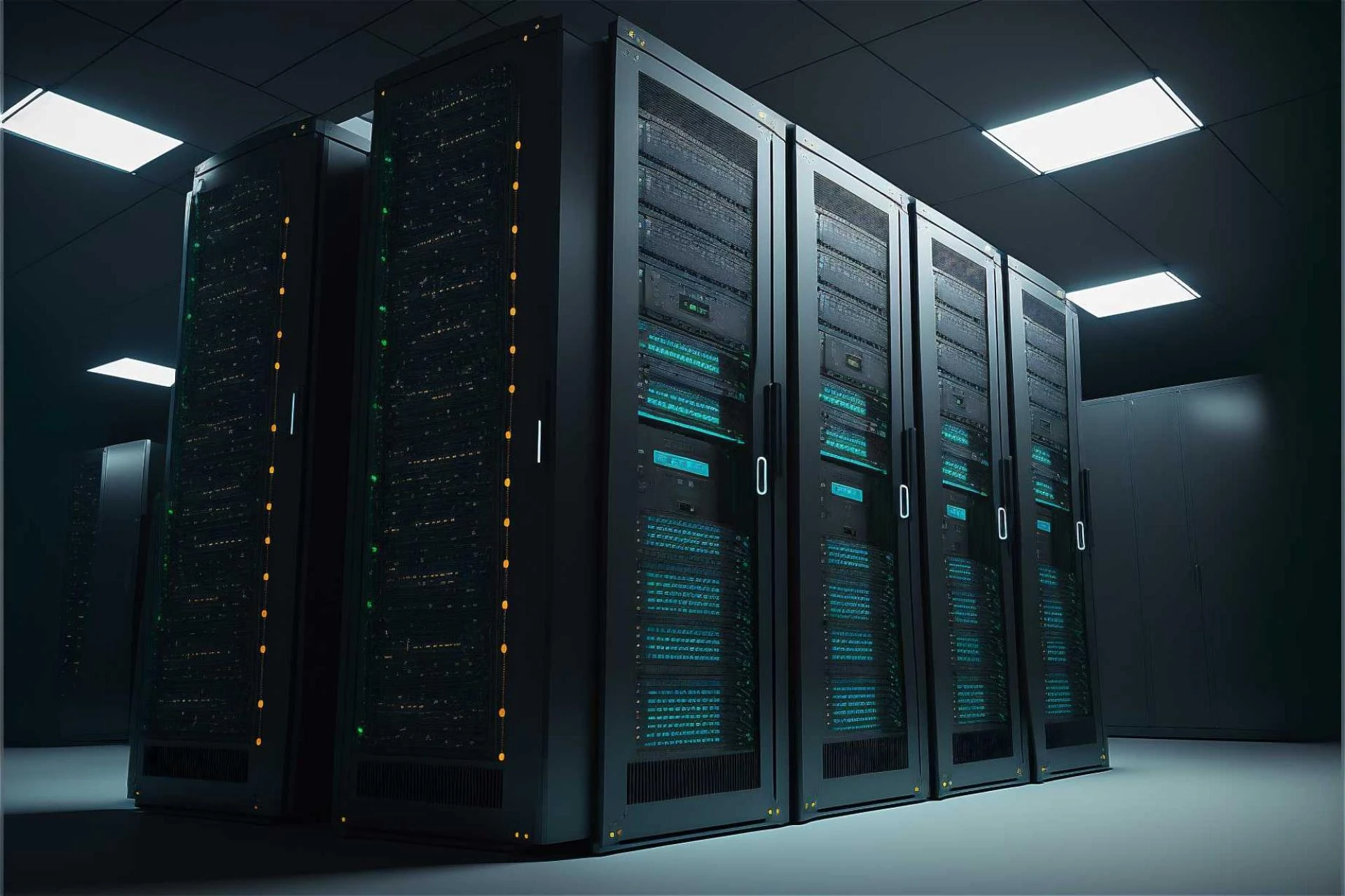

In the era of cloud computing and hyperscale data centers, it might seem counterintuitive to talk about on-premises hardware. With the allure of infinite scalability offered by cloud giants, traditional storage methods often get sidelined in tech conversations. Yet, despite the massive migration to the cloud, Network Attached Storage (NAS) refuses to fade into obsolescence.
For many data-driven enterprises, the reality of managing petabytes of information is far more complex than simply "moving everything to the cloud." Issues of latency, cost predictability, data sovereignty, and security create scenarios where local, accessible, and high-performance storage is not just a preference, but a necessity.
This resilience suggests that NAS isn't a relic of the past, but a critical component of modern hybrid infrastructures. As businesses generate more unstructured data than ever before—from high-resolution video files to complex IoT sensor logs—the role of robust NAS storage solutions is evolving rather than diminishing. This article explores why NAS remains a cornerstone for enterprises that rely on speed, security, and collaborative efficiency.
Understanding the Modern Role of NAS Storage
At its core, NAS storage is a file-level computer data storage server connected to a computer network providing data access to a heterogeneous group of clients. It allows multiple users and heterogeneous client devices to retrieve data from centralized disk capacity. But the modern NAS is far more than a simple file server.
Today’s enterprise NAS systems are sophisticated data management platforms. They are equipped with advanced operating systems that handle deduplication, compression, snapshots, and replication. They are designed to integrate seamlessly with cloud environments, acting as a high-performance tier in a broader storage strategy.
The Problem with "Cloud-Only" Strategies
While the cloud offers undeniable benefits, a purely cloud-based approach has significant drawbacks for data-intensive operations.
- Latency Issues: For applications requiring real-time data access, such as video editing or high-frequency trading, the latency introduced by fetching data from a remote data center can be a dealbreaker. NAS storage solutions provide local network speeds, which are essential for performance-critical workflows.
- Egress Fees: Storing data in the cloud is often cheap; getting it out is where the costs skyrocket. For enterprises that need to frequently access and move large datasets, cloud egress fees can destroy IT budgets.
- Bandwidth Limitations: Moving terabytes of data over an internet connection takes time and bandwidth. Local NAS allows for near-instant access over the internal network (LAN).
Key Benefits of NAS Storage Solutions in the Enterprise
Why are CIOs and IT managers continuing to invest in on-premise or hybrid NAS storage solutions? The answer lies in a combination of control, performance, and cost-efficiency.
1. Unmatched Performance for Collaborative Workflows
Collaboration is the heartbeat of the modern enterprise. In creative industries like media and entertainment, architecture, and engineering, teams often work on massive files simultaneously.
Imagine a team of video editors working on 8K raw footage. Trying to edit these files directly from the cloud would be a lesson in frustration due to buffering and lag. A high-performance NAS located on-site allows multiple editors to stream and edit footage concurrently without dropped frames. This level of throughput is difficult and expensive to replicate over a WAN connection.
2. Enhanced Data Security and Sovereignty
Data privacy regulations are tightening globally. GDPR, HIPAA, and CCPA impose strict rules on how and where data is stored. For highly regulated industries like healthcare, finance, and government, knowing exactly where data physically resides is non-negotiable.
NAS storage gives enterprises total control over their data environment. Unlike public cloud buckets, which can sometimes be misconfigured leading to data leaks, a NAS sits behind the corporate firewall. IT administrators can implement granular access controls, encryption, and audit logs to ensure compliance and security.
3. Cost Predictability and Scalability
While the OpEx model of the cloud (pay-as-you-go) is attractive, it can become unpredictable. As data grows, so does the monthly bill.
Investing in NAS storage solutions is a CapEx (capital expenditure) investment. Once the hardware is purchased, the ongoing costs are relatively low and predictable (power, cooling, maintenance). For storing "cold" or archival data that doesn't need to be accessed frequently, local storage can often be cheaper per terabyte over a 3-5 year lifecycle compared to cloud tiers.
Furthermore, modern NAS is highly scalable. Scale-out NAS architectures allow businesses to add more storage nodes as needed, increasing both capacity and performance linearly without downtime.
4. Simplicity and Ease of Management
Modern NAS operating systems are designed with user experience in mind. They offer intuitive dashboards that make it easy to provision storage, manage permissions, and monitor system health.
Many NAS storage solutions now come with built-in app stores. These allow businesses to run applications directly on the NAS device, such as surveillance station software, media servers, or even lightweight virtualization and containerization tools (like Docker). This convergence of storage and compute simplifies the IT stack for branch offices or edge locations.
NAS in a Hybrid Cloud World
The argument isn't about choosing between NAS and the cloud; it's about how they work together. The most resilient data strategies employ a hybrid approach.
In a hybrid setup, the NAS storage acts as the high-speed, local tier for "hot" data that needs to be accessed frequently. Meanwhile, the cloud serves as a tier for backup, disaster recovery, and long-term archiving.
Many NAS vendors now offer native cloud integration. You can configure your NAS to automatically tier older files to a cloud object storage service (like Amazon S3 or Azure Blob) while keeping the metadata local. This gives users the illusion of infinite local storage while optimizing costs.
Frequently Asked Questions
What is the difference between NAS and SAN?
NAS (Network Attached Storage) creates a shared folder that users can access like a regular directory on their computer (file-level storage). SAN (Storage Area Network) provides block-level storage that looks like a local hard drive to the server. NAS is generally easier to manage and better for general file sharing, while SAN is used for high-performance databases.
Is a NAS better than an external hard drive?
Yes, for business use. An external drive connects to only one computer at a time. A NAS connects to the network, allowing multiple users to access files simultaneously. NAS also offers redundancy (RAID), protecting data if a drive fails—something a single external drive cannot do.
Can NAS protect against ransomware?
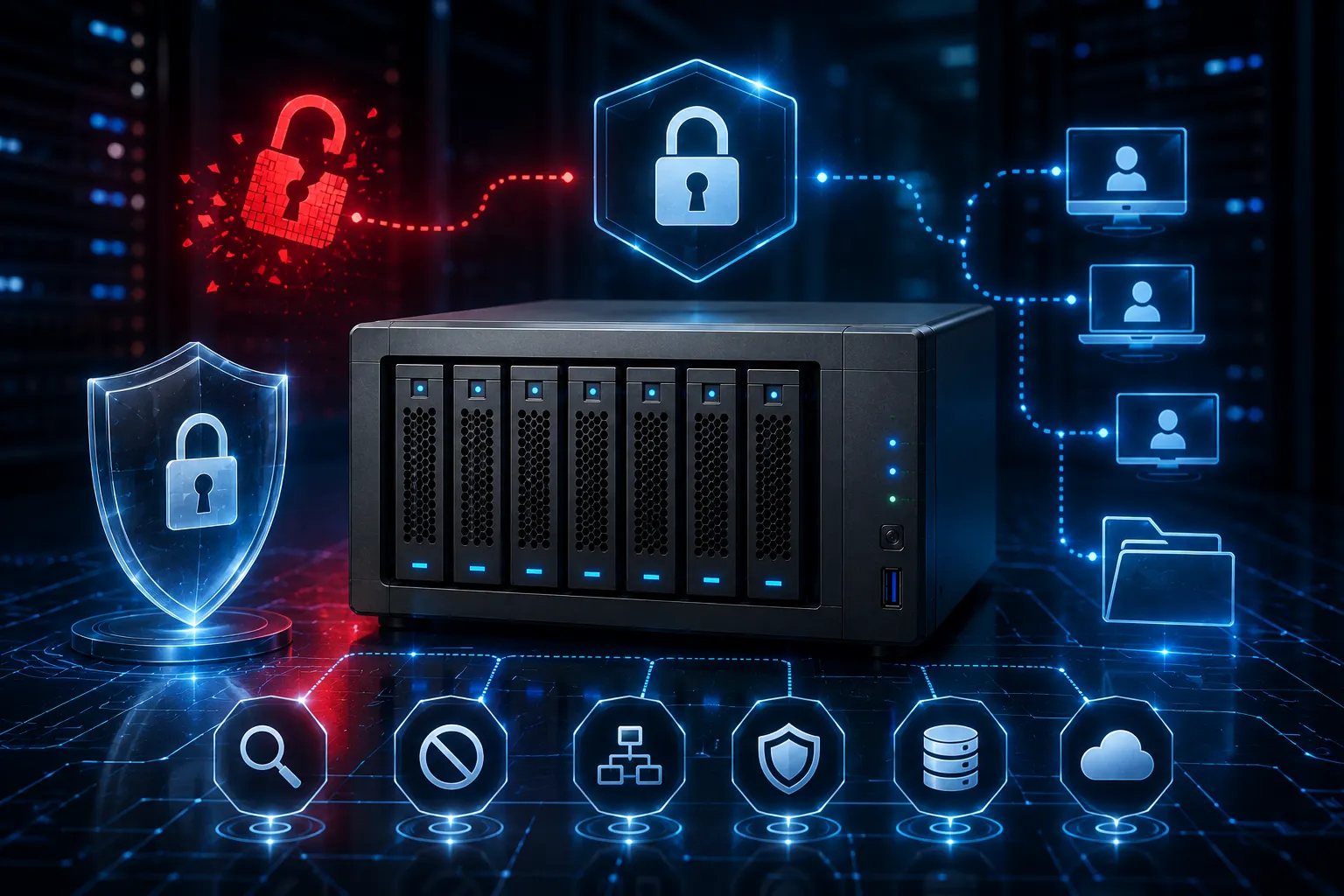
Many modern NAS storage solutions include immutable snapshots. This means the system takes read-only pictures of your data at set intervals. If ransomware encrypts your active files, you can simply roll back the system to a snapshot taken before the infection, effectively neutralizing the attack.
The Future of On-Premises Data
The demise of on-premises hardware has been greatly exaggerated. As long as latency remains a limitation of physics and data sovereignty remains a legal requirement, NAS storage will have a home in the enterprise data center.
By offering a blend of high performance, robust security, and hybrid cloud integration, modern NAS platforms provide the backbone for data-heavy workflows. For organizations looking to maintain a competitive edge, the question is not whether to use NAS, but how to best integrate it into a broader, intelligent data strategy.



























Sign in to leave a comment.