Reset your password
Forgot your password? Get a reset link by email, set a new password and log in again. The link works once, for 1 hour.
If you forgot your password, ask for a reset link on the Forgot password page. We email you a link that works once, for 1 hour.
Steps
On the Log in page, click Forgot password?.
Type the email address of your account in Email address and click Send reset link. A username doesn't work here.
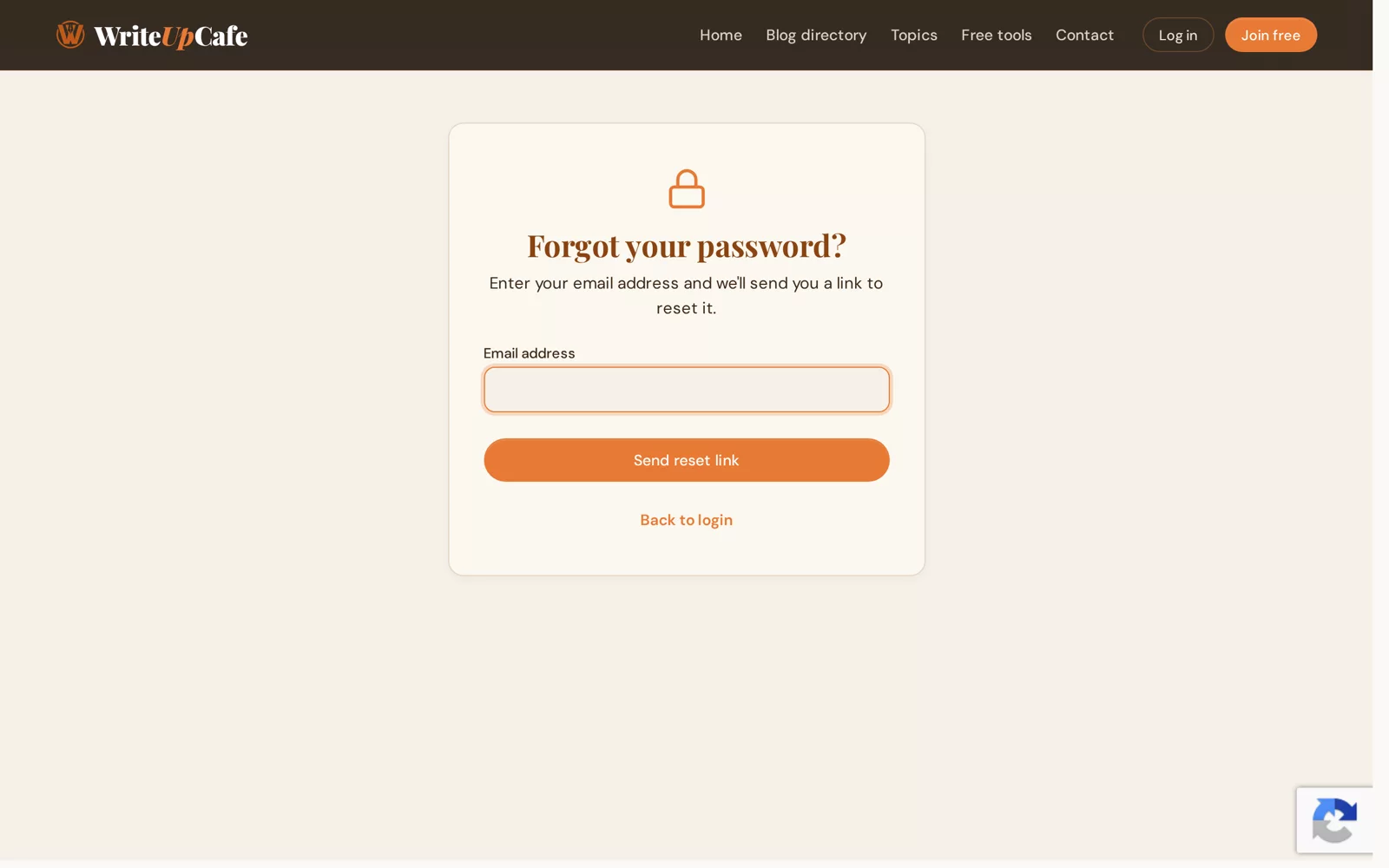
Ask for a reset link. You'll see "If that email is registered, you'll receive a reset link shortly." We show this message for every address, so it doesn't confirm the address has an account.
Open the email "Reset your password" from WriteUpCafe and click the link.
On Reset your password, type your New password (at least 8 characters) and the same again in Confirm password. Click Reset password.
You're taken to the log-in page. Log in with your new password. We also email you to confirm the password was changed.
Use a mix of letters and numbers, and a password you don't use on any other site.
Problems
The email didn't arrive
- Check your spam or junk folder.
- Make sure you typed the email address that is on your WriteUpCafe account.
- Wait a few minutes, then ask for a new link.
"This reset link has expired or is invalid."
The link is older than 1 hour or was already used. Ask for a new one on Forgot password.
"Passwords do not match."
The two password boxes must be exactly the same.
Good to know
- If you had deactivated your account, resetting your password reactivates it.
- Already logged in and want a new password? Change it in Settings → Account & sign-in. See Change your username, email or password.
- Think someone else knows your password? After you reset it, sign out the devices you don't recognise. See See and sign out signed-in devices.
No longer have access to that email address? Contact us. We reply within 1 to 2 business days.