Messages
Send private messages to other members. Free members can reply to any message; starting a new conversation needs Pro or a 10-credit unlock.
Messages are private conversations between two members. Open them with the speech-bubble icon at the top of the page, or go to writeupcafe.com/messages.
Who can start a conversation
| Free | Pro | |
|---|---|---|
| Reply in a conversation someone started with you | Yes | Yes |
| Start a new conversation | With a 10-credit unlock (lasts 2 months) | Yes, with anyone who allows messages |
Start a conversation
Open the member's profile and click Chat. Or, on the Messages page, click the pencil icon next to Messages to open New conversation.
In New conversation, search by name. It lists people you follow and people who follow you. For anyone else, use Chat on their profile.
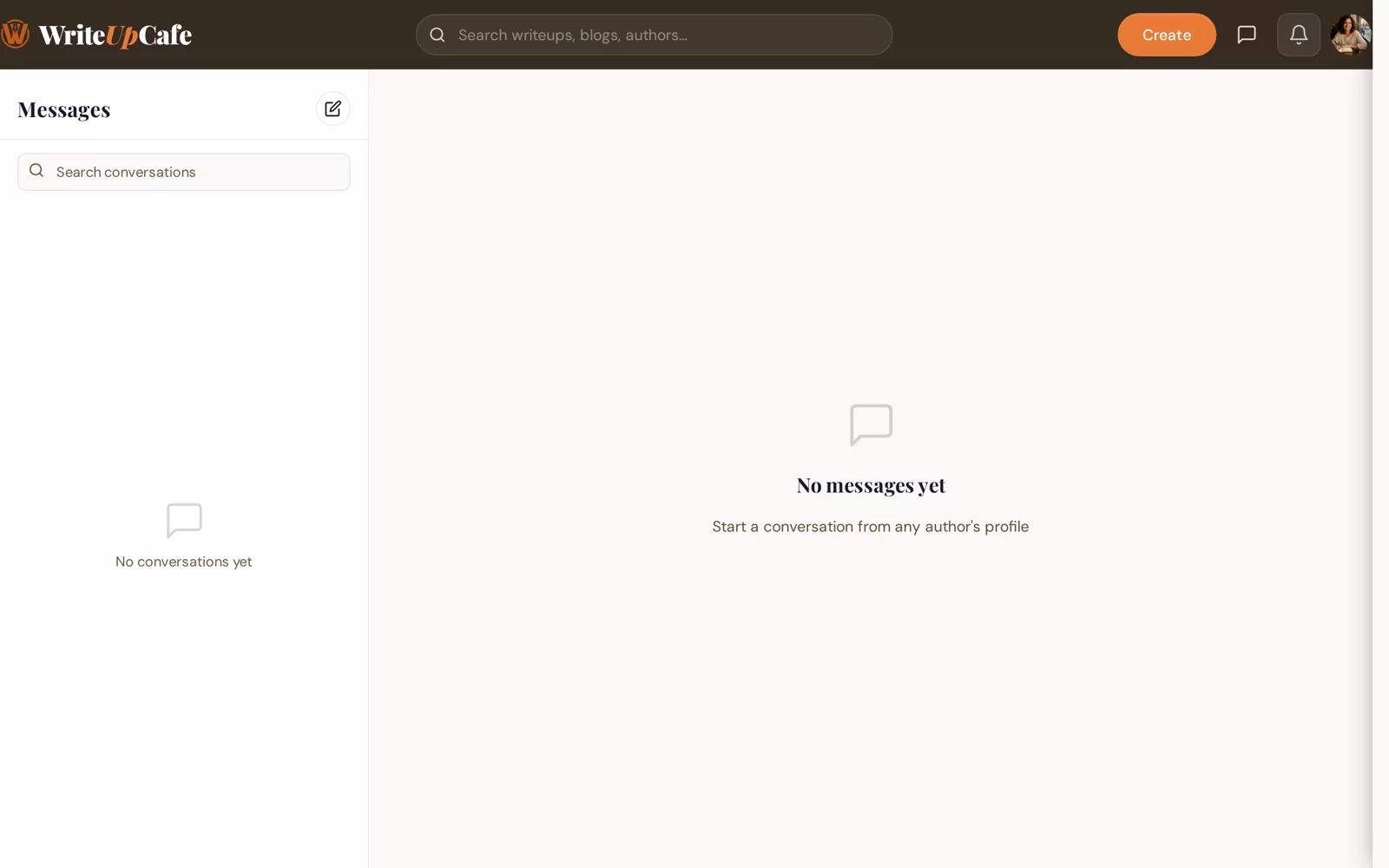
Your conversations are on the left. Type in Write a message... and send it.
If you see "Unlock messaging"
Free members see this window when they try to start a new conversation. You have two choices:
- Upgrade to Pro for unlimited messaging. See What Pro unlocks.
- Unlock with Credits (10 credits). This lets you start new conversations for 2 months. If you have fewer than 10 credits, the button says Buy Credits. See Credits.
Stop people from messaging you
Switch off Allow direct messages in Settings → Privacy. Members then can't start a new conversation with you; they see "This user has disabled messages". See Privacy settings.
Notifications
You get a bell notification and an email when someone sends you a message. Turn either off in Settings → Notifications under Messages.
Never send passwords, payment details or one-time codes in messages. If someone is bothering you or sending spam, report them from their profile: ⋯ → Report this writer.
Why can't I find someone in New conversation?
That list only shows people you follow or who follow you. Open their profile and click Chat instead.
Do I need a verified email?
Yes. You need to verify your email to send messages.