Following writers, blogs, topics and series
Follow writers, blogs and topics to fill your Following feed, and follow a series or book to hear about each new chapter.
Follow the writers, blogs and topics you like and their new posts show up in the Following tab of your home feed. Follow a series or book and we tell you each time a new part comes out.
What you can follow
| What | Where the button is | What you get |
|---|---|---|
| A writer | Follow on their profile, or next to their name on cards in the feed | Their new writeups in your Following feed |
| A blog | Follow blog on the blog's page in the directory | Its new posts in your Following feed |
| A topic | Follow followed by the topic name, at the top of the topic page (for example Follow Writing) | New writeups and posts in that topic in your Following feed |
| A series, book, course, collection or playbook | On its page: Follow this series, Follow this book, Enrol in course, Follow this collection or Follow this playbook | A notification for each new chapter, lesson or entry |
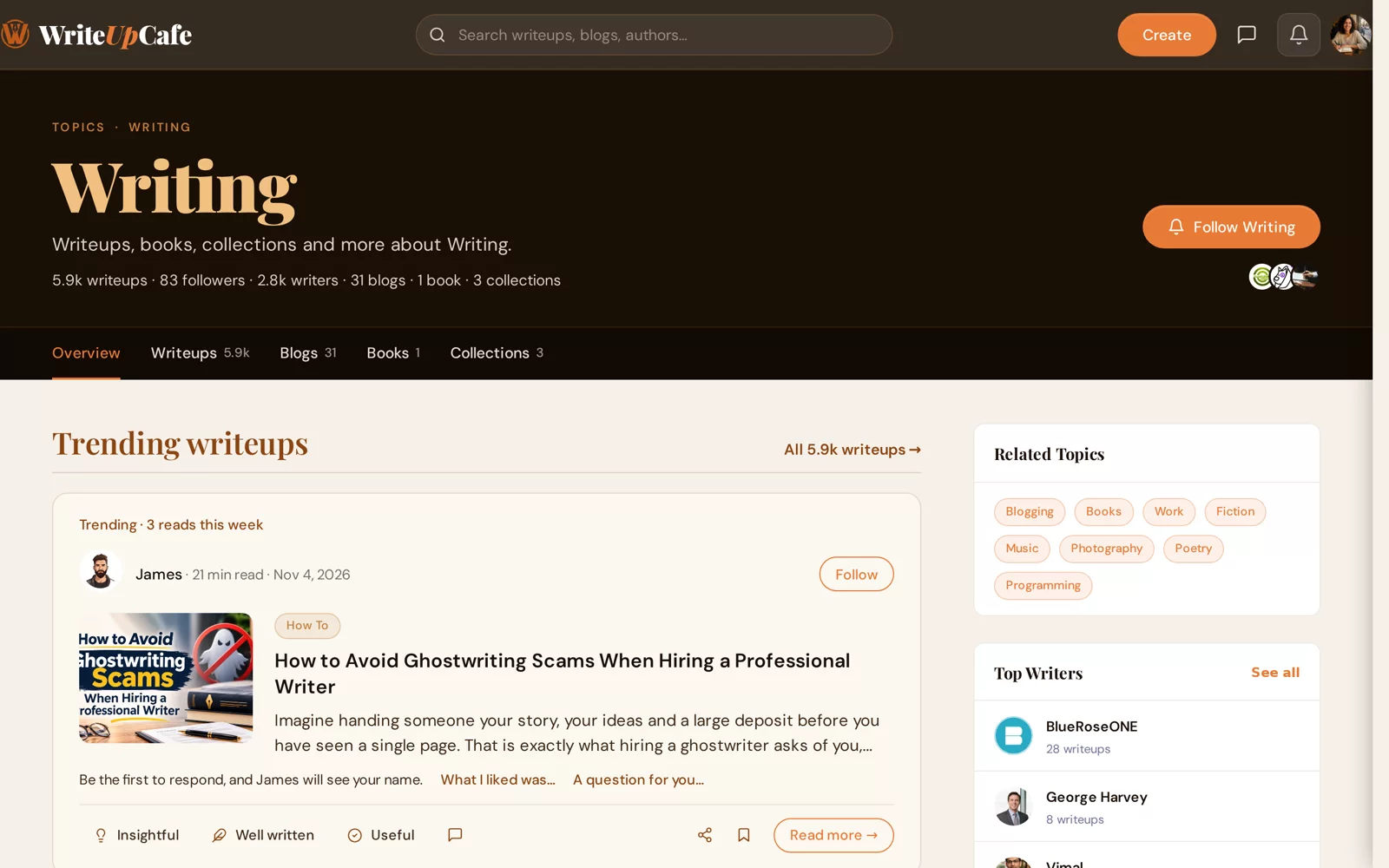
Follow someone
Log in. You need a verified email to follow.
Open the writer's profile, the blog page, the topic page or the series page.
Click the follow button. It changes to Following.
To unfollow, click Following again. Nobody is told when you unfollow them.
See what you follow
- Your feed: go to Home → Following. Use All, Writers, Blogs or Topics to narrow it down.
- Your lists: on your profile, open the Followers or Following tab. Following is split into Writers, Blogs and Topics.
When someone follows you
You get a notification (and an email, unless you turned it off) when someone follows you or a blog you own. Change this in Settings → Notifications under Followers. See Notifications and emails.
Don't want visitors to see your numbers? Turn off Show follower and following counts in Settings → Privacy. You still see them on your own profile.
Is there a limit to how many I can follow?
No. Follow as many writers, blogs and topics as you like.
Can I follow myself?
No. The follow button doesn't appear on your own profile.
My Following feed is empty. Why?
It only shows new posts from what you follow. Follow a few more writers or topics, or look at all topics to find some.